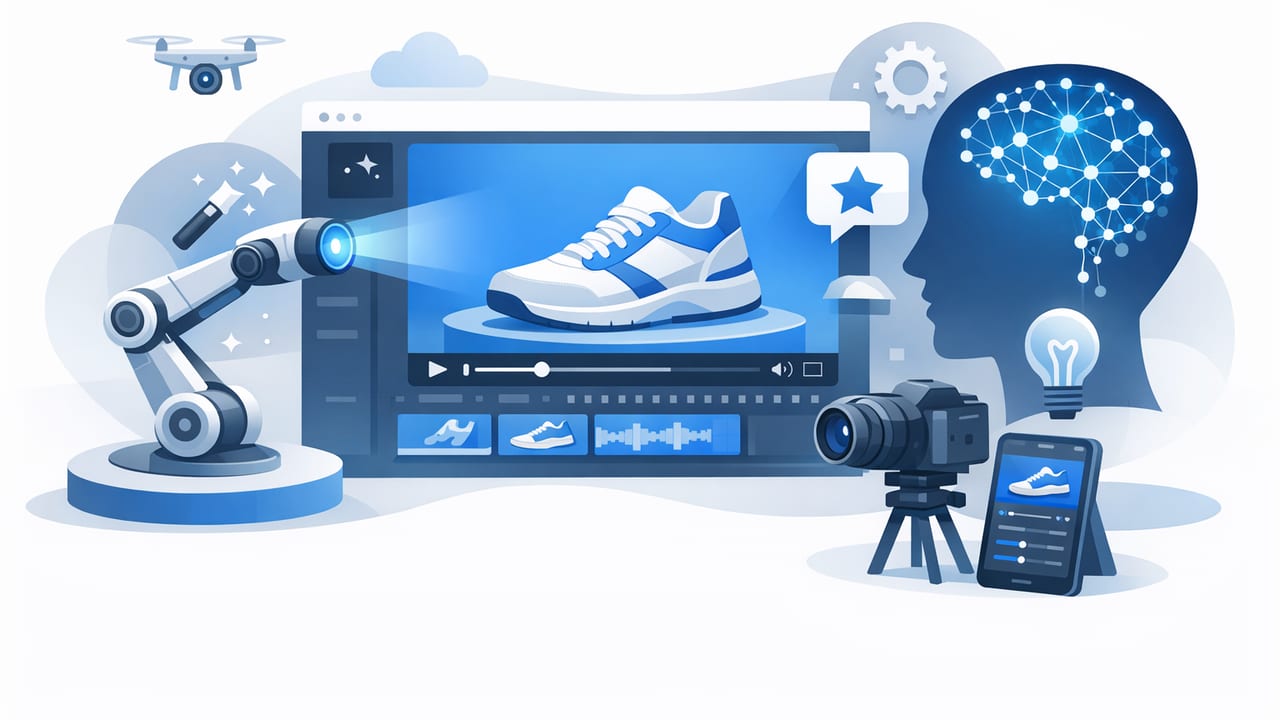
Great product photography is already doing most of the persuasion work: it proves details, sets expectations, and builds trust. The missing piece is often motion—the thing that makes people pause mid-scroll and understand value in seconds. That’s where an ai product video workflow shines: you can reuse your existing photos (including simple packshots) to create short, high-clarity videos for product pages, ads, and social.
This guide shows how to plan, generate, and optimize an ai product video from still images—without turning it into a complicated “video production” project. You’ll get practical templates (hook ideas, shot list, specs), common pitfalls, and a lightweight testing system you can run every week.
Why motion boosts product photography (without replacing it)
Video doesn’t replace photography; it extends it. The best ai product video builds on what your photos already communicate and adds three advantages:
- Faster comprehension: a 5–10 second clip can show benefits, steps, and outcomes in one glance.
- Higher perceived realism: subtle camera moves, animated callouts, and before/after transitions reduce uncertainty.
- More placements: the same creative can be adapted for PDPs, Stories/Reels, TikTok, YouTube Shorts, and ads.
“People don’t buy what they don’t understand.” Motion is often the shortest path from curiosity to clarity.
The core concept: one message, one sequence
The biggest mistake with ai product video is trying to say everything at once. Instead, structure each clip around one primary message and a short sequence. A simple formula:
- Hook (0–2s): stop the scroll with a bold claim, problem, or result.
- Proof (2–7s): show the product, the feature, and the context.
- Payoff (7–12s): highlight the outcome + a clear next step (learn more, shop, compare, etc.).
Hook ideas that work well with photos
- Problem → solution: “Tangled cables?” → reveal organizer product.
- Before/after: messy counter → clean setup.
- Feature spotlight: “3 sizes, 1 fit.”
- Social proof snippet: “Best purchase this year.” (as on-screen text)
Pre-work: choose the right photos for an AI product video
You’ll get better results if you treat your photos like “ingredients.” You don’t need dozens—just the right variety.
Minimum photo set (8–12 images)
- Hero packshot: clean, centered product on neutral background.
- Detail close-ups: texture, materials, seams, connectors, controls.
- Scale reference: in-hand or near a familiar object.
- In-use lifestyle: product in context (ideally 2–4 angles).
- Variant coverage: colors, sizes, bundles (if relevant).
- Outcome image: what changes after using it (organized space, finished look, etc.).
Quality checklist for smoother animation
- Consistent lighting (avoid harsh mixed color temperatures).
- Sharp edges (motion tools can warp blurry boundaries).
- Clean backgrounds for packshots (easier to add text and motion).
- Space for typography (leave negative space where possible).
A practical storyboard template (copy/paste)
Use this lightweight storyboard to plan an ai product video in minutes. The goal is to create a repeatable system, not a one-off masterpiece.
| Time | Visual (from photos) | On-screen text | Motion idea |
|---|---|---|---|
| 0–2s | Best lifestyle “result” photo | “Fix this in 10 seconds” | Fast zoom-in + bold title |
| 2–5s | Hero packshot | Product name + 1 benefit | Ken Burns pan + subtle shadow |
| 5–8s | 2–3 detail close-ups | “Durable / Waterproof / Quiet” | Swipe transitions + animated callouts |
| 8–12s | In-use photo + variant grid | “Fits your setup” | Staggered reveal + end card |
Design rules for high-performing product videos
Most performance gains come from fundamentals: readability, pacing, and clarity. Apply these rules regardless of which tool you use.
1) Keep text brutally short
One line is ideal. Two lines is maximum. If it doesn’t fit in 6–10 words, it’s probably a caption, not an overlay.
2) Prioritize the product silhouette
Don’t let typography cover key edges. Leave breathing room around the product, especially in the first 2 seconds.
3) Make motion feel intentional
Subtle camera moves (slow push-in, gentle pan) often outperform chaotic transitions. Use speed as emphasis, not decoration.
4) Use “proof moments” every 2–3 seconds
Switch visuals quickly enough to maintain attention, but not so fast that details blur. A reliable pacing pattern is:
- Hook: 1–2 seconds
- Feature proof: 2–3 seconds per key point
- Outcome + CTA: 2–4 seconds
Specs cheat sheet: sizes, lengths, and where they fit
An ai product video is most useful when it’s easy to deploy across placements. Create a master version, then export variants.
| Placement | Aspect ratio | Typical length | Notes |
|---|---|---|---|
| Product page (PDP) | 1:1 or 4:5 | 10–20s | Clarity over hype; show details, scale, usage |
| Reels / TikTok / Shorts | 9:16 | 6–15s | Fast hook; big text; keep safe margins |
| Feed ads | 4:5 or 1:1 | 6–12s | Direct benefit + proof; strong first frame |
| Stories ads | 9:16 | 6–12s | Include CTA; avoid tiny text near edges |
A simple creative testing framework (that doesn’t eat your week)
Instead of guessing what works, test one variable at a time. Start with two versions per product and iterate weekly.
Test matrix (pick one column to vary)
- Hook: problem-based vs. result-based
- First image: lifestyle result vs. packshot
- Message: “saves time” vs. “looks premium”
- Proof: close-ups vs. step-by-step usage
- Format: 9:16 vs. 4:5 for the same concept
Metrics that match the goal
- Awareness: 3-second view rate, thumb-stop rate
- Consideration: click-through rate, product page engagement
- Conversion: add-to-cart rate, CVR, CPA/ROAS
Common mistakes in AI product video (and how to fix them)
1) Over-animating the product
If the product bends, warps, or looks “floaty,” reduce motion intensity, use simpler transitions, and favor packshots with clean edges.
2) Treating captions like a brochure
Viewers won’t read paragraphs on-screen. Move extra detail into the post caption, PDP copy, or voiceover.
3) Ignoring brand consistency
Use a small set of repeatable design tokens:
- 1–2 fonts
- 2–3 brand colors
- A consistent text style for benefits (e.g., pill labels, icons, underlines)
4) No clear payoff
End with an outcome frame: the “after,” the organized result, the styled look, or the key comparison that removes doubt.
Optional: automate asset naming and variants (quick script)
If you generate multiple sizes and hooks, file chaos becomes real. Here’s a small snippet to standardize filenames so teammates can find variants fast.
# Rename exports consistently: {sku}_{placement}_{hook}_{ratio}_{v}.mp4
# Example: MUG123_reels_result_9x16_v02.mp4

import os

def rename_exports(folder, sku, placement, hook, ratio):
    for i, f in enumerate(sorted(os.listdir(folder)), start=1):
        if f.lower().endswith(".mp4"):
            v = f"v{i:02d}"
            new_name = f"{sku}_{placement}_{hook}_{ratio}_{v}.mp4"
            os.rename(os.path.join(folder, f), os.path.join(folder, new_name))

# rename_exports("./exports", "MUG123", "reels", "result", "9x16")
Putting it all together: a repeatable weekly workflow
- Pick one product + one message (benefit or problem-solution).
- Select 8–12 photos (hero, lifestyle, details, outcome).
- Write a 4-frame storyboard (hook → proof → payoff).
- Create 2 variants (change only the hook or first frame).
- Export 9:16 + 4:5 (at least).
- Launch and measure for 3–7 days.
- Iterate based on the best-performing hook and proof frames.
FAQ: quick answers about AI product video from photos
Do I need new photography to make an ai product video?
Not always. If you have a hero packshot, a few close-ups, and at least one in-use or outcome image, you can create strong video. New photography helps most when you lack lifestyle context or scale reference.
How long should a product clip be?
For most placements, 6–15 seconds is the sweet spot. Use longer (15–25 seconds) when the product requires explanation (multi-step use, technical features, bundles).
What’s the fastest way to improve performance?
Improve the first 2 seconds: choose a stronger opener image, make text larger, and state one clear benefit immediately.
Final thought: treat video as an extension of your photo system
The simplest way to win with an ai product video strategy is to stop thinking of video as “a big production” and start treating it like a format—one that reuses your best product photography, adds lightweight motion, and communicates value faster. Once you have a storyboard template and a two-variant testing habit, you can scale to dozens of products without burning time.
If you’re exploring tools that turn product photos into video efficiently, platforms like UGCMade are built for exactly that kind of workflow.
