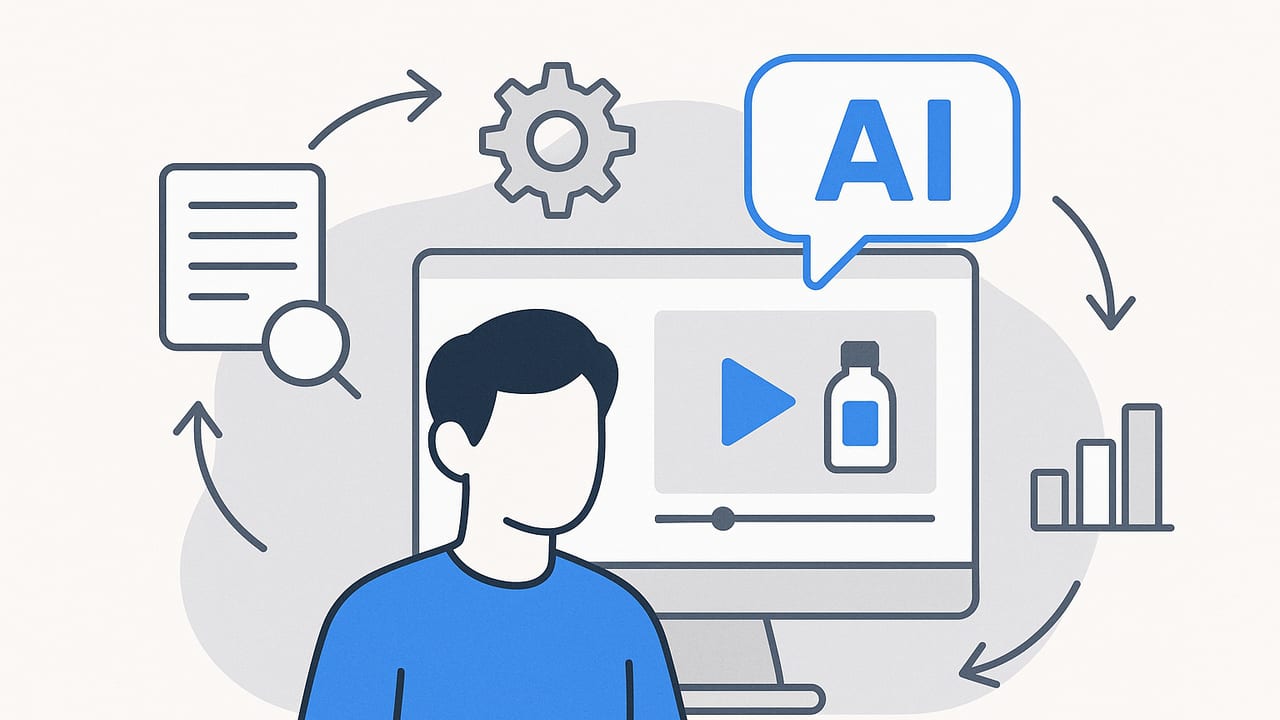
AI product videos are fast becoming the backbone of modern product storytelling. By turning static images, spec sheets, and short snippets of user-generated content into dynamic clips, brands can scale creative output without ballooning costs. Whether you sell DTC beauty, consumer electronics, or B2B software, AI-driven video workflows help you ship more variations, test faster, and keep messaging aligned with each channel. This guide walks through the complete process—planning, prompting, production, optimization, and SEO—so you can build a repeatable system for AI product videos that converts.
What Makes High-Performing AI Product Videos
- Immediate clarity: Lead with the problem your product solves and the key visual in the first 1–2 seconds.
- Tight pacing: Keep scenes to 1–3 beats each; every frame should advance the story or show a benefit.
- Visual proof: Show outcomes, side-by-side comparisons, or micro-demos—not just features.
- Readable design: Large text, high contrast, safe margins, and captions on by default.
- Native CTAs: Align your call-to-action with platform expectations (Shop Now, Learn More, Save Offer).
- Social proof signals: Ratings, short testimonials, or quick before/after shots to reduce risk for the viewer.
“The first frame is your headline; the next three frames are your proof.”
An End-to-End Workflow for AI Product Videos
1) Gather Assets and Guardrails
- Core inputs: Product photos from multiple angles, transparent PNGs, color variants, lifestyle images, and any UGC clips.
- Brand kit: Logo variants, type styles, color palette, motion rules, do/don’t list, and safe area specs.
- Claims policy: Approved messaging, compliance notes, and restricted phrases to avoid.
- Offer structure: Pricing, bundles, discounts, and seasonal themes (e.g., back-to-school, gifting).
2) Choose a Script Framework
- Problem–Agitate–Solve: State the pain, show consequences, deliver your product’s solution.
- Feature–Benefit–Proof: Name the feature, translate to value, show a real demo or review.
- Hook–Value–CTA (15–30s): Hook in 2s, deliver 1–2 key benefits, end with action.
- Comparison: Old way vs. new way; or your product vs. generic alternative.
For shorter verticals, aim for 4–6 scenes, each with a singular visual and a line of copy. For longer demos, use chapters and on-screen labels to orient the viewer.
3) Build a Visual Storyboard
Define scenes with visuals, copy, motion, and timing before generating. A simple JSON storyboard schema helps you standardize across teams and tools:
{
  "title": "Magnetic Water Bottle — Short UGC Variant",
  "aspect": "9:16",
  "duration": 18,
  "scenes": [
    { "t": 0, "len": 2, "visual": "hand holding bottle close-up", "motion": "parallax in", "copy": "Spills? Solved.", "sfx": "whoosh" },
    { "t": 2, "len": 3, "visual": "bottle snaps to gym rack", "motion": "snap transition", "copy": "Magnetic mount = hands-free", "sfx": "click" },
    { "t": 5, "len": 5, "visual": "sweat test, no leaks", "motion": "push in", "copy": "Leakproof. Insulated.", "sfx": "ambience" },
    { "t": 10, "len": 4, "visual": "three colorways on white", "motion": "carousel", "copy": "3 colors. BPA-free.", "sfx": "soft pop" },
    { "t": 14, "len": 4, "visual": "review stars + CTA", "motion": "fade up", "copy": "4.8★ from 2,431 users — Shop now", "sfx": "ding" }
  ],
  "captions": true,
  "music": "upbeat_pop_110bpm"
}
4) Craft Effective Prompts for Scene Generation
Prompts should specify composition, lighting, product orientation, copy tone, and transitions. Pair them with your storyboard so the AI knows what to build.
// Prompt template for product photo to motion scene
"Create a 9:16 vertical scene, 2 seconds long.
Use the provided PNG of the magnetic water bottle on a neutral background.
Composition: macro close-up, center frame, clean negative space for text top.
Lighting: soft key from camera left, subtle specular highlights.
Motion: gentle parallax zoom-in; add a 'whoosh' SFX on cut.
On-screen text: 'Spills? Solved.' 6 words max, bold, high-contrast.
Brand colors: #121212 text on #F5F5F5 overlay.
Caption: 'Magnetic mount keeps your hands free.'
Export with safe margins for TikTok UI."
For copy variants, give style guides: “friendly, concise, no exclamation marks,” or “confident, technical, 5th–7th grade readability.”
5) Voice, Captions, and Audio
- Voiceover: Choose a voice and pace that fits the brand; keep sentences short so visuals can breathe.
- Music: Match tempo to product category; avoid overpowering narration.
- Captions: Burn in or enable auto-captions; validate punctuation and line breaks for readability.
- Accessibility: Provide descriptive captions for key visuals (e.g., “bottle snaps onto rack”).
6) Channel-Specific Variants
- Vertical (9:16): TikTok, Reels, Shorts. Keep hooks ultra-fast; safe margins for UI.
- Square (1:1): Feeds and carousels; larger text for small screens.
- Horizontal (16:9): Website demos, YouTube, ads with side-by-side comparisons.
- Silent-first: Assume muted playback; rely on text, arrows, and motion highlights.
7) Export Settings and Performance
- Codecs: H.264 or H.265/HEVC for compression; ProRes for master archives.
- Bitrate: Target visually lossless for masters; use platform-optimized bitrates for uploads.
- Captions: Keep an SRT or VTT; also generate burned-in versions for ad platforms.
- Thumbnails: Export a thumbnail per variant; test with clean product framing and 3–5 word hooks.
Data-Driven Optimization
Build an experimentation loop around your AI product videos so each release informs the next.
- Metric map: Hook rate (first-3-second view), average watch time, completion rate, CTR, add-to-cart rate, conversion rate, CAC, and ROAS.
- Retention reads: If drop-offs happen right after the first line of copy, tighten the hook or swap the opening visual to proof-first.
- Variant strategy: Test one variable per batch: hook line, first visual, CTA copy, or offer.
- Naming conventions: Encapsulate the hypothesis in the file name for easy analysis.
// Example naming convention
brand_product_channel_aspect_framework_hookkeyword_offer_v01.mp4
acme_bottle_tiktok_9x16_PAS_spills_spring20_v03.mp4
- Cadence: Launch small batches (3–5 variants), pause losers quickly, scale winners, then iterate on the winning element.
Format Comparison: Choosing the Right Approach
| Format | Strengths | Trade-offs | Best Use | Typical Length |
|---|---|---|---|---|
| AI slideshow from photos | Fast, scalable, low cost; consistent branding | Limited realism; can feel templated if copy is generic | Catalog refreshes, promos, PDP embeds | 6–20s |
| AI motion/3D with parallax | Premium look; shows detail and texture | More setup time; requires strong source images | Hero ads, feature explainers | 10–30s |
| Hybrid UGC + AI overlays | Authentic; social proof with polished graphics | Rights management; quality variance | Paid social, creator whitelisting | 15–45s |
| Live action with AI augmentation | Highest realism; detailed demos | Highest effort and cost | Product launches, site explainers | 20–90s |
SEO for Product Videos
Video SEO is more than titles and tags—structured data, transcripts, and page performance all impact discoverability and conversions.
- File naming: Use descriptive, keyword-rich filenames (e.g., ai-product-videos-water-bottle-demo-9x16.mp4).
- Transcripts and captions: Include transcripts on the page; they aid accessibility and indexing.
- Schema markup: Add VideoObject JSON-LD with key fields—name, description, thumbnail, upload date, duration, and content URL.
- Thumbnail optimization: High-contrast visuals; readable 3–5 word headline.
- Page performance: Lazy-load, use responsive sources, and compress thumbnails to support fast LCP.
- Embedding strategy: Place the most relevant video near the top of the product page; keep the surrounding copy aligned with the video’s hook.
<script type="application/ld+json">
{
  "@context": "https://schema.org",
  "@type": "VideoObject",
  "name": "Magnetic Water Bottle — Leakproof Demo",
  "description": "Short AI product video showcasing magnetic mount, leakproof design, and colorways.",
  "thumbnailUrl": ["https://example.com/thumbs/mag-bottle-9x16.jpg"],
  "uploadDate": "2024-08-15T12:00:00Z",
  "duration": "PT0M18S",
  "contentUrl": "https://example.com/videos/mag-bottle-9x16.mp4",
  "embedUrl": "https://example.com/embed/mag-bottle-9x16",
  "transcript": "Spills? Solved. Magnetic mount keeps your hands free..."
}
</script>
Compliance, Trust, and Accessibility
- Claims integrity: Verify features and performance claims; avoid clinical or superlative language unless substantiated.
- Usage rights: Confirm licenses for fonts, music, and UGC; store proof of permissions.
- Disclosure: If creators are compensated or content is sponsored, disclose as required.
- Inclusive design: Use readable text sizes, adequate contrast, and descriptive captions; avoid flicker and overly rapid flashes.
- Localization: Translate on-screen text and captions; adapt idioms and offers for regional relevance.
Common Mistakes (and Quick Fixes)
- Too much text per frame: Cap lines at 5–7 words; break complex thoughts across scenes.
- Generic prompts: Add specifics—lens, lighting, color, motion, and copy tone to improve consistency.
- Weak opening frame: Start with proof or a striking product moment, not a logo slate.
- Mismatched aspect ratios: Generate native versions rather than cropping; check safe margins for each platform UI.
- No clear CTA: End with an action that matches the audience’s stage (Shop now, See specs, Compare sizes).
- Ignoring retention data: If viewers drop at the first copy pop-in, test silent hooks with visual proof first.
The AI Product Video Checklist
- Define audience, use case, and one-sentence value prop.
- Pick a framework (PAS or Feature–Benefit–Proof) and limit to 4–6 scenes.
- Prepare a storyboard with timing, visuals, copy, and motion notes.
- Write precise prompts including composition, lighting, and brand rules.
- Add captions, verify contrast, and keep text within safe margins.
- Export native aspect ratios; generate platform-specific thumbnails.
- Name files with your hypothesis; track hook rate, CTR, and CAC/ROAS.
- Iterate weekly with controlled A/B tests and clear stop/go rules.
- Implement VideoObject schema and publish transcripts on the page.
- Document rights, approvals, and claim substantiation.
Final Thoughts
With a disciplined workflow, AI product videos let you move from occasional “big swings” to a steady drumbeat of creative that learns from every impression. Start small: one product, one framework, three hook variants. Read your retention curves, keep what works, and rotate new creative weekly. Over time, your library of scenes, prompts, and scripts becomes a competitive advantage—faster testing, higher message-market fit, and better unit economics. If you’re focused on transforming product photos into short, engaging clips, a specialized tool like UGCMade can streamline production and help you maintain quality at scale.
