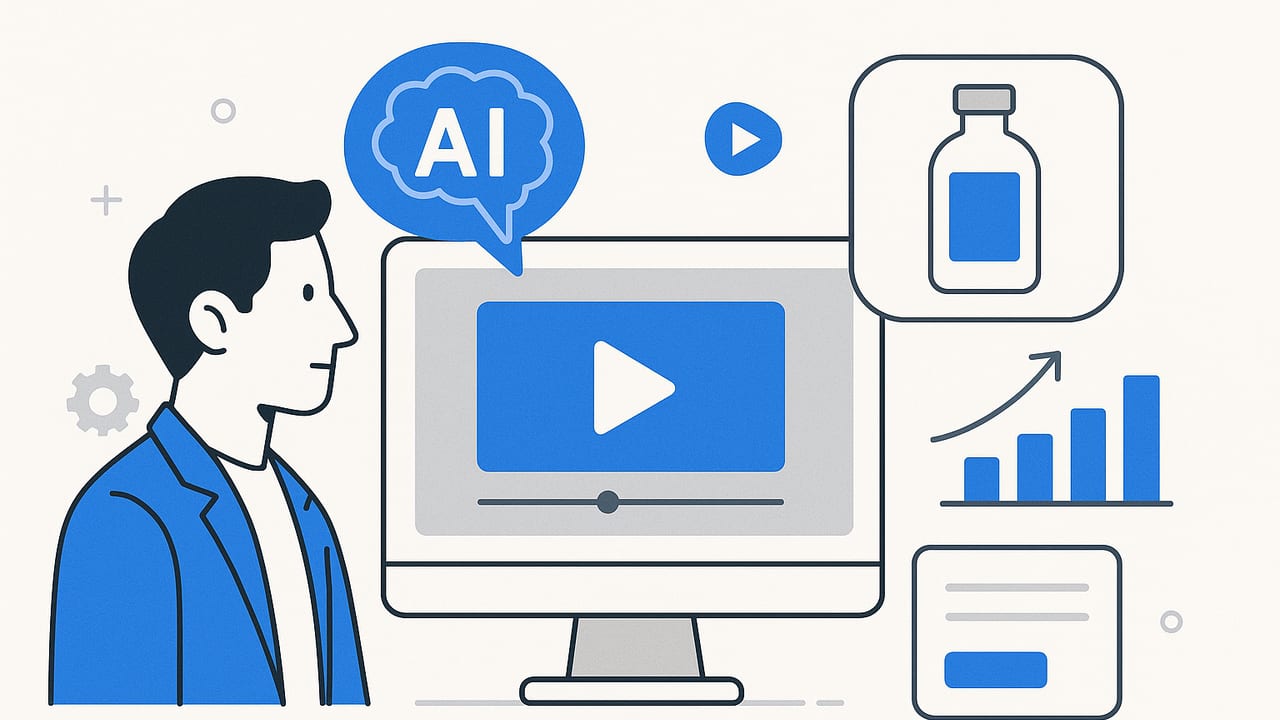
AI video has moved from novelty to necessity for product marketers. Whether you’re launching DTC products, optimizing marketplace listings, or scaling creative for paid social, AI-driven production lets you transform static assets into attention-grabbing motion—fast. This guide breaks down what ai video is, when to use it, how to build a repeatable workflow, and how to measure impact. You’ll also find prompts, frameworks, and a practical checklist to accelerate your next campaign.
What Is AI Video?
AI video refers to videos generated or enhanced using artificial intelligence. Instead of traditional shoots, you can feed models scripts, images, or product photos and receive finished scenes—complete with motion, voiceover, music, captions, and on-brand styles. Common approaches include:
- Text-to-video: Enter a script or prompt; the system renders scenes.
- Image-to-video: Animate product photos with camera moves, reflections, or context scenes.
- Avatar/presenter: Synthetic hosts deliver your script with realistic voice and gestures.
- Template-based generation: Drop assets into design systems that auto-layout scenes, transitions, and CTAs.
The result is a faster, more scalable way to test hooks, formats, and offers—without booking studios, talent, or crews.
AI Video vs. Live Action: How to Decide
Use ai video when speed, volume, and iteration are crucial. Choose live action when you need bespoke storytelling or detailed demos that require physical manipulation. The comparison below can help you pick the right approach for each campaign.
| Scenario | AI Video | Live Action |
|---|---|---|
| Launch sprint with multiple variant tests | Excellent: rapid iterations, low cost per version | Overkill: reshoots are expensive |
| Highly tactile product demonstration | Mixed: can simulate, but may look synthetic | Best: authentic hands-on detail |
| UGC-style authenticity at scale | Good: stylized UGC, captions, voiceovers | Good: real customers add trust |
| Brand film with narrative depth | Fair: stylized, may lack nuanced acting | Best: direction, performance, subtlety |
| Localization for multiple markets | Excellent: text, VO, and on-screen swaps | Costly: reshoots or extensive post |
An End-to-End AI Video Workflow
1) Define the objective and KPI
Map your ai video to a single goal: thumb-stopping awareness, PDP conversion lift, retargeting education, or LTV-driven upsell. Pick one primary KPI (e.g., 3-second hold rate, PDP dwell time, add-to-cart rate) and one secondary metric.
2) Create a concise creative brief
- Audience: Who are you targeting? What pain points matter?
- Promise: The one-sentence benefit that answers “why this?”
- Proof: Reviews, data points, or demo moments.
- Offer/CTA: Discount, bundle, free trial, or shop now.
- Brand cues: Color, type, tone, legal lines.
3) Prepare assets
Gather high-resolution product photos, logos, packaging shots, lifestyle imagery, and any brand-safe footage. Include a pronunciation guide for names and features. Organize files with clear naming for automation (e.g., product-sku_color-angle).
4) Pick the right generation method
- Template-driven: Best for repeatable formats (PDP reels, carousels, teasers).
- Image-to-video: Best when you have great stills but no footage.
- Avatar/presenter: Best for explainers, onboarding, FAQs.
- Text-to-video: Best for quick concept tests and mood pieces.
5) Draft script and prompts
Keep scenes punchy (1–3 seconds) with clear visual beats. Use natural language for prompts and specify camera moves, lighting, and product angles. Mention desired aspect ratios and platform constraints up front.
{
  "goal": "Drive PDP conversion for wireless earbuds",
  "style": "UGC + clean typographic overlays, upbeat",
  "scenes": [
    {"beat": "Hook", "copy": "Stop noisy commutes in 3 seconds", "motion": "push-in on product", "sfx": "whoosh"},
    {"beat": "Proof", "copy": "Active Noise Canceling v3", "motion": "rotating hero", "badge": "-35dB"},
    {"beat": "Benefit", "copy": "8 hours on a single charge", "motion": "battery icon fill"},
    {"beat": "CTA", "copy": "Shop now • Free returns", "motion": "logo lockup"}
  ],
  "ratios": ["9:16", "1:1", "16:9"],
  "captions": true,
  "vo": "warm, clear, gender-neutral"
}
6) Generate scenes and iterate
Render a first pass, then tune: increase contrast, sharpen typography, slow or speed transitions, and tighten the first three seconds. Swap hooks and offers to produce multiple variants fast.
7) Add voiceover, music, and captions
Match VO pace to reading speed (~160–180 wpm for paid social). Pick music that supports, not overwhelms. Always include burned-in captions for feed viewing with sound off, and upload separate caption files (SRT/VTT) when possible.
8) Format for channels
- 9:16: TikTok, Reels, Shorts
- 1:1: Instagram Feed, some Facebook placements
- 16:9: YouTube, site hero, email embeds
Ensure the safe area keeps text away from UI overlays. Export at 1080x1920 for vertical and 1920x1080 for horizontal, H.264 high bitrate.
9) QA and brand safety
- Check spelling, claims, trademarks, and offers.
- Confirm logo usage and color contrast ratios (WCAG AA+ where possible).
- Test playback on low bandwidth and older devices.
Creative Frameworks That Work for AI Video
- AIDA (Attention–Interest–Desire–Action): Start with a bold hook, show a relatable moment, demonstrate benefits, close with a clear CTA.
- PAS (Problem–Agitate–Solve): Show the pain, intensify the stakes, reveal the product solving it.
- Before/After Reveal: Side-by-side visuals; ideal for beauty, home, and gadgets.
- Unboxing + Micro-Demo: Quick feature hits with hand animations or simulated props.
- Social Proof Stack: Reviews, star ratings, press quote, and community count.
Rule of thumb: the first three seconds should introduce the product, promise, and motion. If not, your scroll-by rate will spike.
Script Skeleton You Can Reuse
- Hook (0–3s): Problem or bold benefit on screen.
- Reveal (3–6s): Product hero with simple motion.
- Proof (6–9s): Metric, feature, or testimonial.
- Use Case (9–12s): One scenario or audience.
- CTA (12–15s): Offer + trust signal (free shipping/returns).
Channel-Specific Optimization
TikTok & Reels
- Lead with motion; avoid static first frames.
- Native-style captions and on-screen text sized for small screens.
- Iterate hooks and offers weekly; retire underperformers quickly.
YouTube & Shorts
- Shorts: similar to Reels but consider slightly longer copy.
- YouTube in-stream: front-load brand and benefit before the skip.
Amazon & PDP
- Keep under 45 seconds; address top FAQs and objections.
- Use clarity over flair; prioritize legibility and product angles.
Email & Landing Pages
- Use a static thumbnail with a play button; keep file sizes small.
- Autoplay muted hero videos can increase dwell time but test carefully.
Paid Social
- Create 4–8 variants per concept: change hook lines, price displays, and colors.
- Ensure platform-safe text density; too much overlay can lower delivery.
Measuring Performance and Proving ROI
Define a small set of metrics per funnel stage, then automate reporting. Use UTMs and platform breakdowns to attribute results correctly.
- Upper funnel: Thruplay rate, 3-second hold, average watch time, shares.
- Mid-funnel: Click-through rate, LP dwell, scroll depth.
- Lower funnel: Add-to-cart rate, conversion rate, CAC, ROAS.
Run structured tests: change one variable at a time (hook, colorway, offer) and collect a statistically meaningful sample before calling winners.
# Simple ROI model
acquisition_cost = media_spend + production_cost
revenue = conversions * avg_order_value
roi = (revenue - acquisition_cost) / acquisition_cost
For organic placements, use assisted metrics: PDP conversion lift when a video is present vs. control; session duration; bounce rate deltas. Treat view-through conversions carefully—compare against geo or time-based holdouts where possible.
Compliance, Ethics, and Accessibility
- Disclosure: If ai video uses synthetic voices or avatars, consider light disclosure in descriptions or FAQs to maintain trust.
- Rights & trademarks: Use only licensed fonts, music, and logos; avoid generating competitor likeness.
- Representation: Reflect your customer base ethically; avoid biased defaults in prompts.
- Accessibility: Provide captions, sufficient color contrast, and meaningful alt text on pages embedding videos.
- Claims: Substantiate performance claims with evidence; keep legal copy legible and on-screen long enough to read.
Common Pitfalls (and Quick Fixes)
- Uncanny visuals: Reduce face time or switch to product-first scenes; add texture and natural shadows.
- Busy overlays: Limit to 5–7 words per card; increase line height and contrast.
- Weak hooks: Test problem-first openers, bold numbers, or visual anomalies (unexpected zooms).
- Loud mixes: Duck music 6–10 dB under voice; use sidechain compression.
- No clear CTA: Always close with a specific action and incentive.
- Heavy files: Target under 8–12 MB for vertical placements; compress with high-quality settings.
The AI Video Tooling Landscape
Tools vary by input method and automation depth. Choose based on your asset library and creative cadence:
- Text-to-video suites: Concept testing and quick explainers.
- Image-to-video engines: Ideal if you have strong product photography.
- Avatar/presenter platforms: Training, support, and FAQ content.
- Template & brand systems: Enforce consistency across teams and markets.
- Automation pipelines: Connect PIM/feeds to auto-generate seasonal or price-change videos.
Before adopting, run a one-week bake-off: measure time-to-first-render, on-brand accuracy, edit flexibility, and final file quality.
Prompt Patterns You Can Steal
- Benefit-first hook: "Create a 15s vertical ai video that opens with a bold benefit on screen in brand colors, then reveals the product with a slow push-in and soft reflections. Add captions and a 'Shop now' CTA."
- Proof stack: "Generate a 20s ai video featuring three quick social proof cards (stars, review quote, press badge), then a feature demo, ending with free shipping and returns."
- Localization: "Produce English, Spanish, and French versions with translated captions and VO; replace currency symbols and adjust date formats automatically."
Getting Started Checklist
- Define the campaign goal and one primary KPI.
- Assemble a mini brief with audience, promise, proof, and CTA.
- Organize high-res product photos and logos.
- Choose a generation method (template, image-to-video, avatar).
- Write a 15–30 second script; outline 4–6 beats.
- Create two hook variants and two CTA variants.
- Generate, review, and fix the first three seconds.
- Export for 9:16, 1:1, and 16:9 with captions.
- Launch with UTMs; monitor hold rate, CTR, and conversion.
- Iterate weekly; retire underperformers.
If you’re looking for a straightforward way to turn product photos into engaging videos made with AI, platforms like UGCMade can help you spin up on-brand motion quickly for testing across channels.
