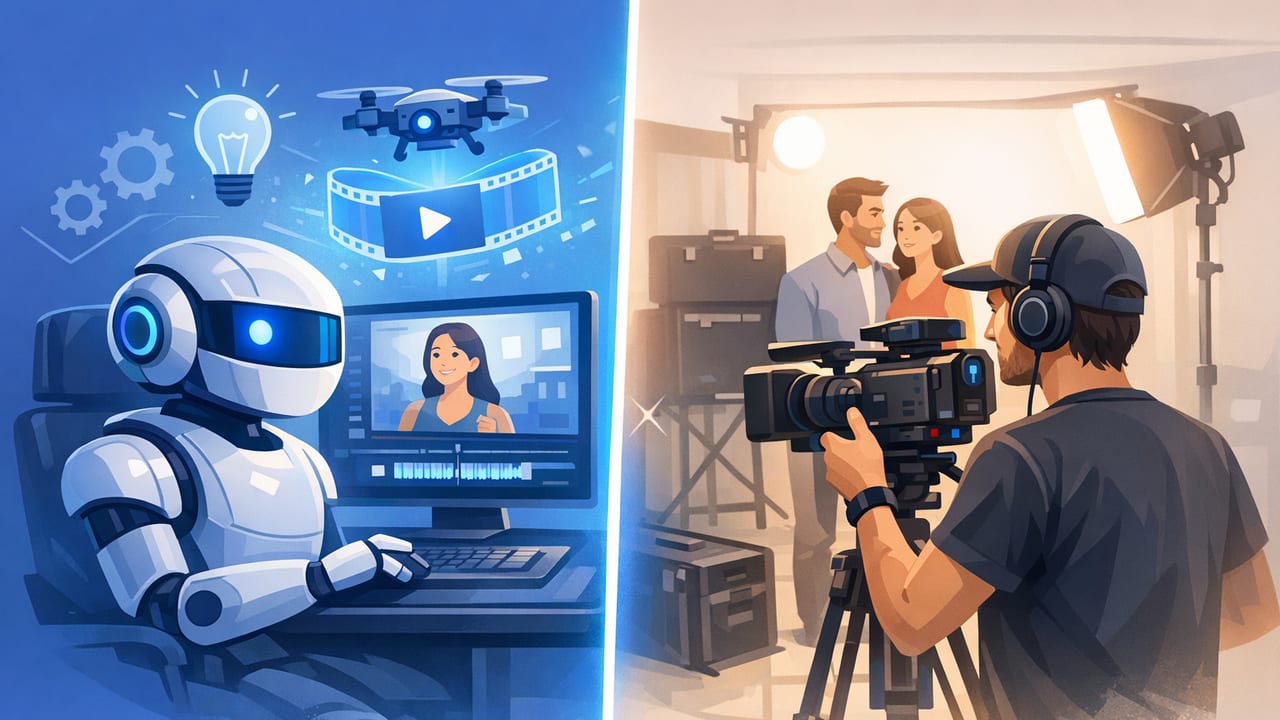
Product marketing has shifted from “nice-to-have” video to “must-have” video across ads, product detail pages (PDPs), email, and social. The real question most teams face isn’t whether to use video—it’s how to produce it without sacrificing quality, speed, or budget.
This guide will help you compare AI videos vs hiring videographer options through a practical lens: what each approach is best at, where it struggles, and how to decide based on your product, creative goals, and distribution channels.
What “AI video” and “hiring a videographer” mean today
AI product videos (typical workflows)
AI video creation usually starts with existing assets—most commonly product photography—and generates motion through templates, scene builders, automated timing, transitions, and sometimes AI-generated b-roll or backgrounds. Many teams use AI to:
- Turn product photos into short clips for ads and social
- Create multiple aspect ratios quickly (9:16, 1:1, 16:9)
- Test different hooks, headlines, and calls-to-action at scale
- Repurpose a single shoot into many variants
Hiring a videographer (typical workflows)
Hiring a videographer can mean anything from a solo creator filming on location to a full production team with lighting, styling, talent, and post-production. It’s often chosen when brands need:
- High-end lighting, controlled reflections, and premium set design
- Demonstrations with real hands, real environments, or talent
- Complex camera moves, macro detail, or specialty rigs
- Original storytelling with on-set direction and brand nuance
Quick comparison table: AI videos vs hiring a videographer
| Factor | AI-generated / AI-assisted videos | Hiring a videographer |
|---|---|---|
| Speed | Fast turnaround (hours to days), easy iterations | Slower (days to weeks), schedule-dependent |
| Cost per variation | Low; scales well for many versions | Higher; each new concept may require new filming |
| Best for | Performance ads, A/B testing, PDP support clips, quick promos | Hero brand films, lifestyle storytelling, complex demos, launches |
| Creative control | High within templates; limited for novel shot design | High; fully custom shots, direction, and environments |
| Consistency | Very consistent once a style is set | Can vary by crew, location, lighting, and talent availability |
| Authenticity | Can feel “designed” unless paired with real UGC/testimonials | Strong; real hands, real rooms, real reactions |
| Risk | Potential uncanny motion, brand mismatch, or generic feel | Production delays, reshoot needs, higher sunk costs |
When AI videos are the smarter choice
1) You need volume for paid testing
If you run performance marketing, you already know the bottleneck: you can’t test fast enough. AI workflows excel when you want many hooks and visual variations built from the same product photography. That makes them ideal for:
- Hook testing (first 2 seconds) across multiple angles
- Different on-screen text approaches (benefit-led vs feature-led)
- Seasonal swaps (summer vs winter messaging) without a reshoot
2) Your product is visually clear in photos
Products that “read” instantly—skincare bottles, supplements, apparel basics, gadgets with obvious form factors—translate well from photo to motion. If the story is primarily about features, benefits, and proof, AI-generated motion plus smart editing can do a lot.
3) You need consistent brand presentation
Once you define a repeatable look (type, colors, pacing, transitions), AI-based production can keep every SKU on-brand. This is especially useful for catalogs, bundles, and new colorways where consistency matters more than cinematic storytelling.
4) You’re optimizing PDPs and marketplaces
On PDPs and marketplaces, viewers typically want clarity: what it is, what it does, what’s included, and how it looks in real life. Short, direct clips built from product photography (and a few supporting lifestyle images) can improve understanding without the overhead of a full shoot.
Rule of thumb: If your goal is “more iterations” rather than “one perfect film,” AI video is usually the better lever.
When hiring a videographer is the better investment
1) Your product requires real-world demonstration
Some products are difficult to communicate without physical interaction: tools, kitchen products, fitness equipment, toys, or anything where tactile use is the selling point. Real hands, real timing, and real friction (how it opens, pours, cuts, folds) build trust.
2) Lighting and materials are the story
Luxury items, reflective packaging, jewelry, glass, or products with subtle textures benefit from controlled lighting. A skilled videographer can shape highlights, avoid ugly reflections, and capture premium macro details that are hard to replicate through automated motion effects.
3) You need a hero asset for a brand moment
Launches, rebrands, retail pitches, and homepage hero videos often require bespoke storytelling and production design. The point is not “quantity”—it’s perception. If the video is your first impression, the production value may justify the spend.
4) You want real UGC-style authenticity (with control)
While UGC can be shot by creators, many brands hire videographers who specialize in “authentic” handheld styles—capturing natural performance while ensuring sound, framing, and pacing meet ad standards.
A practical decision framework (pick the best path)
Step 1: Define your primary goal
- Testing & iteration: lean toward AI
- Brand perception & storytelling: lean toward videographer
- PDP clarity & conversion support: often AI or hybrid
Step 2: Map “content risk” vs “content reward”
Ask two questions:
- How costly is it if this video underperforms? (budget, time, opportunity)
- How valuable is it if it performs? (reach, revenue impact, long-term use)
If the downside of a miss is low and the upside requires testing, AI is usually the right bet. If the downside of looking “off-brand” is high (premium positioning), invest in a videographer for at least the hero asset.
Step 3: Check your asset readiness
- Strong product photography available? AI video becomes dramatically easier.
- No consistent photos, only rough phone shots? A videographer (or at least a photo refresh) may be the priority.
- You need environments, actors, or demos? Videographer wins.
The hybrid approach most teams end up using
Many brands get the best ROI by combining both approaches:
- Hire a videographer 1–2 times per quarter to capture high-quality lifestyle footage, demos, and hero shots.
- Use AI-assisted production to create dozens of variations from product photos and selected frames from those shoots.
- Build a modular library: hooks, benefit scenes, proof scenes, offer scenes, and end cards.
This hybrid model supports both brand building and performance marketing without forcing every single asset to be expensive.
Quality considerations that matter for conversion
Visual storytelling: motion should clarify, not decorate
Whether you use AI or a videographer, motion should serve comprehension. Ask: does each scene answer a buyer question?
- What is it?
- Who is it for?
- What problem does it solve?
- How is it used?
- What proof supports the claim?
Product photography still does heavy lifting
AI video is only as good as the inputs. Strong product photos (clean lighting, crisp edges, consistent angles, and accurate color) lead to better-looking motion clips and fewer artifacts. Even when hiring a videographer, many campaigns still rely on product photography for thumbnails, frames, and retargeting creative.
Brand engagement depends on pacing and clarity
Many videos fail because they try to say too much too slowly. For short-form ads, prioritize:
- Hook in 1–2 seconds (problem, payoff, or curiosity)
- One core promise (avoid feature overload)
- One proof point (review, demo, comparison, result)
- One action (shop, learn, subscribe)
Example: turning one product into two production plans
Scenario A: “Scale creative testing” plan (AI-first)
- Inputs: 10–15 product photos (angles + packaging + detail)
- Outputs: 20–40 short variations (6–15 seconds)
- Focus: multiple hooks, benefit text overlays, different CTAs
Scenario B: “Premium launch” plan (videographer-first)
- Inputs: half-day shoot, controlled lighting, styled set + lifestyle scene
- Outputs: 1 hero video (20–45 seconds), 5–10 cutdowns, 10–20 stills
- Focus: product texture, hands-on demo, emotional brand tone
Mini checklist: what to ask before you decide
- Where will the video live? (TikTok/Reels vs PDP vs YouTube vs email)
- How many versions do you need per month?
- Do you need real humans using the product?
- Is your brand premium where lighting/detail is critical?
- Do you already have strong product photography?
- Are you optimizing for speed or perfection?
Optional: a simple creative brief template (copy/paste)
Product:
Primary audience:
Main promise (one sentence):
Top 3 benefits:
Proof point (review/stat/demo):
Offer (if any):
Brand rules (fonts/colors/words to avoid):
Deliverables (ratio + length + count):
Where it will run (PDP, Reels, TikTok, ads):
Must-have shots/scenes:
CTA:
Deadline:
Bottom line
The most useful way to compare AI videos vs hiring videographer isn’t “which is better?”—it’s “which reduces the biggest constraint right now?” If you need speed, volume, and iteration, AI is a strong fit. If you need bespoke storytelling, tactile realism, or premium control, a videographer is the better investment. For many brands, the winning strategy is hybrid: capture a small set of high-quality originals, then scale variations efficiently.
Note: If you already have solid product photos and want to turn them into short, marketing-ready clips efficiently, platforms like UGCMade are designed for that photo-to-video workflow.
