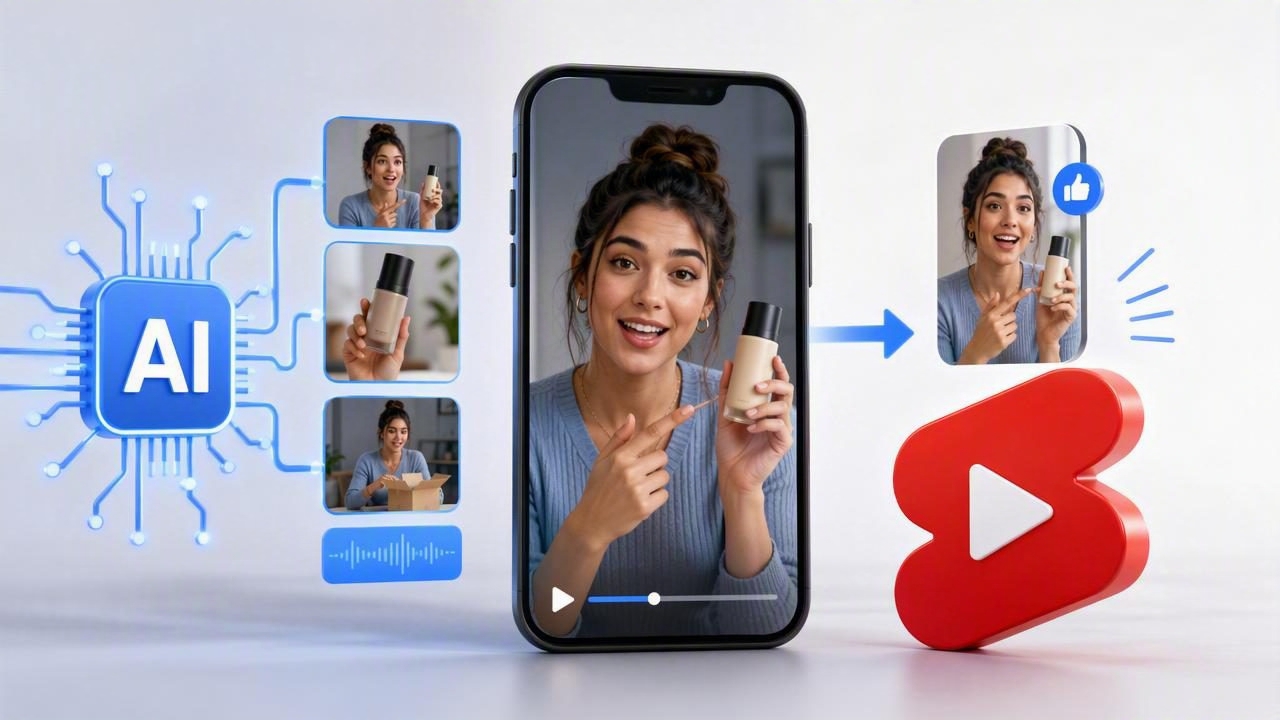
YouTube Shorts gives product-focused brands an opportunity to reach viewers with quick, useful, and entertaining vertical video. But creating a steady stream of polished content can be difficult when every product video requires filming, editing, scripting, talent coordination, and revisions. An AI UGC video generator can simplify that process by turning product images, messages, and creative directions into short-form videos designed to feel natural in a social feed.
If you are searching for the best AI UGC video generator to make YouTube product Shorts, it is important to look beyond flashy templates. The right tool should help you create credible product stories, test multiple creative angles, maintain brand consistency, and adapt your visuals to the fast pace of YouTube Shorts.
This guide explains what to look for, how to create better product Shorts, and how to build a repeatable AI-assisted video workflow without losing the human perspective that makes user-generated content effective.
Why YouTube Product Shorts Need a Different Creative Approach
Shorts are not miniature television commercials. Viewers typically encounter them in a rapid, full-screen vertical feed where the first seconds determine whether they keep watching. A successful product Short needs to establish a problem, visual result, interesting question, or unexpected benefit almost immediately.
For ecommerce brands, this makes product photography more valuable than ever. A clean image of a product can become the starting point for many video concepts: a close-up demonstration, a before-and-after comparison, a gift idea, a routine video, or a creator-style review. Instead of depending on one expensive campaign shoot, brands can develop a broader library of visual storytelling assets.
- Fast attention capture: The opening should provide a clear visual or spoken reason to continue watching.
- Mobile-first framing: Products, hands, text, and key details need to remain visible in a 9:16 composition.
- Authentic tone: Overly polished messaging can feel out of place beside creator-led content.
- Clear product proof: A claim is stronger when viewers can see a feature, process, texture, or result.
- One focused action: End with a simple next step, such as learning more, comparing options, or visiting a product page.
What Is an AI UGC Video Generator?
An AI UGC video generator is a content creation tool that helps transform product assets, written prompts, scripts, images, and brand information into videos with a creator-inspired format. Depending on the platform, it may generate voiceovers, captions, scenes, avatars, hooks, product motion, or variations of a single concept.
The goal is not to pretend that every video came from an unpaid customer. Instead, the practical value lies in producing content that uses the approachable conventions viewers recognize from user-generated content: direct language, product-in-use visuals, reviews, demonstrations, everyday settings, and concise storytelling.
For YouTube product Shorts, AI can accelerate the less glamorous parts of production, including formatting, captioning, versioning, scene timing, and visual transitions. Your team can then spend more time refining the offer, verifying claims, and choosing the strongest creative direction.
Features to Look for in the Best AI UGC Video Generator
The best platform for your business depends on your product category, internal workflow, and creative volume. However, several capabilities are especially important when you want to make YouTube product Shorts efficiently.
| Feature | Why It Matters for Shorts | What to Check |
|---|---|---|
| Photo-to-video tools | Turns existing product photography into dynamic content. | Natural motion, accurate product appearance, and flexible scene layouts. |
| Vertical video output | Shorts is built for mobile viewing. | Native 9:16 export with safe space for captions and interface elements. |
| Script and hook support | Strong openings improve retention. | Editable scripts, multiple hook ideas, and control over tone. |
| Voice and caption options | Many viewers watch with sound low or off. | Readable subtitles, timing controls, and natural-sounding narration. |
| Brand controls | Scale should not create inconsistent content. | Colors, fonts, product references, logos, and reusable guidelines. |
| Creative variations | Testing reveals which messages resonate. | Easy changes to hooks, calls to action, scenes, and voiceovers. |
Prioritize Product Accuracy Over Generic Visual Effects
A common risk with AI-generated video is inaccurate visual output. Packaging may change, labels may become unreadable, colors may shift, or product proportions may look unrealistic. These issues can undermine brand trust, especially for products where material, shade, ingredients, or function matter.
Before choosing a tool, test it with your real product photos. Use images that show multiple angles, clear lighting, and important details. Then inspect every generated scene closely. The most useful AI video platform is one that enhances visual storytelling while preserving what customers will actually receive.
A Step-by-Step Workflow for YouTube Product Shorts
A repeatable workflow makes it easier to create more content without turning every Short into a major production. Follow these steps to move from product photo to publish-ready video.
- Choose one audience problem. Do not try to explain every benefit in one Short. Focus on a single moment: dry skin after travel, cluttered countertops, weak workout motivation, or a difficult lunch routine.
- Select product images with purpose. Include a clean hero image, close-up details, lifestyle context, and any proof visuals that demonstrate use or outcomes.
- Write three hook options. For example: “I stopped buying this until I saw what it does in 10 seconds,” “The small kitchen upgrade I use every day,” or “If your desk always looks like this, try this.”
- Create a short script. Aim for one idea, plain language, and a natural cadence. Most product Shorts work well when the message is concise enough to understand on a first viewing.
- Generate several versions. Change the opening, speaker style, scene order, caption design, or call to action rather than relying on one output.
- Review for accuracy and compliance. Confirm that product claims are supportable, disclosures are included when required, and visuals do not imply functions the product does not have.
- Publish, measure, and improve. Use retention, viewed-versus-swiped behavior, comments, clicks, and conversions to guide the next batch.
Simple YouTube Short Script Frameworks That Feel Natural
AI can help generate initial scripts, but a strong brief produces stronger results. Use structures that leave room for real product proof rather than filling every second with sales language.
1. Problem, Discovery, Result
Hook: “My travel bag was always a mess until I added this.”
Middle: Show the product solving the specific organizational issue.
Close: “It takes up almost no room, but makes packing much easier.”
2. The Demonstration
Hook: “Here is what this actually looks like in use.”
Middle: Show setup, texture, application, assembly, or performance in a few clear steps.
Close: “That is the detail that made me keep using it.”
3. The Comparison
Hook: “I compared the old way with this quicker option.”
Middle: Show a side-by-side process or before-and-after visual.
Close: “The difference for my routine was the time saved.”
The most persuasive product video does not simply say a product is useful; it makes the usefulness easy to see.
How to Make AI-Generated UGC Feel More Credible
Automation should support authenticity, not replace it. Generic scripts, exaggerated reactions, and unrealistic claims can make a Short feel less trustworthy. Use details that come from real customer questions, reviews, support tickets, product research, and common use cases.
- Write as one person speaking to another, not as a brand reading a slogan.
- Use specific product details, such as size, routine, material, or practical context.
- Show the product early instead of waiting until the final seconds.
- Keep captions short enough to read without pausing.
- Use a clear disclosure when content is synthetic, sponsored, or otherwise requires transparency under applicable rules and platform policies.
- Never use fabricated testimonials or unsupported medical, financial, or performance claims.
In many cases, the best approach is a hybrid one: use AI for fast creative development and photo animation, then add approved product footage, customer insights, or a real team member’s voice to make the final asset more grounded.
Measure More Than Views
Views are useful for reach, but they do not tell the whole story. A Short with modest reach may still be valuable if it attracts the right audience and drives meaningful product interest. Review performance by creative angle, not just by individual video.
Track which hooks retain attention, which product shots receive comments, and which calls to action lead to visits or sales. Keep a simple testing log that records the audience, opening line, product benefit, visual format, length, and outcome. Over time, this becomes a practical library of proven creative patterns.
For example, a skincare brand may learn that texture demonstrations outperform polished lifestyle scenes, while a home organization brand may find that before-and-after videos produce stronger click intent. These insights can inform future product photography, email campaigns, paid social assets, and landing pages as well as Shorts.
Final Takeaway
The best AI UGC video generator to make YouTube product Shorts is one that gives your team speed without sacrificing control. Look for reliable product-image handling, vertical formatting, editable scripts, captions, brand safeguards, and easy creative variation. Then pair the technology with clear messaging and real product proof.
When your product photos become flexible video assets, content creation becomes less dependent on one-off shoots and more connected to an ongoing testing strategy. Platforms such as UGCMade can help brands explore that photo-to-video workflow while keeping visual storytelling efficient, accessible, and focused on audience engagement.
Put the workflow into practice
Use the product photo to video guide to move from a source product image to a video concept. Review the product appearance and the claims in each creative before using it in a campaign.
See UGCMade product information for current availability and details.
