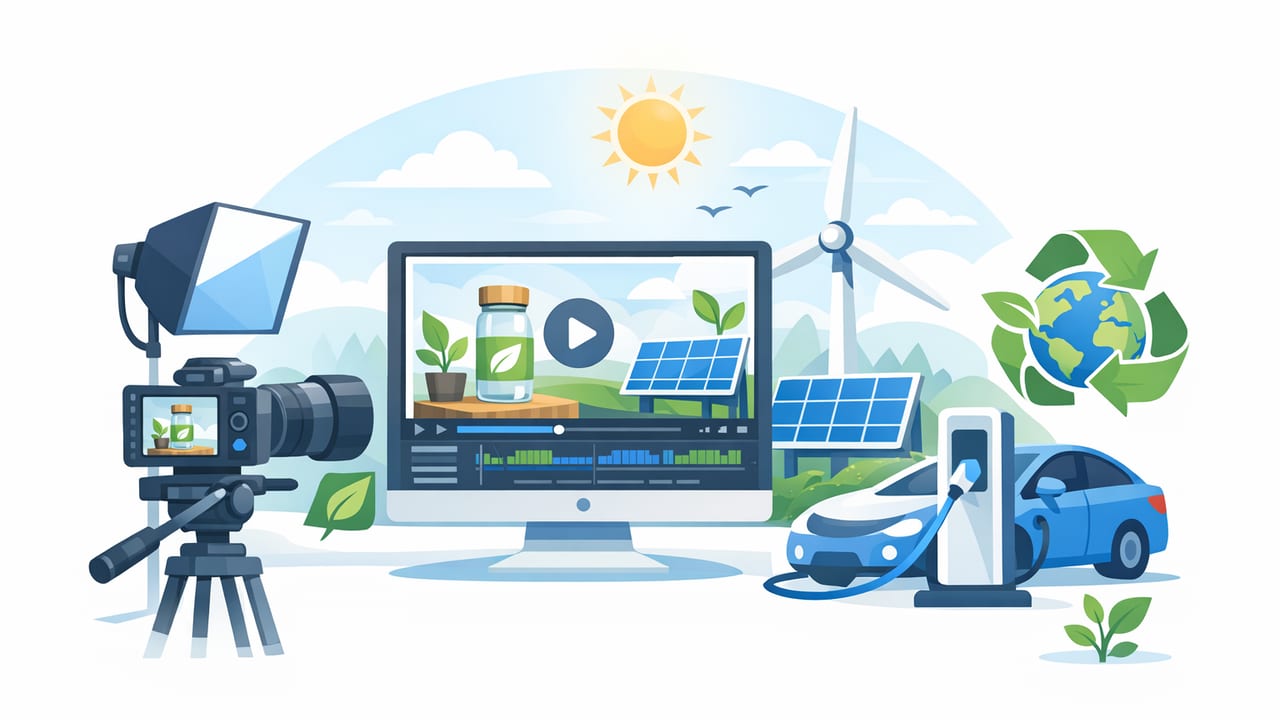
Brands are under pressure to post more video than ever—ads, product pages, social, email, marketplaces—often with limited budgets and timelines. The challenge: creating high-performing product video without treating every campaign like a full production shoot. That’s where eco friendly product video production becomes practical, not just aspirational: reduce waste, reduce rework, and still improve performance through smarter planning and asset reuse.
This guide breaks down a sustainable workflow you can apply to ecommerce, DTC, and retail brands. It focuses on decisions that typically drive the biggest footprint in content creation: travel, reshoots, physical samples, and repeated editing cycles. You’ll also learn how to turn existing product photography into motion-based assets that support video marketing and stronger visual storytelling, without defaulting to more filming.
What “eco friendly” means in product video production
In practice, “eco friendly” is less about a single perfect choice and more about reducing avoidable impact across the workflow:
- Fewer shoots: less travel, fewer shipped props, fewer single-use builds.
- Less physical waste: fewer printed backdrops, disposable set pieces, damaged samples.
- Less rework: tight briefs, reusable templates, consistent specs.
- Smarter delivery: efficient file formats, right-sized exports, and mindful hosting.
“Sustainability in content isn’t only about what you produce—it’s about what you avoid producing twice.”
Start with strategy: plan before you produce
The fastest way to waste time, energy, and money is to create video without a single source of truth for messaging and deliverables. A sustainable workflow starts with a plan that prevents reshoots and endless revisions.
1) Write a one-page creative brief (that actually prevents rework)
Keep it short, but specific. Include:
- Primary goal: click-through, add-to-cart, PDP engagement, retargeting, etc.
- Audience + context: where will they see it (PDP, Reels, TikTok, Amazon)?
- Three proof points: material, feature, benefit (e.g., “recycled fabric,” “water-resistant,” “everyday carry”).
- Deliverable list: sizes and lengths (e.g., 6s/15s/30s; 9:16, 1:1, 16:9).
- Asset inventory: existing photos, packaging shots, brand guidelines, past ad winners.
2) Define “must-have” shots vs “nice-to-have” shots
Eco friendly product video production improves when you stop overshooting. Decide what you must show to reduce returns and increase confidence:
- Scale and dimensions (in-hand, on-body, or a clear size reference)
- Key use case (pouring, wearing, cleaning, assembling)
- Close-ups of materials, finishes, or texture
- Any “trust” cues (certifications, warranty, safety features)
Use what you already have: turn product photos into video
If you already invest in quality product photography, you can often create effective product videos without filming new footage. Photo-based motion assets are especially useful for:
- Product page (PDP) explainers
- Catalog-style ads highlighting benefits
- Seasonal refreshes and new offers
- Marketplace listings where clarity beats cinematic style
Low-waste photo-to-video techniques
- Ken Burns motion: slow pan/zoom to create depth and focus on details.
- Layered parallax: separate foreground/product/background for subtle 3D motion.
- Text callouts: label features on top of hero and close-up images.
- Stop-motion from stills: sequence multiple angles to imply rotation or usage.
- Before/after frames: ideal for cleaning, skincare, repairs, or organization products.
Why this is more sustainable: you reduce shipping, travel, lighting setups, and retakes. You also shorten approval cycles because brand teams can review motion built from already-approved photography.
Design the workflow to minimize physical and digital waste
Sustainability isn’t only about carbon; it’s also about reducing wasted effort. The most efficient content teams standardize production.
1) Build a reusable storyboard template
Create a simple 6–10 scene structure that works across product lines:
- Hook: problem, desire, or result in 1–2 seconds
- Product reveal: hero shot + name
- Top benefits: 2–3 quick proof points
- Use case: how it fits into real life
- Trust: ratings, guarantee, materials, compliance
- CTA: “Shop now,” “Learn more,” or “See sizes”
2) Standardize a “green” asset kit
Every product should have a minimum set of reusable assets that can fuel multiple videos:
- 1 hero image (front/three-quarter)
- 2 detail images (texture, mechanism, ingredients, stitching)
- 1 scale reference image (in hand/on body/next to common object)
- Packaging image (front + key claims)
- Brand typefaces, logo lockup, and a callout style
3) Reduce revision loops with “bounded choices”
Instead of asking stakeholders for open-ended feedback, present two options for each variable:
- Option A/B for hook
- Option A/B for CTA
- Two music moods
- Two subtitle styles
This keeps teams aligned and avoids endless new renders.
Compare approaches: where the impact often comes from
Different production paths have different trade-offs. This table is a practical way to choose the lowest-waste method that still meets your quality needs.
| Approach | Best for | Typical waste drivers | Lower-impact tweaks |
|---|---|---|---|
| Full video shoot (studio/on-location) | High-end launches, lifestyle stories | Travel, set builds, reshoots, shipping props | Batch products, reuse sets, local crew, tight shot list |
| Hybrid (few filmed clips + photos) | Brands needing “real” motion but limited budget | Extra handling of samples, multiple edit passes | Film only what photos can’t show (pouring, fit, mechanism) |
| Photo-to-video | PDP explainers, catalog ads, rapid testing | Over-rendering many versions, large exports | Template-based edits, right-sized formats, fewer variants at first |
| UGC-style (remote creators) | Social proof, demos, testimonials | Shipping many samples, reshoots due to unclear briefs | Creator kit + script outline, consolidate shipments, reuse footage |
Greener editing and delivery: small choices add up
Video files live “forever” across devices, uploads, and re-exports. Reducing file bloat lowers storage and transfer overhead, and it also improves load times (which can improve conversion and SEO on product pages).
Export guidelines for efficient product video
- Keep it short: 6–15 seconds for ads; 10–30 seconds for PDP explainers.
- Use the right resolution: export to platform specs; avoid 4K if it won’t be shown.
- Choose efficient codecs: H.264 is widely compatible; HEVC (H.265) can be smaller but check platform support.
- Cap frame rates: 24–30 fps is enough for most product motion.
- Compress responsibly: avoid re-encoding the same file repeatedly; keep a clean master.
Lightweight captions and accessibility
Captions improve engagement and comprehension—especially in sound-off environments—without requiring additional footage. When possible, use timed subtitle files (like SRT) for platforms that support them instead of burning captions into every version.
Optional: a simple way to estimate “file weight” before exporting
Exact energy use depends on many factors, but you can at least predict file size to avoid oversized exports. Here’s a quick bitrate-based estimate:
// Rough file size estimator (not a carbon calculator)
// sizeMB ≈ (bitrateMbps * durationSeconds) / 8
function estimateSizeMB(bitrateMbps, durationSeconds) {
  return (bitrateMbps * durationSeconds) / 8;
}

// Example: 8 Mbps export, 15 seconds
// sizeMB ≈ (8 * 15) / 8 = 15 MB
Tip: If you’re producing dozens of variants, trimming even 5–10 MB per file adds up across uploads, approvals, and distribution.
Sustainable production checklist (printable)
- Pre-production: one-page brief, defined deliverables, approved messaging
- Asset reuse: leverage existing product photos, packaging, close-ups
- Minimal capture: film only what photos can’t show
- Template workflow: consistent storyboard, reusable motion and typography
- Proof fast: review low-res drafts before final renders
- Right-size exports: platform specs, efficient codec, reasonable bitrate
- Distribution discipline: publish fewer, better variants; scale winners
How eco friendly product video production supports performance
Lower-waste workflows often create better marketing outcomes because they encourage clarity and speed:
- Faster testing: photo-based videos enable quick iteration on hooks and claims.
- More consistency: templates keep brand presentation aligned across channels.
- Higher relevance: you can tailor scenes for different audiences without new shoots.
- Better PDP engagement: short explainers answer objections visually, reducing returns.
Common pitfalls (and how to avoid them)
Pitfall 1: “Eco” becomes a quality downgrade
Low-waste doesn’t have to look cheap. Focus on lighting, sharp photography, and clean typography. If your photos are high quality, motion built from them can look premium.
Pitfall 2: Too many variants too early
Instead of producing 30 versions, start with 3–5 strong hypotheses (different hooks or proof points). Scale what wins.
Pitfall 3: Over-animating
Excessive transitions and effects can distract from the product. Sustainable visual storytelling is often simpler: clear product, clear benefits, clear CTA.
Putting it together: an example workflow
- Audit assets: collect approved product photography and brand guidelines.
- Storyboard: pick a 6-scene template and write two hook options.
- Build a draft: assemble motion from photos, add callouts and captions.
- Review low-res: confirm messaging and pacing before final export.
- Export smart: platform-specific sizes, efficient codec, right bitrate.
- Measure: track thumb-stop rate, CTR, PDP time-on-page, and add-to-cart.
Final thoughts
Eco friendly product video production is ultimately a systems problem: plan better, reuse more, shoot less, and ship lighter files. When you adopt a repeatable workflow, you’ll not only reduce waste—you’ll also create more consistent content that supports brand engagement across every channel.
If you’re exploring photo-to-video workflows specifically, tools like UGCMade (which turns product photos into engaging videos) can fit neatly into a low-waste content pipeline—especially when you want to scale variations without scheduling new shoots.
