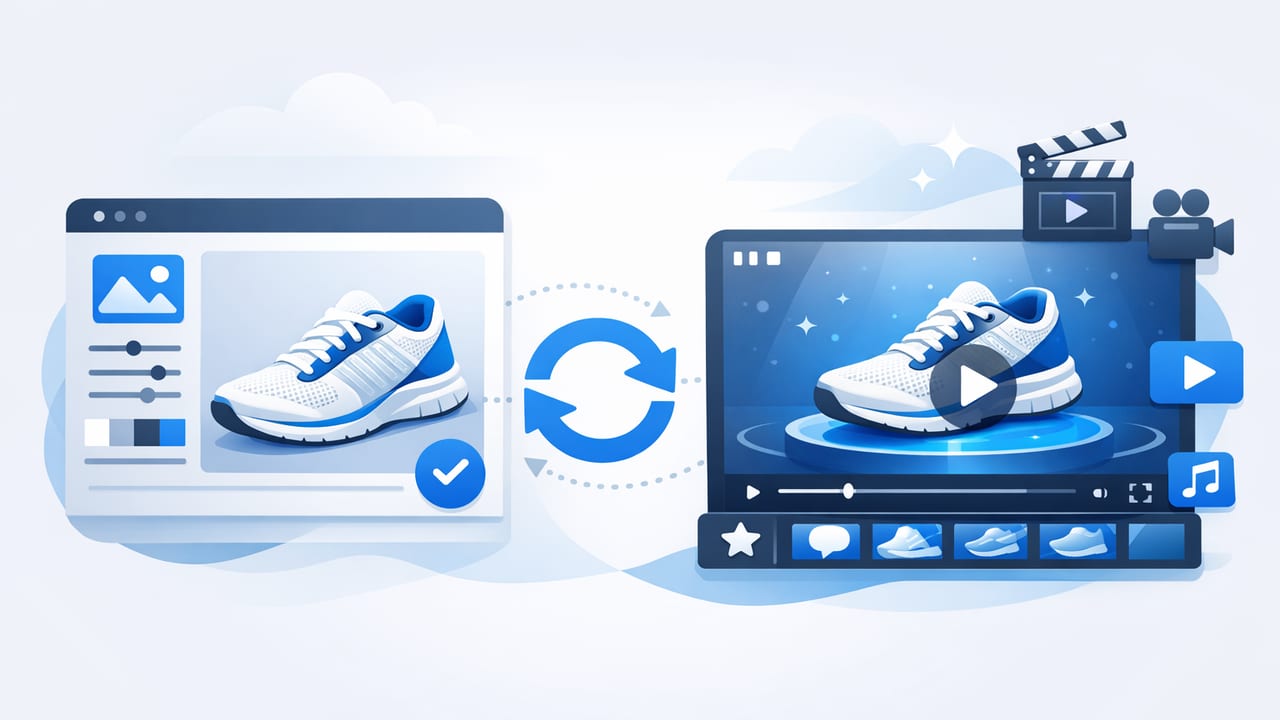
A product image video is exactly what it sounds like: a short video built primarily from still product photos, enhanced with motion, text, music, and pacing to tell a clearer story than images alone. Done well, it can improve product understanding, reduce purchase anxiety, and create more scroll-stopping creative for ads and social—without needing a full production shoot.
This guide breaks down a practical, repeatable workflow to turn your existing product images into high-performing videos. You’ll learn what to plan, how to structure scenes, which specs matter, and how to optimize for both conversion and distribution.
Why a product image video works (even without “real” footage)
Shoppers don’t just want to see what a product looks like—they want to understand how it fits into their life. Video can compress that learning into a few seconds by combining:
- Visual hierarchy (best angle first, then details, then proof)
- Guided attention (motion and text cues)
- Faster scanning (benefits and specs appear when needed)
- Consistency (a repeatable template across a catalog)
Even simple animations—slow zooms, pans, parallax, and kinetic typography—can make a static set of photos feel dynamic and informative.
Pick the right video format for your goal
Before you animate anything, decide what the video is supposed to achieve. A product image video can serve different intents depending on where it appears:
- Product page explainer: clarifies features, sizing, materials, and what’s included.
- Ad creative: hooks attention fast and communicates a single primary benefit.
- Marketplace listing video: emphasizes compliance-friendly, factual messaging and clear angles.
- Email/SMS teaser: short, muted-friendly, quick-value summary.
A simple decision rule
If the viewer is cold (ads/social), optimize for hook + benefit + proof. If the viewer is warm (product page/retargeting), optimize for clarity + objections + details.
Story structure: a 6-scene template that converts
Most successful product videos follow a predictable story arc. Here’s a flexible six-scene structure you can use for almost any product category:
- Hook (0–2s): show the hero image + strongest outcome (“Cut prep time in half”).
- Problem (2–4s): name the frustration the product solves (“No more dull blades”).
- Solution (4–8s): show the product clearly, with one feature callout at a time.
- Details (8–12s): zoom into texture, ports, fit, ingredients, or craftsmanship.
- Proof (12–16s): ratings, press quote, guarantee, materials certifications, or UGC-style review text.
- CTA (16–20s): one clean instruction (“Shop now”, “Choose your size”).
Tip: If your offer is complex, extend “Details” and shorten “Proof.” If your product is simple, do the opposite.
Asset checklist: what images you need (and how many)
You can make a strong product image video with as few as 5–7 photos, but 10–15 gives you flexibility. Aim for this mix:
- Hero on clean background (front/three-quarter angle)
- In-context lifestyle image (even a simple staged scene helps)
- Detail close-ups (materials, stitching, texture, interface)
- Scale reference (in hand, next to common objects, on-body)
- What’s included (contents laid out clearly)
- Variant set (colors/sizes) if choice is a key friction point
Image quality quick rules
- Use consistent lighting and white balance across the set.
- Avoid heavy compression (blurry edges look worse when animated).
- Leave negative space for text overlays, especially in vertical formats.
Video specs that matter (platform-friendly table)
Specs change frequently, but these are safe defaults for most placements. If you’re unsure, export a “master” and resize for each channel.
| Placement | Aspect Ratio | Resolution | Length | Notes |
|---|---|---|---|---|
| Short-form social (Reels/TikTok/Shorts) | 9:16 | 1080×1920 | 6–20s | Big text, fast pacing, hook in first 1–2 seconds |
| Stories | 9:16 | 1080×1920 | 5–15s | Keep key text away from UI edges |
| Feed/social ads | 1:1 or 4:5 | 1080×1080 or 1080×1350 | 10–30s | Good for product benefit + proof |
| Product page video | 16:9 or 1:1 | 1080p+ | 20–60s | Clarity beats speed; include details and what’s included |
How to add motion (without making it look “cheap”)
Motion is what turns photos into video—but too much can feel like a slideshow. Use subtle, intentional movement:
- Ken Burns effect: slow zoom in/out (keep it minimal).
- Directional pans: pan toward the feature you’re discussing.
- Parallax: separate foreground/background for depth (use sparingly).
- Cut on meaning: change images when the message changes, not on a timer.
Pacing rule of thumb
For ads: 0.7–1.5 seconds per scene early, then slow down for details. For product pages: 2–4 seconds per scene, with text that stays long enough to read.
Overlay text: write like a buyer scans
Most viewers watch with the sound off at first. Your text overlays should carry the story. Keep copy tight:
- Use benefit-first phrasing: “Stays cold for 24h” instead of “Double-wall insulation.”
- One idea per frame: don’t stack three features at once.
- Support claims with specifics: numbers, materials, certifications, or comparisons.
- Match tone to brand: luxury = restrained; value = explicit; eco = transparent.
Good overlay text feels like product packaging: short, skimmable, and confidence-building.
Audio, captions, and accessibility essentials
If you add music or voiceover, treat audio as a conversion layer—not decoration.
- Captions: always include burned-in captions for voiceover, or on-screen text that stands alone.
- Contrast: ensure text is readable (use a subtle shadow or semi-opaque bar).
- Safe zones: avoid placing critical text at the very top/bottom in vertical videos.
- Volume mix: keep music under voiceover; avoid harsh peaks.
SEO and distribution: help your video get found
A product image video can support SEO indirectly by improving engagement on product pages (time on page, scroll depth, reduced pogo-sticking). But discovery also depends on metadata wherever the video is hosted.
On-site optimization checklist
- Descriptive filename:
brand-product-model-color.mp4 - Video title near the player: include the product name and primary benefit.
- Transcript or key points below: mirror the on-screen claims in text.
- Fast loading: compress appropriately; lazy-load below the fold.
For marketplaces and social
- Put the strongest keyword in the first line of the description.
- Use consistent naming for variants (color/size) to reduce confusion.
- Repurpose the same creative into multiple aspect ratios instead of stretching.
Batch workflow for catalogs (repeatable and scalable)
If you have dozens or hundreds of SKUs, the goal is consistency. Use a template-based process:
- Create a master storyboard (the 6-scene template) and lock timing.
- Define a naming convention for images and exports (SKU-based).
- Standardize text fields (benefit, feature 1, feature 2, proof, CTA).
- Run a QA pass: spelling, cropped text, legibility, and color accuracy.
- Export in a “master” format and generate platform-specific versions.
Optional: simple FFmpeg snippet for resizing
If you already have a horizontal export and need a vertical version quickly (and can accept a center-crop), this can help:
ffmpeg -i input.mp4 -vf "crop=ih*9/16:ih,scale=1080:1920" -c:a copy output_9x16.mp4Note: Cropping may cut off text—design for vertical first when possible.
Common mistakes that hurt performance
- Too much text per scene: viewers can’t read while scrolling.
- No scale reference: returns increase when size expectations are wrong.
- Feature dumping: prioritize one “hero” benefit and support it.
- Over-animating: excessive motion reduces trust, especially for premium products.
- Weak first frame: treat it like a thumbnail—make the product obvious.
How to measure success (beyond views)
Views are easy to inflate and hard to interpret. Track metrics tied to the goal:
- Ads: thumb-stop rate (first 2 seconds), CTR, CPA, and creative fatigue rate.
- Product pages: conversion rate lift, add-to-cart rate, return rate, and support tickets.
- Marketplaces: listing conversion rate, time-to-purchase, and question volume.
A/B test one variable at a time: hook line, first image, proof type (reviews vs. guarantee), or pacing.
Putting it all together: a quick build checklist
- Choose goal + placement + aspect ratio
- Collect 10–15 images (hero, lifestyle, details, scale, included, variants)
- Write overlays using the 6-scene structure
- Animate subtly (zoom/pan/parallax), cut on meaning
- Add captions/accessible text and verify safe zones
- Export master + platform versions, then QA on mobile
Final thought
A high-performing product image video is less about fancy effects and more about clear communication: show the product fast, explain benefits simply, prove claims credibly, and make the next step obvious. Once you have a template, you can produce consistent videos for launches, seasonal campaigns, and entire catalogs without reinventing the process each time.
If you’re looking for a streamlined way to turn product photos into videos using a template-driven approach, platforms like UGCMade can help operationalize the workflow while keeping the focus on clarity and brand consistency.
