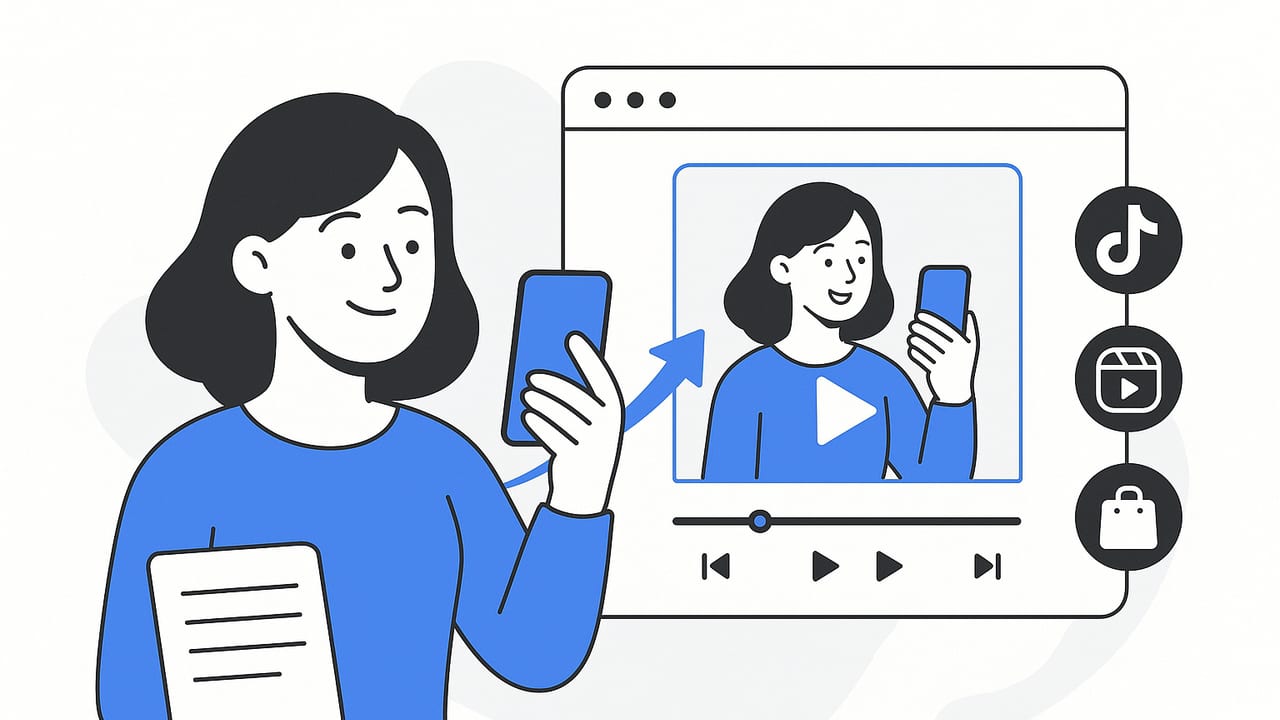
UGC style video is the format audiences trust most on vertical platforms. The good news is you do not need filmed footage to capture that candid, creator feel. With strong product photos and smart editing, you can create UGC style videos from photos that stop the scroll, deliver proof, and drive clicks and sales.
This guide covers the full process: what UGC style really is, the assets to gather, a repeatable workflow, platform specs, script templates, and optimization tactics. Whether you are launching a new SKU or refreshing evergreen ads, you will have everything you need to assemble thumb stopping videos from still images.
What UGC style really means
UGC style is not about shaky footage or random clips. It is a set of persuasive cues that mimic how real customers talk about products. When you build this from photos, you are recreating those cues with text overlays, voiceover, and motion.
- Authenticity cues: simple lighting, handheld feel, casual language, on screen captions, and first person framing
- Proof cues: ratings, quick testimonials, before and after, shots of product in context, demo sequences
- Conversion cues: clear benefit statements, social proof, price or guarantee, and a direct call to action
Think of UGC style as engineered authenticity. Every beat looks casual, but it is intentionally built to remove friction and earn trust.
Your photo checklist before editing
You can only move pixels you have. Assemble a tight set of assets so your edit flows smoothly.
- Hero product photos on clean background: multiple angles and close ups
- In context lifestyle photos: product being used in a real setting
- Detail macros: textures, ports, ingredients, stitching, buttons
- Before and after or transformation photos if applicable
- Social proof screenshots: ratings, short quotes, press badge, UGC comments, with permission
- Brand kit: logo in transparent PNG, fonts or font names, color hex codes
- Compliance notes: claims you can make, disclaimers you should show
How to create UGC style videos from photos: a repeatable workflow
- Pick one clear angle – Choose a single promise or problem to lead with. Example: Clears acne in 48 hours, or Charges your phone in 15 minutes.
- Write a 3 line hook – Line 1 calls out the viewer. Line 2 names the problem or result. Line 3 tees up the reveal. Keep it under 2.5 seconds total on screen.
- Map a 15 to 30 second beat sheet – Plan 6 to 8 beats. Example: Hook, proof, benefit 1, demo sequence, benefit 2, social proof, CTA.
- Assign photos to beats – For each beat, select the photo that best visualizes the idea. If a beat needs motion, plan a pan, zoom, or parallax.
- Add motion – Use Ken Burns pans, 3D parallax on layers, match cuts, and masked reveals so stills feel dynamic.
- Overlay copy – Keep text short, 4 to 6 words per card. Use one bold benefit per beat. Avoid stacking multiple messages at once.
- Record voiceover – Read your beat sheet naturally. Aim for 160 to 180 words per minute. If you skip VO, ensure captions alone communicate the story.
- Choose music and SFX – Light, upbeat tracks in 90 to 110 BPM fit most edits. Use whooshes for transitions and clicks for beat emphasis.
- Caption everything – Burn in captions or add platform captions. Center them in a safe area to avoid UI overlays.
- Export per platform – 1080 by 1920, 24 to 30 fps, H.264. Keep text inside the vertical safe area noted below.
Platform specs and safe areas
Specs change often, so always confirm current guidelines. These settings work well for most vertical placements.
| Platform | Aspect ratio and resolution | Length guide | Safe area tips |
|---|---|---|---|
| TikTok | 9:16, 1080 by 1920, 24 to 30 fps | 9 to 30 seconds for ads and organic; under 45 seconds for most | Keep key text within center 1080 by 1420 to avoid UI |
| Instagram Reels | 9:16, 1080 by 1920 | 15 to 30 seconds performs strongly | Avoid top and bottom 150 px; keep captions centered |
| YouTube Shorts | 9:16, 1080 by 1920 | 15 to 60 seconds | Text safe within center 80 percent |
| Product detail page video | Often 1:1 1080 by 1080 or 16:9 1920 by 1080 | 20 to 45 seconds | Large captions and clear CTA near center |
Tip: If you are exporting one master, use 9:16 and keep all crucial text inside a 1080 by 1420 central box so you can repurpose across platforms.
Three UGC style script templates built for photos
Template 1: Beauty or skincare transformation, 20 to 25 seconds
- Beat 1, 0 to 2 seconds: Hook line overlay – I tried this for 48 hours. Photo: close up face before.
- Beat 2, 2 to 5 seconds: Problem overlay – Breakouts before my big event. Photo: imperfect skin macro.
- Beat 3, 5 to 9 seconds: Solution reveal – This spot patch with hydrocolloid. Photo: product hero with ingredient callout.
- Beat 4, 9 to 14 seconds: Mini demo – Peel, stick, sleep. Photo sequence: hand applying patch, pillow scene.
- Beat 5, 14 to 19 seconds: Proof – After photo plus rating 4.8 of 5. Photo: after face lit evenly.
- Beat 6, 19 to 23 seconds: Benefit – Woke up with flat, calm skin. Photo: smiling portrait.
- Beat 7, 23 to 25 seconds: CTA – Add to cart while it is in stock. Photo: pack shot with logo.
Template 2: Gadget or accessory, 15 to 20 seconds
- Beat 1: Hook – My phone went from 10 percent to 80 percent fast. Photo: battery low screen.
- Beat 2: Reveal – 30 watt mini charger. Photo: charger size next to keys.
- Beat 3: Proof – Measured 27 watts real output. Photo: power meter screenshot.
- Beat 4: Benefits – Smaller than a lighter, foldable prongs. Photo: side profile close up.
- Beat 5: Social proof – 1,200 reviews, 4.7 average. Photo: ratings collage.
- Beat 6: CTA – Grab the 2 pack and save. Photo: two chargers on desk.
Template 3: Home and kitchen, 25 to 30 seconds
- Beat 1: Hook – I cleaned my oven door in 5 minutes. Photo: grimy glass close up.
- Beat 2: Problem – Baked on grease from months. Photo: streaks and residue macro.
- Beat 3: Solution – Citrus foam spray. Photo: product in hand with nozzle.
- Beat 4: Demo – Spray, wait 60 seconds, wipe once. Photo sequence: spray, timer, wipe.
- Beat 5: Proof – Half and half comparison. Photo: split screen before and after.
- Beat 6: Benefit – No harsh smell. Photo: kitchen with open window.
- Beat 7: CTA – Link in bio for bundle. Photo: bundle pack shot.
Motion techniques that make stills feel alive
- Ken Burns moves: slow pans toward the subject or subtle push ins timed to the beat
- Parallax: separate foreground and background layers to create depth
- Masked reveals: wipe text on by masking behind the product edge
- Match cuts: cut between two photos aligned on a common shape or angle
- Texture overlays: add light grain, paper, or subtle dust for a tactile feel
- Tap or swipe cues: small UI icons that suggest a handheld POV
Limit each move to a simple action per beat. Over animating stills can feel jittery and fake. The goal is to support the message, not to show off motion design.
Copy and captions that sell
- Write like a person, not a brochure. Short, punchy lines beat dense paragraphs.
- Front load numbers and nouns. Example: 48 hour patch beats new advanced hydrocolloid solution.
- Use one benefit per card. Do not stack three claims at once.
- Include a soft disclaimer if needed. Example: Results may vary.
Adding captions is non negotiable. Many views are silent and captions increase comprehension and retention.
1
00:00:00,000 --> 00:00:02,000
I tried this for 48 hours

2
00:00:02,000 --> 00:00:05,000
Breakouts before my big event

3
00:00:05,000 --> 00:00:09,000
Hydrocolloid patch to the rescue

4
00:00:09,000 --> 00:00:14,000
Peel, stick, sleep

5
00:00:14,000 --> 00:00:19,000
After: flat, calm skin

6
00:00:19,000 --> 00:00:23,000
Add to cart while it is in stock
Examples of overlays that convert
- Numbers: 4.8 of 5 rating, 12 thousand sold this month, 48 hour relief
- Time and effort savings: 5 minutes, 1 wipe, zero tools needed
- Risk reversal: 30 day returns, lifetime warranty
- Social proof: Seen in press badge or real customer quote
Editing checklist so you do not miss the basics
- Hook visible in the first 0.3 seconds
- Readable text at a glance: 80 to 100 characters per screen max
- Contrast: bright text on dark background or vice versa
- Brand presence: logo watermark at 50 percent opacity or a branded end card
- CTA clarity: Shop now, Learn more, or Claim offer
- Safe zone respected: no text hidden under platform UI
Measure, iterate, and scale
Great UGC style edits are built through testing. Track these core metrics:
- 3 second hold rate: signal of hook strength
- Average watch time and percentage watched: signal of pacing and clarity
- Click through rate on product page or bio link
- Add to cart rate and conversion rate on the destination
- Creative level ROAS if you are running paid ads
Run simple A or B tests:
- Swap just the hook line while keeping the rest identical
- Try a voiceover version versus captions only
- Change one image in the demo sequence
- Test two CTAs: Shop now versus See colors
Name your files clearly so you can attribute performance. Example: sku-hook48hr-voa-capburn-cta-shopnow-v3.mp4
Common mistakes and quick fixes
- Too many claims on screen – Keep one message per beat and use the next beat to stack proof
- Photos not matching the message – Pick images that literally show the benefit or outcome
- Text too small – Design for a 5 inch screen viewed at arm length
- No proof – Add numbers, ratings, or a mini comparison
- Over animated – Reduce moves to one per beat and align to the music
- Weak CTA – Use a direct action and a reason to act now
Repurposing one edit across channels
Once you have a strong 9:16 master, create variants fast:
- Cut a 15 second and a 30 second version
- Swap the first photo for a bolder visual in the hook
- Change colorways and copy for seasonal offers
- Render a square 1080 by 1080 for product detail pages or in feed placements
Frequently asked questions
Can I achieve a creator vibe without showing a person
Yes. Many high performing ads combine over the shoulder product in hand photos, annotated close ups, and captions written in first person. A candid desk or bathroom counter background helps sell the narrative.
Do I need voiceover
Voiceover is optional but often improves comprehension. If you skip VO, ensure captions alone tell a complete story from hook to CTA.
How many photos do I need
For a 20 second edit with 7 beats, plan at least 10 to 12 photos so you can alternate close ups and wides and still have options for match cuts.
Putting it all together
To create UGC style videos from photos at scale, think like a direct response editor: one idea per beat, a crisp visual for every claim, and a clear path to action. Start with your strongest photos, build motion that supports the message, caption everything, and follow the specs and safe areas above. Then iterate relentlessly based on hold rate and clicks.
If you want a streamlined way to transform product photos into engaging, creator style videos using AI, UGCMade offers tools that speed up this exact workflow while keeping quality high.
