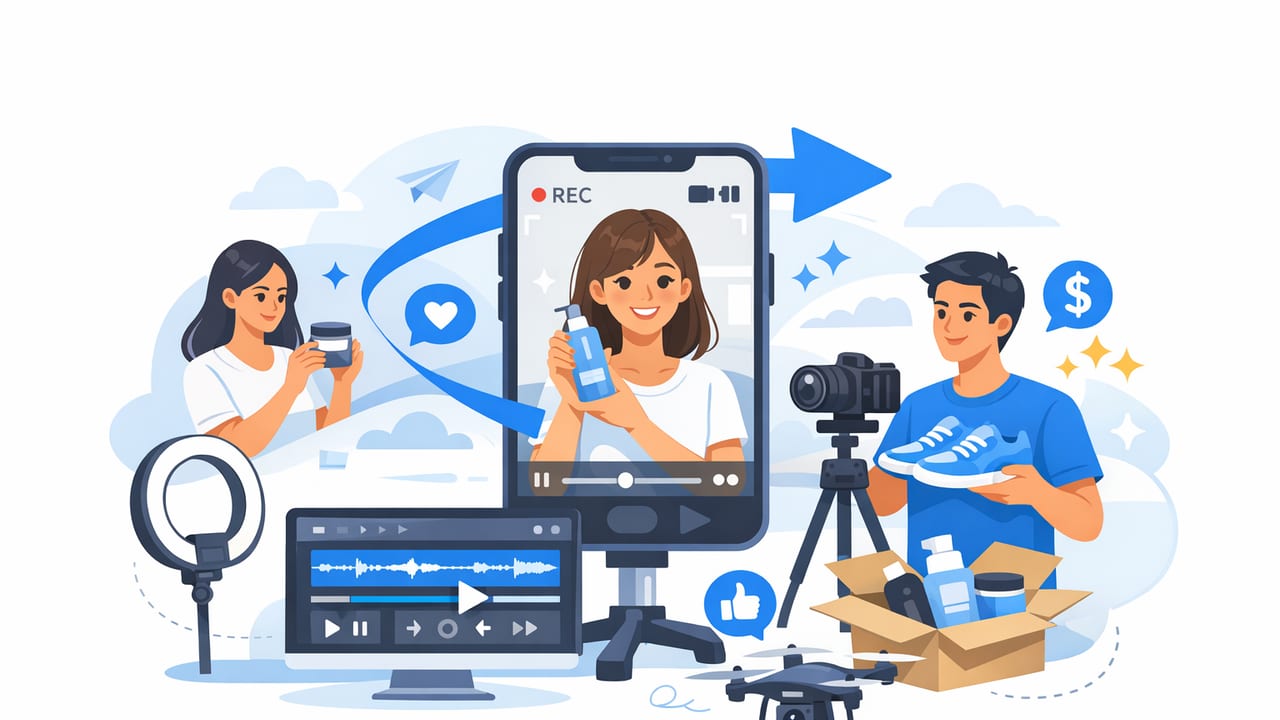
UGC-style (user-generated content) ads work because they feel like real people sharing real experiences—quick, imperfect, and persuasive. The good news: you don’t need a full production team or a day of filming to get that vibe. If you already have solid product photography, you can repurpose it into short-form clips that look and perform like UGC.
This guide shows a repeatable workflow to generate ugc style product videos from photos—without sacrificing authenticity. You’ll learn what makes UGC “feel” genuine, how to turn still images into motion-forward narratives, and how to test variations for better brand engagement.
What makes a video “UGC-style” (even if it starts as photos)?
UGC is less about camera quality and more about storytelling patterns. Even a photo-based video can feel like UGC when it includes:
- A fast hook (first 1–2 seconds): a problem, claim, or surprising benefit.
- Human framing: first-person language (“I tried…”, “Here’s what happened…”).
- Proof cues: reviews, before/after, results, textures, close-ups.
- Simple structure: problem → solution → payoff → CTA.
- Native formatting: captions, punchy pacing, vertical aspect ratio.
UGC-style is a format and a feeling: “someone like me tried this, and here’s the outcome.”
UGC vs polished studio ads: where each wins
| Element | UGC-style video | Polished studio ad |
|---|---|---|
| Trust & relatability | High (authentic tone, social proof) | Medium (can feel “too ads-y”) |
| Speed to produce | Fast (templates, captions, photo motion) | Slower (shoots, editing, approvals) |
| Best for | Cold traffic, testing angles, short-form feeds | Brand films, hero assets, premium positioning |
| Creative variability | Very high (many hooks & scripts) | Moderate (harder to iterate quickly) |
For most brands, the best approach is a mix: use UGC-style assets for iteration and performance, and keep polished videos for brand storytelling and campaigns.
Before you start: choose the right photos
Not all product photos translate equally well into short-form video. Aim for a set that supports micro-storytelling:
Photo checklist for UGC-style motion
- Close-ups (texture, details, packaging, “satisfying” angles)
- Context shots (product in use or in a relatable environment)
- Before/after or “problem state” vs “solution state”
- Scale cues (in-hand, next to common objects)
- Proof assets (ratings, testimonials, UGC screenshots you have rights to use)
Tip: If you only have clean studio images, you can still make it work—just add “human” cues via captions, review overlays, and a first-person voiceover script.
A repeatable workflow to generate UGC-style product videos from photos
Use this 7-step process to build assets that feel native on TikTok, Reels, Shorts, and paid placements.
1) Pick one angle (don’t cram everything into one video)
High-performing UGC usually sells one belief. Choose a single angle per video:
- Problem/Solution: “My skin looked dull… then I tried this.”
- Myth-busting: “I thought this wouldn’t work, but…”
- Comparison: “I tested X vs Y—here’s the difference.”
- Routine: “What I use every morning for…”
- Unboxing: “Here’s what arrives + what surprised me.”
2) Write a 15–25 second UGC script (even if there’s no person on camera)
A script keeps your pacing tight. Here’s a plug-and-play structure:
HOOK (0–2s): Call out the problem or outcome
CONTEXT (2–6s): Who it's for + quick credibility cue
DEMO/PROOF (6–18s): Show 2–3 benefits with visual proof
PAYOFF (18–22s): Summarize the result
CTA (22–25s): Simple next step (shop, learn more, see colors)
Write in first person to keep the UGC feel, e.g., “I didn’t expect…” “What I love is…” “Here’s how it looks…”
3) Map photos to beats (a mini storyboard)
Turn your script into a visual plan so every second has purpose.
Scene 1 (Hook): Bold headline over most compelling photo
Scene 2 (Context): Packaging/brand shot + 1-line promise
Scene 3 (Proof): Close-up detail + benefit #1 caption
Scene 4 (Proof): In-use/context photo + benefit #2 caption
Scene 5 (Proof): Review overlay + star rating + benefit #3
Scene 6 (Payoff): Before/after or “final look” image
Scene 7 (CTA): Product + offer/variant reminder + URL
4) Add motion that mimics handheld UGC
Motion is what makes photo-based content feel like video. Use simple moves:
- Slow push-in on close-ups to simulate “leaning in”
- Quick punch zoom on key words (hook, results, price)
- Swipe transitions to mimic camera movement
- Parallax (subtle depth) for “alive” product shots
- Cut on the beat if using trending or native-style audio
Keep it imperfect-on-purpose: UGC pacing is punchy. Over-smoothing everything can make it feel like a slideshow ad.
5) Use captions like the primary creative layer
In UGC-style video marketing, captions often do more selling than visuals. Best practices:
- Make the hook a headline (5–8 words)
- One idea per line (avoid paragraph captions)
- Highlight proof: “4.8★ from 12k+ reviews” (if accurate)
- Answer objections: shipping, sizing, sensitivity, durability
- Use on-screen emphasis with bold keywords and short phrases
6) Add “proof signals” (the secret sauce for brand engagement)
If your video starts from product photography, proof signals create the human trust layer UGC is known for:
- Review callouts (quotes, star ratings, “Verified” style badges)
- Before/after (with consistent lighting and clear disclaimers if needed)
- Numbers: “Lasts 12 hours,” “Holds up to 30 lbs,” “3-step routine”
- Specifics: materials, ingredients, fit notes, compatibility
Important: Only use claims you can support, and follow platform policies for health, finance, and results-based marketing.
7) Export variations for testing (the fastest way to improve performance)
Instead of one “perfect” video, generate 5–10 variations using the same photo set:
- 3 hook variants (problem, benefit, curiosity)
- 2 pacing variants (fast cuts vs slightly slower)
- 2 CTA variants (“Shop now” vs “See shades”)
- 2 caption styles (minimal vs proof-heavy)
Practical examples: hooks you can adapt today
Use these hook formulas to generate ugc style product videos that feel native and scroll-stopping:
- “I didn’t think this would…” → great for skepticism and surprise
- “If you struggle with [problem], watch this” → direct and high-intent
- “3 things I wish I knew before buying [category]” → educational UGC
- “Here’s the difference after 7 days” → outcome-led
- “I replaced [old solution] with this” → comparison without naming competitors
Common mistakes when turning product photos into UGC-style videos
- Too many messages: one video should sell one angle.
- No proof layer: add reviews, results, specifics, or demos.
- Slow intro: the hook must land immediately.
- Over-designed templates: UGC needs “native,” not “corporate.”
- Text overload: keep captions readable on mobile.
How to measure whether your UGC-style photo videos are working
Treat this as a performance creative system. Track:
- Hook rate: 3-second view rate / thumbstop rate
- Hold rate: average watch time and completion rate
- Engagement: saves, shares, comments (signals resonance)
- Click-through rate: creative-to-landing alignment
- Conversion rate: especially on mobile PDP
If hold rate is low, tighten pacing and simplify captions. If CTR is low, try a clearer promise or stronger proof. If conversions are low, align your video claims with what the product page immediately confirms.
FAQ: generating UGC-style product videos from photos
Can a photo-based video really feel like UGC?
Yes—if the script, captions, pacing, and proof cues match UGC patterns. Motion (push-ins, quick cuts) and first-person language do most of the work.
How long should these videos be?
Most brands see strong results in the 12–25 second range. Start at ~18 seconds and adjust based on watch time.
Do I need voiceover?
Not required, but it helps. If you skip voiceover, make captions carry the narrative and use sound that feels native to the platform.
Final takeaway: build a system, not a one-off video
The fastest path to consistent results is a lightweight system: pick one angle, write a short UGC script, storyboard your photos, add native motion and captions, then test variations. When you treat creative as a set of experiments, you’ll quickly learn what your audience responds to—and you’ll be able to generate ugc style product videos on demand.
If you’re looking for a streamlined way to turn existing product photos into short, platform-ready clips, tools like UGCMade can help simplify the production step while you focus on hooks, proof, and storytelling.
