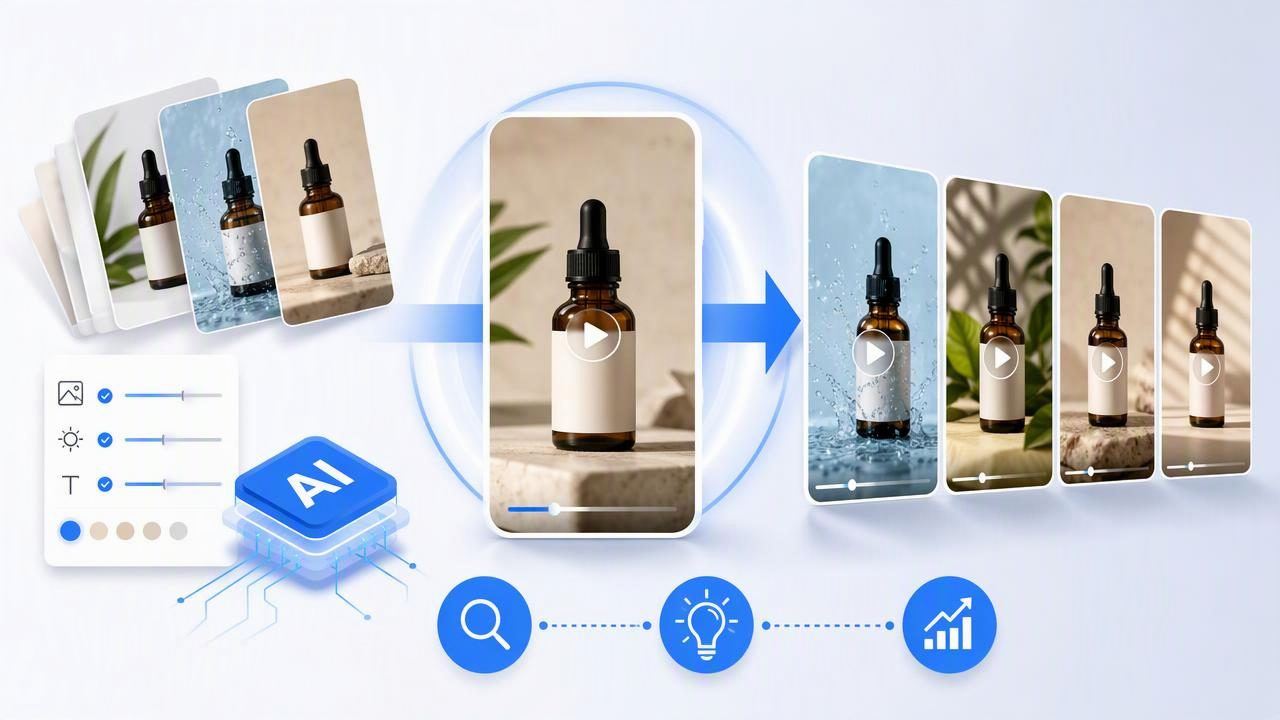
Creating a single short-form product video is one challenge. Creating multiple videos that all show the same product accurately, follow the same brand direction, and remain useful for ad testing is another.
If you are learning how to get consistent product videos with a short form ad generator, the answer starts before any video concept is created. Consistency depends on the quality of the source product image, the clarity of your creative constraints, and a testing approach that changes one meaningful variable at a time.
AI-generated creator-style videos can help teams explore product stories quickly, but they are creative concepts rather than guaranteed representations of real-world filming conditions or product performance. A strong process helps you make those concepts more comparable, more on-brand, and easier to review before they are used in marketing.
What Consistency Means in Short-Form Product Videos
Consistency does not mean every video should look identical. If every ad has the same hook, pacing, setting, and message, your creative testing will be limited. Instead, consistency means the parts of the video that must remain true stay stable while selected creative elements change deliberately.
For product-focused short-form ads, the stable elements usually include:
- Product identity: correct shape, color, packaging, logo placement, and key visible details.
- Brand language: approved claims, tone of voice, and words to avoid.
- Audience context: a recognizable use case and customer problem.
- Visual standards: preferred lighting, color palette, framing, and level of polish.
- Core message: the primary benefit or product angle being tested.
The elements you may vary include the first-second hook, creator-style setting, spoken script, sequence of benefits, on-screen text, and call to action. This distinction prevents a common problem: generating several videos that feel different but cannot be fairly compared because each one changes the product, audience, promise, and style at the same time.
Begin With a Product Image That Can Carry the Story
A product image is more than an upload asset. It is the visual reference that informs how your product may appear throughout an AI-generated video concept. When the source image is unclear, inconsistently lit, or packed with visual distractions, keeping product appearance stable becomes more difficult.
Choose a primary image with the product centered, well lit, and fully visible. The label should be readable where appropriate, and the background should not hide the outline of the item. For a bottle, box, beauty product, or device, use an angle that shows the features a viewer needs to recognize.
Before using the image, inspect it for details that could create ambiguity:
- Is the brand name legible, or too small to verify?
- Are multiple variants visible in one photo?
- Does glare cover important packaging details?
- Is the product partly obscured by a hand, prop, or shadow?
- Does the image show an outdated label or discontinued colorway?
If your goal is a consistent set of videos, use the same approved product photo as the visual anchor for the first concept batch. Changing the source photo between concepts introduces another variable, making it harder to tell whether a difference in creative direction or a difference in the image caused the result.
Create a One-Page Creative Consistency Brief
A short brief gives the generator and your review team a shared source of truth. It does not need to be lengthy. In fact, a focused document is more practical than a broad brand guide when building short-form ad concepts.
Use this structure for every product video batch:
- Product: Name the exact product and variant shown in the source image.
- Audience: Describe one audience segment and the situation they are in.
- Problem: State the specific frustration or need the video addresses.
- Single benefit: Choose one product benefit to foreground, using approved language.
- Visual rules: Define product color, label accuracy, preferred setting, and prohibited imagery.
- Voice rules: Specify the tone, reading level, and claims that require legal or internal approval.
- Test variable: Identify the one element that changes between concepts.
This framework turns vague requests such as “make it feel like authentic UGC” into instructions a team can evaluate. Creator-style content can be casual, direct, and personal without making unsupported claims or presenting an imagined experience as a verified customer testimonial.
Concrete Example: Three Videos From One Electrolyte Bottle Image
Imagine a brand has one clean product photo of a citrus electrolyte drink bottle. The bottle is upright, the label is visible, and the background is plain. The brand wants to explore videos for people who exercise before work.
The product photo remains the same across all three concepts. The audience, core benefit, and visual rules also remain stable:
- Audience: Morning gym-goers with limited time.
- Core angle: A convenient addition to a post-workout routine.
- Visual rule: Show the citrus bottle accurately and avoid medical, hydration-performance, or outcome claims that have not been approved.
- Format: Vertical, short-form pacing, product visible early.
Only the opening hook changes. This makes the concepts useful as a creative comparison rather than three unrelated videos.
| Concept | Opening Hook | Story Structure | What Stays Constant |
|---|---|---|---|
| Routine hook | “My gym bag is ready before I am.” | Gym bag, bottle reveal, quick post-workout routine, product close-up. | Same bottle image, audience, benefit angle, and CTA. |
| Problem hook | “I kept forgetting a post-gym drink.” | Rushed morning moment, bottle added to bag, routine payoff, product close-up. | Same product facts and visual standards. |
| Visual hook | Close-up of condensation and the citrus label. | Fast visual opening, workout transition, simple routine message, product close-up. | Same product, audience, and approved language. |
These are creative examples, not evidence that any concept will improve engagement, sales, or conversion rates. The purpose is to create a controlled comparison: which hook communicates the product story most clearly to the intended audience? A marketing team can review the concepts for brand fit, product accuracy, clarity, and compliance before deciding whether to develop, test, or revise them.
Use a Consistency Prompt, Not Just a Creative Prompt
A creative prompt describes what you want to see. A consistency prompt also explains what cannot change. Combining both reduces ambiguity and gives reviewers a practical checklist.
Product: Citrus electrolyte drink bottle shown in the supplied image.
Audience: People finishing an early-morning gym session.
Story: A quick, realistic post-workout routine.
Product rules: Keep bottle shape, citrus color, and visible label consistent
with the source image. Show the product within the opening seconds.
Tone: Casual, useful, concise, creator-style.
Claims: Do not make medical, performance, or guaranteed-result claims.
Test variable: Change only the first hook.
Required ending: Product close-up with “Add it to your morning routine.”
Be specific about what “consistent” means for your product. For example, a skincare brand may prioritize jar color and ingredient wording. A kitchenware brand may prioritize handle shape and how the item is used. A clothing brand may need especially careful review because fit, fabric texture, color, and logo treatment can vary visually in generated concepts.
Build a Review Process Before You Compare Concepts
Do not compare video concepts only by whether they look polished. A visually appealing concept can still be unsuitable if the product looks inaccurate, the message is unclear, or the claim is not approved.
Score each draft against the same criteria:
- Product accuracy: Does the item resemble the approved source image?
- Message clarity: Can a viewer understand the product and use case quickly?
- Hook strength: Does the opening earn attention without misleading the viewer?
- Brand fit: Does the tone match the way your brand communicates?
- Claim safety: Are all statements supportable and properly qualified where needed?
- Comparability: Did the intended test variable actually remain isolated?
A simple scorecard helps avoid subjective feedback such as “I like this one better.” Instead, reviewers can say, “Concept B has a clearer first-second problem statement, but the product label needs checking,” or “Concept C is visually strong but changes both the setting and the hook, so it is not a clean comparison.”
Limitations to Plan For
AI-generated product video concepts should be reviewed carefully. A source image helps guide visual continuity, but it cannot guarantee that every generated detail will be exact in every scene. Packaging text, proportions, hands, interactions, reflections, and product use may need close inspection.
There are also strategic limitations. A concept that appears relatable is not automatically authentic customer feedback. Avoid presenting fictional creator dialogue as a real testimonial. Likewise, avoid unsupported before-and-after results, regulated claims, or statements about product outcomes that your brand cannot substantiate.
Finally, consistency should not become sameness. Once you have a reliable product foundation, test distinct angles gradually: routine, giftability, problem-solving, comparison, unboxing, or seasonal relevance. Keep your product identity stable while giving the audience a new reason to pay attention.
Make Consistency a Repeatable Creative System
The best way to create consistent product videos is to treat every batch as a small experiment. Start with one strong product image, write down the non-negotiable visual and messaging rules, and vary one creative element at a time. That process creates clearer comparisons and reduces avoidable revisions.
For a practical reference on using a product image as the starting point for video concepts, see UGCMade’s guide to turning a product photo into video. The key is not to expect a source image to solve every creative decision; it is to use it as a stable foundation for more deliberate visual storytelling and brand engagement.
