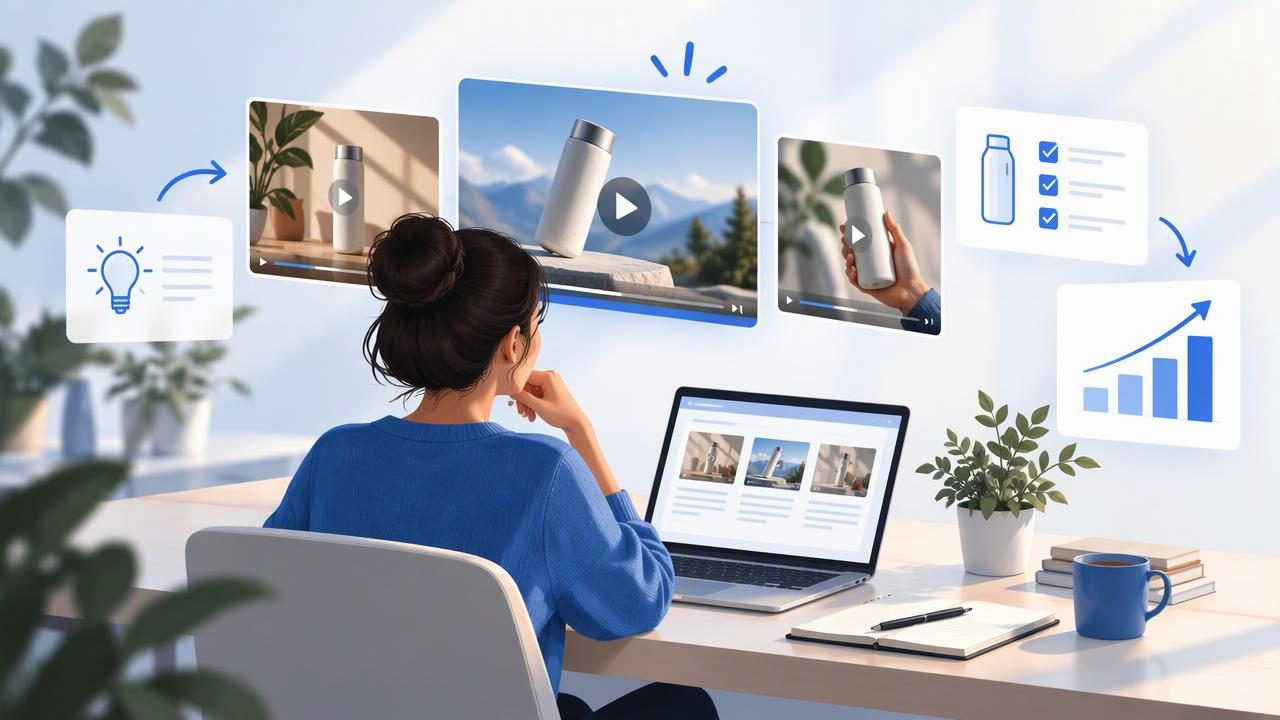
A product campaign needs more than an attractive image. Shoppers want to understand what an item does, how it fits into their lives, and why it might suit them. An AI product demo maker can help turn product photography into UGC-style video concepts that make those questions easier to explore.
The useful shift is to treat AI video as a way to develop and compare creative ideas—not as proof that a product works or that an ad will perform. Start with accurate product information, use a product image as a visual reference, and assess each concept before deciding what to publish. This approach can make content creation more deliberate while keeping visual storytelling grounded in what the product actually offers.
What an AI product demo maker can contribute
An AI product demo maker uses artificial intelligence to help create video content from inputs such as product images, written direction, or other materials, depending on the tool. For a campaign, it can help explore different ways of presenting the same item: a quick feature explanation, a lifestyle-led introduction, or a problem-and-solution story in a creator-style format.
These are creative concepts, not automatically verified product demonstrations. A generated presenter, setting, spoken line, or product interaction may be illustrative rather than documentary. The distinction matters: if a viewer could interpret a scene or claim as a real product result, check that it is accurate and supportable before publishing.
Think of the maker as an ideation and production aid. Your team still sets the campaign objective, confirms the facts, chooses the strongest direction, and reviews the final video for accuracy and suitability.
Begin with a campaign question, not a video style
Before making concepts, write down the decision you want your campaign to help shoppers make. “Make an engaging video” is too broad to guide a useful comparison. A clearer question could be: Will shoppers understand the product’s main feature more quickly when it is explained directly or shown in a daily-use scenario?
Then define the audience, placement, and one primary message. Keep the first round focused. If you change the message, opening, presenter, setting, and call to action at once, you will have a hard time identifying what made two concepts different. A concise brief might include:
- Audience: who the product is for and what they may want to know.
- Campaign goal: for example, introduce the product or explain a specific feature.
- Verified facts: product dimensions, materials, instructions, and approved claims.
- Creative variable: the one element you want to compare, such as the opening or explanation style.
- Placement needs: intended aspect ratio, duration, captions, and any channel requirements.
Record these choices in a short brief. It gives reviewers a standard to use when checking whether each concept communicates the intended message.
Concrete example: plan two concepts for a reusable bottle
Imagine a brand preparing a campaign for a reusable water bottle. Its product photo clearly shows the bottle’s shape and lid. The confirmed product details say that it holds 750 milliliters and has a screw-on cap. Those facts provide a safe foundation; the image does not, by itself, verify that the bottle keeps drinks cold, prevents leaks, or fits every cup holder.
The team could use the same image and brief to explore two distinct UGC-style video concepts:
- Concept A—feature-first: A creator-style presenter introduces the bottle and explains its 750-milliliter capacity. The visual emphasis stays on the product and its size. The script avoids claims about temperature retention or leakproof performance unless the brand has substantiation for them.
- Concept B—routine-first: A creator-style scenario shows someone preparing for a day out, then introduces the bottle as an item they bring along. The story leads with the routine, while the narration communicates the same confirmed capacity and cap type.
These examples describe creative directions, not verified results from an AI tool or a real campaign. A generated scene might depict an action the product cannot safely or accurately perform. Review what appears on screen as carefully as what is said: the bottle’s shape, lid, scale, color, and use should not contradict the real item or its instructions.
For a fair comparison, keep the audience, product facts, offer, and intended placement consistent. Change only the storytelling approach. If Concept A and Concept B also use different offers and radically different calls to action, the test cannot isolate whether the feature-first or routine-first idea was clearer.
Compare concepts with a practical review table
Before publication, score each draft against the same criteria. A simple qualitative scale—such as “needs revision,” “acceptable,” and “strong”—can help a team discuss trade-offs without pretending to predict campaign performance.
| Review criterion | What to check | Example question |
|---|---|---|
| Product accuracy | Appearance, scale, parts, and depicted use | Does the bottle match the supplied product information? |
| Claim accuracy | Spoken and on-screen statements | Can the brand support every performance claim? |
| Message clarity | How quickly the main point is understood | Can a viewer explain the key feature after watching? |
| Audience relevance | Scenario, language, and tone | Does the situation make sense for the intended audience? |
| Placement fit | Framing, captions, pacing, and sound | Is essential information clear in the intended placement? |
Use the table to identify revisions, not to declare a winner based on taste alone. If both concepts are clear and accurate, a controlled campaign test can help you learn how your audience responds. Define the comparison and evaluation method before launch, and avoid treating early engagement signals as proof of long-term sales impact.
Turn the strongest direction into a responsible campaign
After reviewing the concepts, choose whether to refine one or prepare both for a small, controlled test. Confirm the final script against approved product information, and make sure any offer, price, availability, or guarantee shown is current. If the creative includes a simulated person or setting, consider whether the presentation could mislead viewers about an actual customer experience or product result.
Check technical requirements for the channel where the campaign will appear. These may include video dimensions, maximum length, caption placement, sound behavior, and advertising disclosure rules. Requirements differ by placement and can change, so verify them with the relevant platform and your organization’s review process instead of assuming one export will suit every use.
For a useful test, write down what you are changing and what you will observe. For example, compare the opening approach while holding the rest of the campaign as steady as practical. Keep a record of the versions, dates, audience settings, and evaluation criteria. That context makes results easier to interpret and helps inform future content creation without overstating what a single test can prove.
Know the limitations before you publish
A product photo provides visual information, but it cannot communicate every detail needed for a faithful demo. It may not show how a mechanism works, how a material feels, or how the product behaves over time. Add reliable written specifications or approved footage when those details matter, and do not ask a generated scene to stand in for evidence.
AI-generated imagery and motion can also introduce inconsistencies, such as altered labels, distorted parts, implausible hand movements, or interactions that do not match the real product. Inspect the video frame by frame where practical, not just the opening and closing screens. Check voiceover, captions, and graphics separately because text can introduce an unsupported claim even when the product image looks accurate.
Finally, a compelling concept is not a performance guarantee. A clear video may still need changes to its audience, offer, or distribution to meet campaign goals. Use AI to make creative exploration more manageable, then rely on review and measured testing—not assumptions—to guide decisions.
A focused way to launch
To launch a product campaign with an AI product demo maker, begin with one specific shopper question and a set of verified facts. Use a product image to explore distinct storytelling approaches, compare them against consistent criteria, and separate illustrative scenes from claims about real product results. Then review the selected video for accuracy, placement requirements, and clarity before publishing.
For teams planning a structured comparison, UGCMade shares a practical guide to testing ad variations. The broader principle applies to any workflow: make the creative difference intentional, keep product claims grounded, and treat each campaign as an opportunity to learn.
