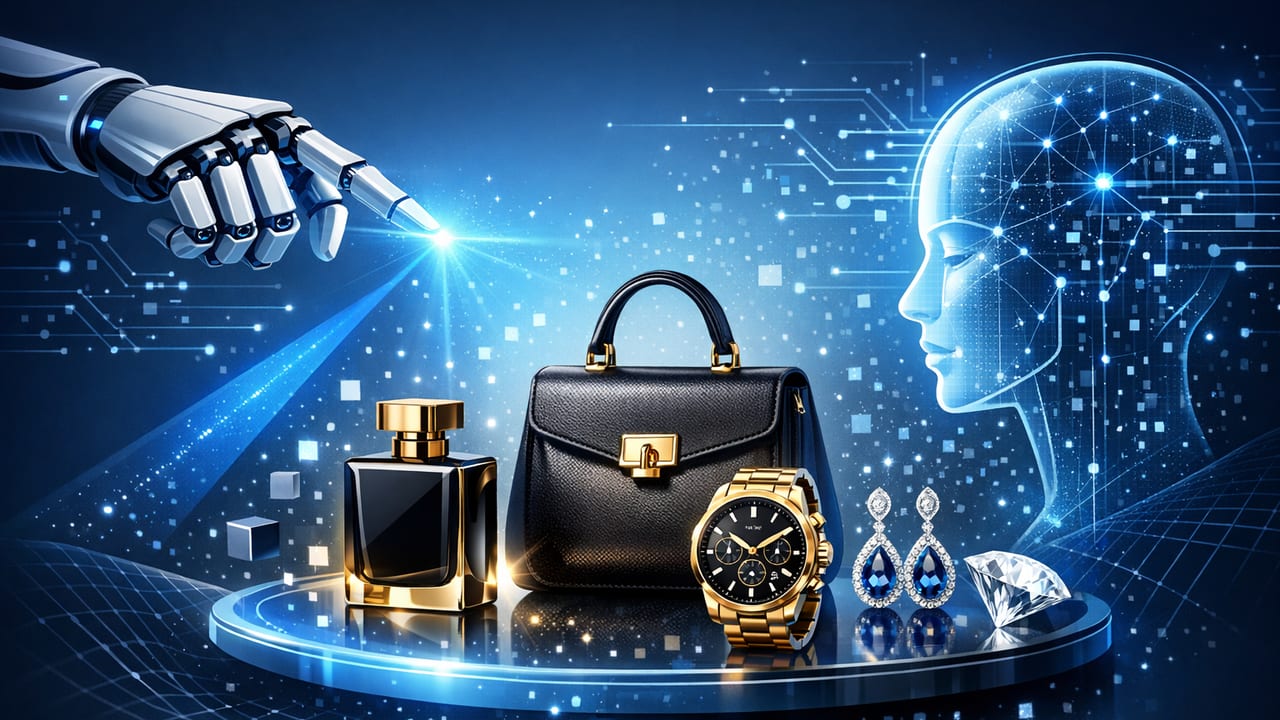
Luxury brands don’t win on volume—they win on perception. When a customer can’t touch the leather, feel the weight of a watch, or see the gemstone fire in person, your visuals must do the work. That’s why premium AI visuals for luxury products aren’t about flashy effects; they’re about controlled enhancement: preserving materials, color accuracy, and brand codes while adding motion that feels editorial, not gimmicky.
This guide explains a practical, brand-safe workflow to turn strong product photography into high-end video assets using AI-assisted production. You’ll learn what “premium” really means in luxury content creation, which inputs matter most, how to avoid common AI artifacts, and how to standardize output for ecommerce, paid social, and product pages.
What “premium” means in AI visuals for luxury
In luxury, premium isn’t defined by how much you add—it’s defined by what you don’t compromise:
- Material truth: metal should look like metal; satin should retain weave and sheen; perfume glass should keep realistic refractions.
- Color discipline: brand colors remain consistent across shots, edits, and platforms.
- Edge integrity: clean silhouettes, no melting contours, no warping logos, no “AI shimmer.”
- Intentional motion: camera moves that mimic real optics (dolly, slow pan, micro-parallax) rather than random animation.
- Editorial pacing: time for the viewer to appreciate craftsmanship; fewer cuts, higher clarity.
Luxury video isn’t louder. It’s calmer, clearer, and more deliberate.
Start with product photography that’s built for motion
AI can enhance, but it can’t reliably invent authentic product details without risk. The fastest way to premium output is to capture photos that already contain the information motion needs.
Photography checklist (the non-negotiables)
- High resolution: aim for 3000px+ on the long edge for hero frames (higher is better for cropping and stabilization).
- Consistent lighting: soft, controlled sources; avoid mixed color temperatures.
- True-to-life color: calibrate your monitor; use a color target when possible; lock white balance.
- Sharp branding: logos, monograms, hallmarks, and packaging type must be tack-sharp.
- Multiple angles: front/45/top/detail shots; macro for textures (stitching, knurling, stones).
- Clean backgrounds: neutral backdrops simplify segmentation and reduce edge artifacts.
Luxury-specific shot types that translate well to photo-to-video
- Hero still (the “billboard” frame): the shot you’d trust for a campaign banner.
- Material macro: tight detail on craftsmanship (grain, polish, engraving).
- Functional micro-moment: cap twist, clasp close, zipper pull, atomizer press—captured as a still sequence if you can.
- Packaging ritual: box, tissue, dust bag, certificate—luxury is often in the unboxing.
A brand-safe workflow for premium AI photo-to-video
The goal is a repeatable process that keeps creative decisions intentional. Here’s a workflow you can standardize across launches and collections.
Step 1: Define “brand guardrails” before generating anything
Create a one-page reference that anyone on your team (or external partners) can follow:
- Brand palette: approved hex values and acceptable ranges for highlights/shadows.
- Texture rules: what must never change (e.g., leather grain scale, brushed metal direction).
- Logo rules: no warping, no re-typing, minimum on-screen size, clear space.
- Motion style: “slow dolly + gentle parallax,” “editorial handheld,” “museum stillness,” etc.
- Do-not-do list: glitter overlays, heavy film grain, extreme bokeh simulation, unreal reflections.
Step 2: Prep stills like a post-production team would
Even if AI is involved, treat inputs like high-end retouching sources:
- Retouch for realism: remove dust and scratches, but don’t erase character (especially on natural materials).
- Balance exposure: protect highlights (jewelry, glass) and retain shadow detail (black packaging, dark leather).
- Separate layers when useful: product vs. background vs. shadow (helps with clean depth and motion).
Step 3: Choose motion that mimics real production
The most “premium-looking” AI video often uses simple camera moves that feel physically plausible:
- Slow push-in to emphasize materials and craftsmanship.
- Side pan for silhouettes and edge highlights.
- Micro-parallax (subtle depth separation) for dimensionality without distortion.
- Rack-focus simulation (used sparingly) to guide attention to a hallmark or texture.
Avoid fast spins, elastic warps, or “breathing edges.” If it couldn’t be achieved on a controlled set, it may look off-brand.
Step 4: Use AI enhancement selectively (not universally)
In luxury, AI should be a scalpel:
- Detail preservation: upscaling for crisp edges and readable marks.
- Stabilization: reduce jitter in generated camera moves.
- Light refinement: subtle highlight shaping, not re-lighting into a different world.
- Background control: gentle gradients or clean environments that don’t fight the product.
If you notice repeated issues—logo softening, texture “painting,” metal turning plastic—reduce the effect strength and prioritize the original photography.
Step 5: Quality control with a luxury-specific checklist
Before anything ships to ads or PDPs, review frame-by-frame:
- Logo integrity: no deformation, no aliasing, no flicker.
- Edges: watch for shimmering outlines and crawling pixels along the silhouette.
- Material consistency: check that reflections behave consistently across frames.
- Color stability: no sudden temperature shifts or saturation pulses.
- Compression resilience: preview after export and after platform upload (social compression can reveal issues).
Recommended output specs for luxury ecommerce and social
Premium visuals also mean clean delivery. Here’s a practical spec table you can adopt.
| Use Case | Aspect Ratio | Resolution | Duration | Notes |
|---|---|---|---|---|
| PDP hero video | 16:9 or 1:1 | 1920×1080+ | 6–15s | Silent-friendly; prioritize detail and slow motion |
| Paid social feed | 4:5 | 1080×1350 | 6–12s | Big product, minimal text, fast first-frame clarity |
| Stories/Reels | 9:16 | 1080×1920 | 7–15s | Use safe margins; keep hero product centered |
| Marketplace listing | 1:1 | 1080×1080 | 6–10s | Simple backgrounds; avoid fine flicker details |
Storyboard templates that feel luxury (and convert)
Luxury storytelling can still be performance-minded. The trick is to keep conversion cues implicit—focused on craftsmanship, proof, and ritual.
Template A: “Material to Mastery” (10 seconds)
- 0–2s: Hero silhouette, slow push-in.
- 2–6s: Macro detail (stitching/engraving/stone setting), gentle pan.
- 6–9s: Functional moment (cap twist/clasp close) via subtle motion.
- 9–10s: Pack shot + minimal line (e.g., collection name).
Template B: “The Ritual” (12 seconds)
- 0–3s: Packaging reveal (box/dust bag), soft lighting.
- 3–8s: Product hero with micro-parallax depth.
- 8–12s: Detail close-up with controlled highlight sweep.
Common pitfalls (and how to fix them)
1) Over-processing that looks “AI-generated”
Symptom: skin-like smoothing on metal, waxy leather, or unnaturally perfect gradients.
Fix: reduce enhancement strength, reintroduce authentic micro-texture, and keep lighting changes minimal.
2) Logo flicker and typography artifacts
Symptom: brand marks crawl, warp, or blur during motion.
Fix: lock the logo area (masking), use less aggressive motion, and avoid extreme depth effects near text.
3) Unreal reflections in glass and polished metal
Symptom: reflections shift without a believable light source.
Fix: stick to subtle camera moves; ensure your base photo already has controlled reflections.
4) Compression destroys the “premium” feel
Symptom: banding in gradients, macro-blocking in shadows.
Fix: export with higher bitrate, avoid noisy overlays, and test uploads on target platforms.
How to standardize production at scale
Luxury teams often need consistency across SKUs, regions, and seasonal drops. Standardization prevents quality drift.
Create a naming convention and spec “contract”
Even a simple convention reduces errors when repurposing assets:
BRAND_COLLECTION_SKU_ASPECT_PLATFORM_DURATION_v01.mp4
Example:
AURORA_FW_SKU1234_45_FEED_10s_v03.mp4
Build a reusable checklist for every export
- First frame reads as a premium still (could be used as a static ad)
- One hero claim max (or none) to preserve minimalism
- Motion is slower than you think (luxury pacing)
- Color compared against reference stills
- Uploaded-preview QA complete
Measuring success without diluting the brand
Luxury metrics should balance performance with brand signals. Consider tracking:
- Thumbstop rate (first 1–2 seconds): indicates whether your opening frame is strong.
- View-through rate: premium pacing should still hold attention.
- PDP engagement: scroll depth, time on page, video plays.
- Return/refund indicators: clearer visuals can reduce expectation gaps.
When testing, change one variable at a time (motion speed, background tone, macro vs. hero order) to avoid confusing results.
Quick checklist: premium AI visuals for luxury products
- Capture: high-res stills, consistent lighting, true color, multiple angles
- Guardrails: brand palette, texture rules, logo integrity, motion style
- Motion: slow push/pan, micro-parallax, minimal cuts
- Enhancement: selective detail, stabilization, gentle background control
- QA: frame-by-frame checks + platform upload preview
- Delivery: platform-native ratios, high bitrate, compression-aware gradients
Final thoughts
Premium AI-assisted content works best when it behaves like luxury production: disciplined, subtle, and rooted in excellent product photography. If you treat AI as a controlled post-production layer—rather than a shortcut to invent new reality—you can generate photo-to-video assets that feel editorial, protect brand equity, and scale across campaigns.
If you’re exploring tools to streamline turning product photos into video while keeping a brand-safe workflow, a platform like UGCMade can be a practical option to evaluate.
