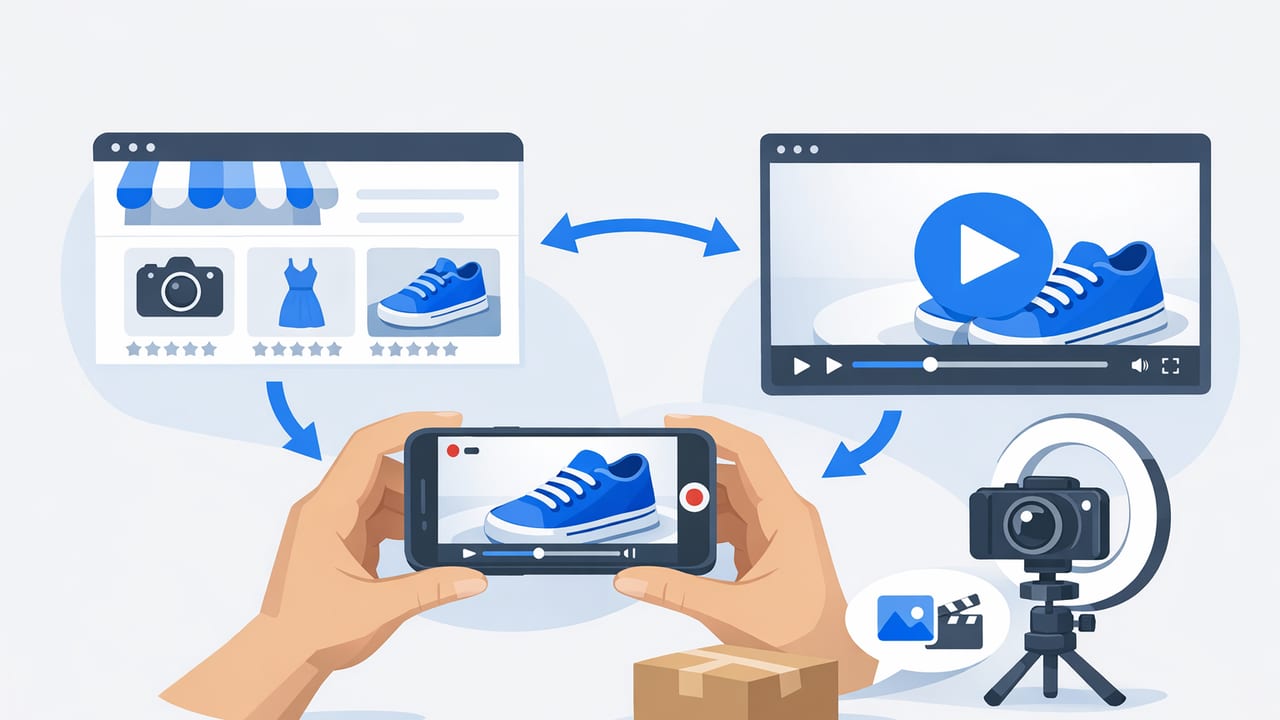
For marketplace sellers, photos are still the “table stakes” for listings—but they’re no longer the only way to communicate quality, fit, and value. A strong marketplace sellers product video alternative to photos strategy can reduce buyer uncertainty, answer common questions faster, and help shoppers imagine the product in real life.
This guide breaks down the best video alternatives to static images, when to use each format, and how to produce them efficiently without turning your operations into a full-time studio.
Why video works when photos hit a wall
Photos show how a product looks. Video shows how a product behaves. That difference matters in marketplaces where shoppers compare dozens of near-identical listings in minutes.
- Reduces ambiguity: Motion clarifies scale, texture, reflectivity, and build quality.
- Demonstrates use: Simple interactions (open/close, pour, fold, snap, charge) answer questions that photos can’t.
- Builds trust: Seeing the product from multiple angles in one continuous shot can feel more “real.”
- Improves decision speed: Video compresses a lot of information into 10–30 seconds.
Tip: In marketplaces, shoppers rarely watch long videos. Your goal is clarity, not cinema.
7 product video alternatives to photos (and where each fits)
You don’t need a single “perfect” video. You need the right video type for your product’s biggest friction point: sizing, setup, durability, results, or aesthetics.
1) 360° spin (manual or automated)
A smooth rotation showcases shape, materials, and details with minimal scripting. It’s ideal for products where finishes and craftsmanship matter (jewelry, accessories, home goods).
- Best for: Visual differentiation, reducing returns due to “not as expected.”
- Keep it short: 8–12 seconds is often enough.
2) Hands-in-frame demo (silent or caption-led)
Hands demonstrate scale and usage without needing a face on camera. This is one of the highest ROI formats for everyday products.
- Best for: Assembly, texture, flexibility, closures, compartments, before/after setups.
- Pro move: Add on-screen captions so it works without sound.
3) “Problem → Solution” micro-story
Start with the pain point in the first 1–2 seconds (mess, clutter, time wasted), then show the product solving it.
- Best for: Household tools, organizers, fitness accessories, pet products.
- Structure: Hook → 2–3 benefits → proof detail → CTA (optional).
4) Feature callout montage (from existing photos)
If you already have decent photos, you can create a motion montage: zooms, pans, text overlays, and icons highlighting key specs. This is a practical product video alternative to photos when you can’t reshoot.
- Best for: Large catalogs, variations (colors/sizes), fast iteration.
- Watch out: Keep text big and minimal—mobile-first.
5) Size & fit visualization
One of the biggest causes of refunds is sizing confusion. A short clip comparing the product to common objects (hand, phone, credit card) or showing it used in context can reduce “expectation mismatch.”
- Best for: Apparel accessories, kitchen tools, storage products, travel items.
- Include: Clear dimension overlays or a ruler shot.
6) Proof video (durability, performance, results)
Proof doesn’t need to be extreme; it needs to be believable. Show a hinge opening repeatedly, a bag carrying weight, a nozzle spraying evenly, or a fabric repelling water.
- Best for: “Skeptic” categories where buyers doubt claims.
- Keep it honest: Avoid exaggerated demonstrations that trigger complaints.
7) Customer-style UGC clip (lightly produced)
UGC-style content can feel more authentic than polished studio footage. Even without a creator, you can emulate the style: casual lighting, natural hands, simple narration, captions.
- Best for: Social proof, lifestyle, gifting, daily use.
- Key: Prioritize clarity and legibility over “vibes.”
Choosing the right format: a quick decision table
| Primary goal | Best video alternative | Length | Must include |
|---|---|---|---|
| Show true look/finish | 360° spin | 8–12s | Consistent lighting, clean background |
| Explain how it works | Hands-in-frame demo | 10–25s | Close-ups, captions, key steps |
| Increase click-to-buy | Problem → Solution | 15–30s | Hook in first 2 seconds |
| Scale across many SKUs | Feature callout montage | 10–20s | Big text, spec icons, minimal clutter |
| Reduce returns | Size & fit visualization | 10–20s | Dimensions overlay, real-world comparison |
| Overcome skepticism | Proof/performance | 10–25s | One clear test, no overclaims |
Marketplace-friendly video specs (simple, safe defaults)
Each marketplace has its own guidelines, but these defaults tend to work broadly and repurpose well for ads and social.
- Resolution: 1080p (1920×1080) minimum
- Aspect ratio: 1:1 or 4:5 for feeds; 16:9 for traditional listing players; 9:16 for short-form ads
- Length: 10–30 seconds (aim for “short enough to finish”)
- Frame rate: 24–30 fps
- Format: MP4 (H.264)
- Audio: Optional, but captions recommended for silent viewing
Compression quick win (avoid upload issues)
If your videos fail to upload or load slowly, compress them without making them blurry. Here’s a practical ffmpeg command:
ffmpeg -i input.mp4 -vcodec libx264 -crf 23 -preset medium -acodec aac -b:a 128k output.mp4CRF controls quality (lower = higher quality/larger file). Try 20–26 depending on detail.
A repeatable workflow for sellers (from concept to upload)
- Identify the #1 buyer doubt from reviews, returns, and Q&A (e.g., “Is it sturdy?”, “Will it fit?”, “Is the color accurate?”).
- Pick one format from the table above that best answers that doubt.
- Write a 6-line script (even if you won’t narrate):
- Line 1: Hook (problem or promise)
- Line 2–4: 2–3 key benefits (one per line)
- Line 5: Proof detail (close-up, measurement, test)
- Line 6: Outcome (what life looks like after)
- Film in batches: Set up lighting once, record 5–10 products in one session.
- Edit for scanning: Fast cuts, big captions, minimal transitions.
- Export variants: One square (1:1) and one vertical (9:16) version, so you can reuse content.
- Upload and measure (see KPI section below).
Simple scripts you can copy (caption-led)
Template A: Hands demo
- Caption 1 (0–2s): “Stops [problem] in 10 seconds”
- Caption 2 (2–8s): “Step 1: [action]”
- Caption 3 (8–14s): “Step 2: [action]”
- Caption 4 (14–20s): “Detail: [material/size/feature]”
- Caption 5 (20–25s): “Result: [benefit]”
Template B: Photo montage with proof
- Caption 1: “Why shoppers choose this: [benefit]”
- Caption 2: “Size: [dimensions]”
- Caption 3: “Material: [material + quick advantage]”
- Caption 4: “Works for: [use cases]”
- Caption 5: “Close-up: [stitching/texture/detail]”
Common mistakes that hurt marketplace performance
- Leading with a logo animation: You lose the first seconds that matter.
- Too much text: One idea per scene; keep captions short.
- Unclear scale: Add a ruler shot, a hand, or a known object.
- Over-polished “ad” vibe: Shoppers want clarity and proof, not hype.
- Mismatch with listing photos: If the color or included accessories differ, trust drops fast.
How to measure whether video beats photos
When you add a marketplace sellers product video alternative to photos, you’re trying to improve shopper confidence. Track metrics that reflect confidence—not just views.
- Conversion rate: Did purchases per session increase?
- Return rate: Did “not as described” returns drop?
- Q&A volume: Fewer repetitive questions can signal clarity.
- Time on listing / engagement: Useful directional signal if available.
Basic A/B testing approach (without overcomplicating it)
If your marketplace tools allow it, test one variable at a time:
- Test 1: 360° spin vs. hands demo
- Test 2: Caption-led vs. no text
- Test 3: Proof clip included vs. excluded
Run each test long enough to smooth out day-to-day noise (especially if traffic is low). Document results in a simple spreadsheet: SKU, video type, date posted, conversion, returns, notes.
Scaling video across a catalog (without burning out)
For sellers managing dozens or hundreds of SKUs, the winning approach is modular video:
- Create 3–5 reusable templates (spin, demo, montage, size, proof).
- Standardize shots (same angles, same lighting, same background).
- Maintain a “claims library” so captions stay consistent and compliant.
- Batch by category (all kitchen items today, all accessories tomorrow).
This is how you keep quality high while output stays predictable—especially during launches or seasonal peaks.
Final checklist before you upload
- Does the first 2 seconds show the product clearly?
- Is the product size obvious (hand/ruler/context)?
- Are your top 2 benefits visible as captions?
- Did you show a close-up detail that builds trust?
- Is the video consistent with what’s included in the box?
- Is the file MP4 (H.264), 1080p, and under typical upload limits?
A practical next step
If you already have strong photos, start with a feature callout montage and one hands demo for your top-selling SKU. That pairing typically answers both “what is it?” and “how does it work?”—a reliable way to add a product video alternative to photos without reinventing your entire content workflow. If you later want to convert more listing photos into short videos at scale, a tool like UGCMade can be a lightweight option to explore.
