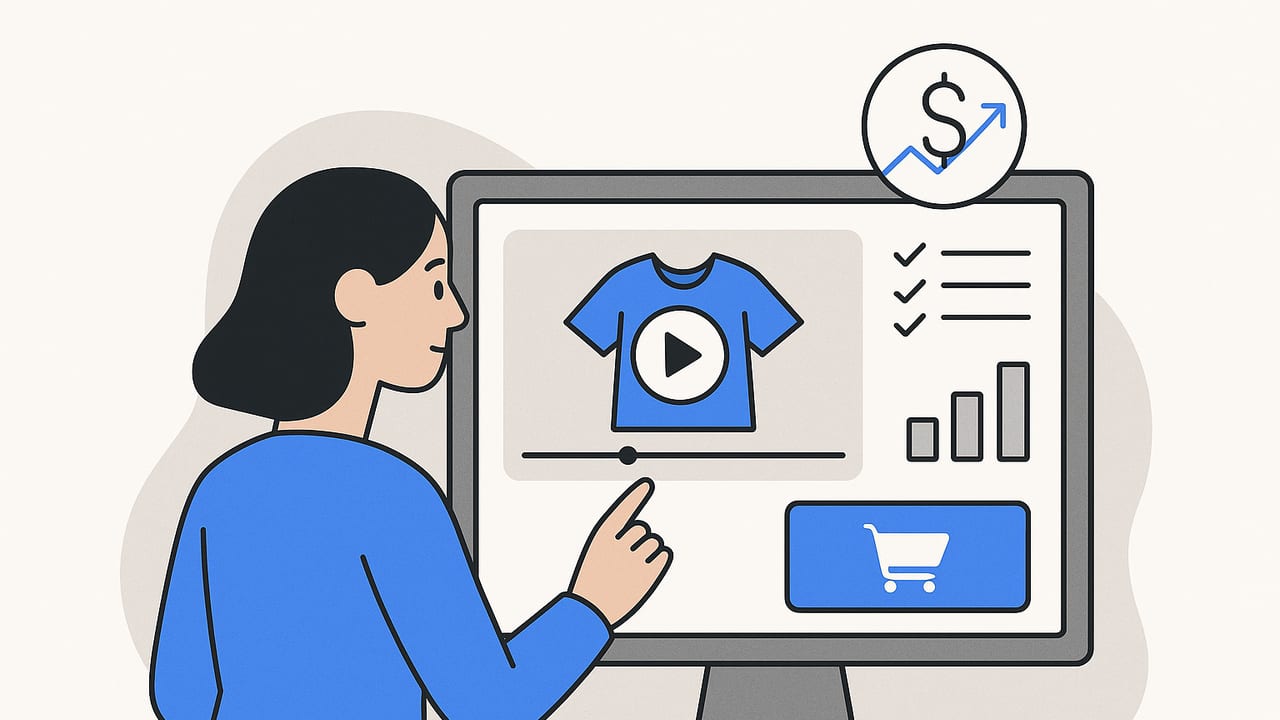
Shoppable video combines the stopping power of short-form video with the immediacy of ecommerce. Instead of sending viewers to a separate page, tap-to-buy hotspots, product pins, and integrated carts compress discovery and checkout into a single experience. The right shoppable video creator helps you build these experiences fast, publish them anywhere your audience watches, and measure revenue impact with clarity.
This guide covers how shoppable video works, what features to look for in a shoppable video creator, creative frameworks that convert, technical specs, SEO, analytics, and a simple workflow to scale production from assets you already have.
What is a shoppable video creator?
A shoppable video creator is software that lets you add commerce actions to video—think clickable product tags, variant selectors, add-to-cart, and checkout—then publish to web pages, landing pages, and social channels or embed in email. The best tools connect to your product catalog, sync pricing and inventory, and feed analytics back to your store and ad platforms.
In short: video becomes an interactive storefront, and every scene is a potential product page.
How shoppable video works
- Product feed sync: Connect your Shopify, WooCommerce, BigCommerce, or custom feed. The tool maps product IDs, variants, prices, and stock.
- Hotspots and overlays: Place pins over moments in the video; attach a product, variant, and CTA (e.g., "Add to Cart," "Select Size").
- Cart and checkout: Either open a mini-cart overlay, deep-link to the product page with parameters, or trigger a native checkout if supported.
- Analytics: Every tap emits events (view, hotspot click, add-to-cart, purchase). These pipe into GA4, pixel APIs, and your attribution model.
Principle: Make the first tap reveal immediate value—price, variant, or benefit—before asking for a bigger action like add-to-cart.
Features to look for in a shoppable video creator
- Feed and inventory support: Real-time price and stock status; variant and bundle support; sale badges.
- Flexible CTAs: Add-to-cart, one-click checkout, save for later, copy coupon, or open PDP in new tab.
- Interactive UI elements: Pins, carousels, chapters, size/color selectors, and time-based reveals.
- Cross-platform publishing: Responsive embeds for PDPs and blogs, link-in-bio landing pages, and integrations with social commerce surfaces (TikTok Shop, Instagram Shopping, YouTube Shopping).
- Performance and SEO: Lazy loading, compressed video variants, captions, schema markup support.
- Measurement: Event-level analytics (per hotspot), cohort reporting, view-through and click-through revenue, and integrations with GA4, Meta, TikTok, and server-side pixels.
- Accessibility: Closed captions, keyboard navigation, high-contrast overlays, ARIA roles.
- Compliance: GDPR/CCPA consent hooks; cookie-less fallbacks; PII-safe event payloads.
- Workflow: Scene-based editor, templates, brand styles, bulk tagging, and AI assistance to generate scripts and captions.
Approach comparison
| Approach | Pros | Cons | Best For |
|---|---|---|---|
| Native social shopping (e.g., TikTok Shop, Instagram tags) | Frictionless in-app purchase; huge organic reach | Limited creative control; platform-dependent analytics | Creators and brands prioritizing social-first sales |
| All-in-one shoppable video tools | Unified editor, feed sync, analytics, embeddable anywhere | Subscription cost; implementation needed for optimal SEO | Brands wanting site-wide interactive video |
| Custom development | Full control over UI, events, and data | High build/maintenance cost; longer time-to-value | Enterprises with complex catalogs or unique UX |
Creative frameworks that convert
1) Hook–Demo–Proof–CTA (HDPC)
- Hook (0–3s): Visual problem statement. Overlay a benefit line and a subtle “Shop the video” icon.
- Demo (3–15s): Show the product in context. Add a timed pin right as the benefit appears.
- Proof (15–25s): Social proof (rating, quick testimonial, count of units sold).
- CTA (last 3–5s): Persistent button: “Add to Cart” or “Pick Size.” Include free shipping or guarantee microcopy.
2) Comparison in 30s
Split-screen A vs. B with timed hotspots. Let viewers tap each side to see attributes and prices. Close with “Bundle and Save” CTA.
3) Unboxing to Setup
Great for electronics and home goods. Time hotspots to each included item; allow add-ons (cables, filters) via carousel.
Overlay best practices
- Use two states: a low-friction “peek” (name + price) and an expanded card (variants, add-to-cart).
- Keep overlays below 20% of screen unless expanded; avoid covering faces or key actions.
- Anchor to motion: Pin overlays to the object; if the item moves, use motion-tracked pins or chapter-based pins.
- State persistence: If someone adds to cart mid-video, keep the badge visible across scenes.
Accessibility and inclusivity
- Always provide captions; keep reading speed under 160 WPM.
- Ensure color contrast ratio of 4.5:1 for text on overlays.
- Provide keyboard focus indicators and ARIA labels for all interactive elements.
Technical specs and placement
Video specs by placement
- Homepage hero: 16:9 or 4:5, 20–30s, 1080p, autoplay muted, captions on.
- Product detail pages (PDPs): 1:1 or 4:5, 15–45s, show variant selectors in overlay.
- Collection pages: 9:16 or 1:1 snippets, 6–12s loops; link to a shoppable gallery.
- Email: Use a GIF thumbnail or image with play icon; click through to a shoppable landing page (most email clients don’t support video).
Optimize with multiple encodes (e.g., 1080p, 720p, 480p), H.264/MP4 for max compatibility, and WebM when possible. Lazy-load the player below the fold and preconnect to your CDN.
Tracking, SEO, and analytics
Your shoppable video creator should emit granular events and support structured data so search engines understand your video and its related product(s).
Core events
- video_start, video_complete
- hotspot_view, hotspot_click
- add_to_cart (with product_id, variant_id, price, currency)
- begin_checkout, purchase (with transaction_id)
Example GA4/GTM dataLayer event
window.dataLayer = window.dataLayer || [];
window.dataLayer.push({
  event: "video_product_click",
  video_id: "vid_8472",
  timecode: 12.8,
  hotspot_label: "Matte Black 20oz",
  product_id: "SKU-THERMO-20-MB",
  variant_id: "VAR-001",
  price: 29.99,
  currency: "USD",
  position: "pdp_hero",
  session_id: "{{session_id}}"
});
SEO schema (JSON-LD)
Embed structured data to describe the video and link it to a product. One approach is to declare a VideoObject and reference the Product via about; you can also include a separate Product object with Offer details.
<script type="application/ld+json">
{
  "@context": "https://schema.org",
  "@type": "VideoObject",
  "name": "Insulated Travel Mug – Spill Test & Features",
  "description": "Watch the spill test, see size options, and shop directly from the video.",
  "thumbnailUrl": ["https://cdn.example.com/thumbs/mug.jpg"],
  "uploadDate": "2024-06-15",
  "duration": "PT0M32S",
  "contentUrl": "https://cdn.example.com/videos/mug.mp4",
  "embedUrl": "https://www.example.com/players/mug",
  "potentialAction": {
    "@type": "InteractAction",
    "target": "https://www.example.com/products/insulated-travel-mug"
  },
  "about": {
    "@type": "Product",
    "name": "Insulated Travel Mug 20oz",
    "sku": "SKU-THERMO-20-MB",
    "brand": {"@type": "Brand", "name": "ThermoPro"},
    "offers": {
      "@type": "Offer",
      "priceCurrency": "USD",
      "price": "29.99",
      "availability": "https://schema.org/InStock",
      "url": "https://www.example.com/products/insulated-travel-mug"
    }
  }
}
</script>
Ensure the video is visible on the page where you embed the schema, provide a transcript for accessibility, and host thumbnails on fast CDNs.
Testing roadmap and KPIs
Treat shoppable video as a product funnel you can A/B test.
Primary KPIs
- Hotspot click-through rate (per scene and per product)
- Add-to-cart rate from video interactions
- Checkout start rate and purchase conversion rate
- Revenue per 1000 views (RPV); view-through revenue attribution window
- Average order value (AOV) when video is present vs. control
Smart tests to run
- Overlay density: One-pin vs. multi-pin; minimal vs. rich product cards.
- CTA phrasing: “Add to Cart” vs. “Pick Size” vs. “Shop Now.”
- Timing: First pin at 3s vs. 7s; last-frame persistent CTA vs. none.
- Price visibility: Show price on peek vs. expand only.
- Bundles: Single item vs. bundle card with discount.
Use split testing on PDPs (50/50 traffic) and isolate one variable at a time. Record 95% confidence or run for a full sales cycle to control seasonality.
Distribution and channel fit
- On-site: PDP hero gallery, collection hubs with shoppable galleries, and shoppable lookbooks on the blog.
- Social: Repurpose as Reels/Shorts with product tag overlays where supported; link to a shoppable landing page for platforms without native checkout.
- Paid: Use as top- and mid-funnel creative; retarget viewers who tapped hotspots with dynamic product ads.
- Email/SMS: Teaser GIFs and deep links to a page that autoplays the shoppable video with the first product preselected.
Workflow to scale from existing assets
- Audit assets: Gather product photos, UGC, reviews, and spec sheets. Identify 3–5 hero benefits per SKU.
- Storyboard: Convert photos into animated sequences (parallax, subtle pans, text overlays). Map when each product pin appears.
- Template and brand: Lock brand fonts, colors, and safe areas for overlays; build a reusable template per aspect ratio.
- Tag products: Pull your catalog and tag hotspots in bulk; set default variants and bundle rules.
- Publish and track: Embed on PDPs, enable GA4 events, and sync to paid channels. Review performance weekly and iterate with new scenes and pins.
You don’t need a studio to start. With a solid shoppable video creator and your existing product photos, you can ship high-performing, interactive videos quickly.
Common pitfalls (and fixes)
- Overloaded UI: Too many pins can feel spammy. Limit to 1–3 visible pins; use chapters for additional items.
- Slow loads: Heavy players hurt conversion. Use adaptive bitrate streaming, preload thumbnails, and defer non-essential scripts.
- Dead links or out-of-stock: Ensure live feed sync and fallback states (e.g., “Notify Me”).
- Unclear pricing: Show price early; avoid paywalls or surprises at checkout.
- Weak attribution: Implement UTMs, event IDs, and server-side tracking where possible.
Implementation checklist
- Connect product feed and verify variant mapping
- Create 2–3 video aspect ratios (9:16, 4:5, 1:1)
- Add captions and test overlay contrast
- Place pins at key benefit reveals; set default CTA
- Enable add-to-cart and checkout integration
- Embed schema markup and ensure video is indexable
- Send events to GA4 + ad pixels; QA dataLayer
- Run A/B tests and review KPI dashboard weekly
Shoppable video compresses the buyer journey into a few taps. With the right tooling and process, you can turn views into carts and carts into revenue in days, not months.
Note: If you’re looking to transform existing product photos into engaging, shoppable videos with AI, a platform like UGCMade can streamline that workflow while keeping your creative on brand.
