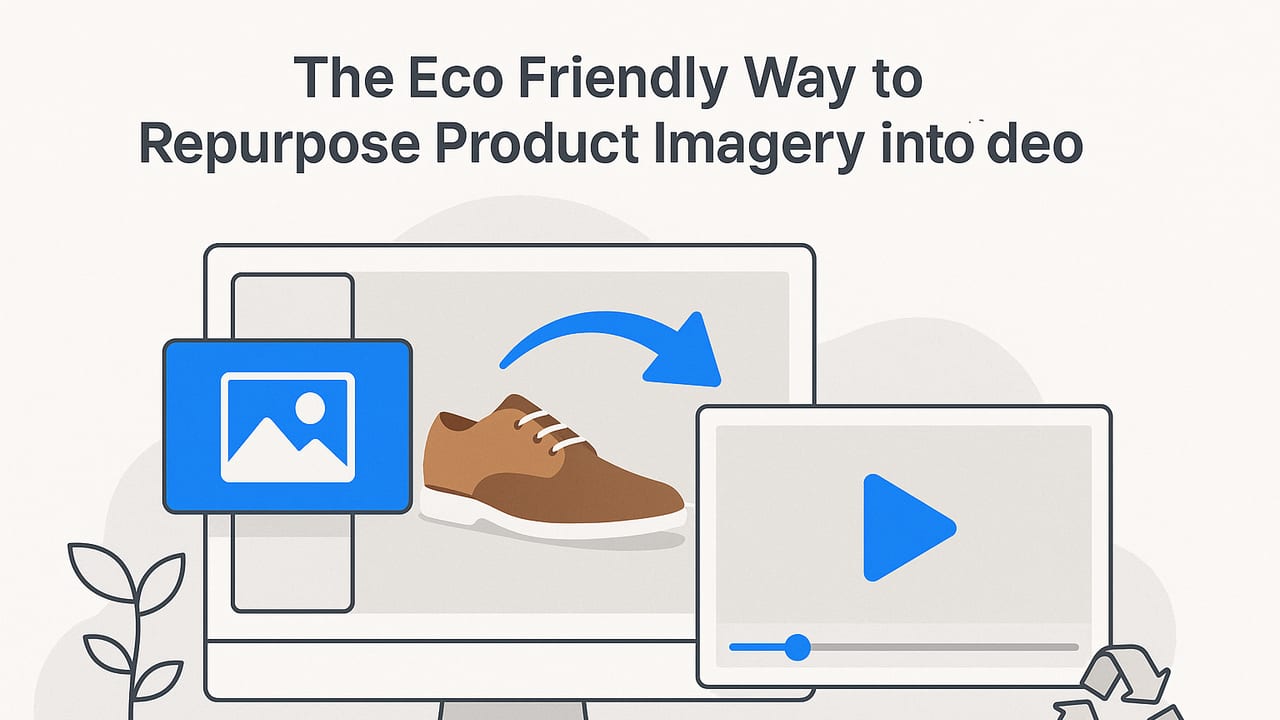
If your team already has a library of product photos, you’re sitting on a sustainability win. The eco friendly way to repurpose product imagery is to turn those stills into short, high‑impact videos—without reshoots, travel, or additional physical props. Done thoughtfully, this approach reduces production waste, speeds time‑to‑market, and keeps your brand story fresh across channels.
This guide shows you how to transform existing images into scroll‑stopping videos with a minimal footprint, from planning and motion design to export settings, delivery optimization, and measurement.
“The greenest pixels are the ones you’ve already shot.”
Why repurposing imagery is a sustainable win
Traditional video production often involves travel, lighting setups, multiple takes, disposable set materials, and energy‑intensive post‑production. By contrast, building motion content from your existing photos avoids the heaviest parts of that process. You’re maximizing the value of assets you already own, reducing additional capture, and keeping your creative output agile.
Beyond the environmental benefits, this strategy supports:
- Speed: Move from concept to publish in hours, not weeks.
- Consistency: Maintain visual identity using your approved stills and color grades.
- Testing: Generate multiple variants quickly for A/B experiments without new shoots.
- Budget control: Reallocate production spend to media or conversion optimization.
Ways to turn photos into videos (and their relative impact)
All repurposing is not equal. Some techniques add big creative value with very little extra compute or file size; others require heavier motion processing. Use the mix that suits your goals and channels.
| Method | What it is | New capture? | Relative footprint | Best for | Notes |
|---|---|---|---|---|---|
| Storyboard slideshow | Sequenced stills with light transitions and captions | No | Lowest | Feature reveals, specs, carousels | Keep to 6–15 seconds; add subtle motion only |
| Ken Burns pans/zooms | Slow pan/zoom to guide attention | No | Low | Detail highlights, hero shots | Use easing; avoid excessive zoom beyond 110–120% |
| Animated product cards | Text + icon overlays animating in/out | No | Low | Retail promos, spec callouts | Vector overlays keep files light and crisp |
| Parallax 2.5D | Foreground/background separation to simulate depth | No | Low–Medium | Premium feel, hero banners | Mask cleanly; keep motion subtle to avoid artifacts |
| Stop‑motion feel | Rapid sequence of angles/variants | No | Low | Unboxing, lifestyle sets | Use rhythmic pacing; consider a percussive SFX bed |
| Cinemagraph | Mostly still image with a small looping motion | No | Medium | Hero modules, email headers | Loop cleanly; keep under 8 seconds |
| Before/after reveal | Wipe or split screen contrasting two stills | No | Low | Makeovers, upgraded models | Label each side with accessible contrast |
A sustainable blueprint: from stills to scroll‑stopping video
1) Audit and select the right images
Start with a quick asset audit. Gather 6–12 strong stills per product: hero, back, detail, context, scale, and lifestyle. Favor clean backgrounds, consistent lighting, and resolved textures. Pick images that tell a compact story without heavy retouching.
2) Define the micro‑narrative
Decide the single job of the video. For example: “Show the water‑resistant zipper and why it matters in rain.” A tight narrative avoids bloat and reduces the need for complex motion.
3) Prep images efficiently
- Crop to final aspect early (1:1, 9:16, or 16:9) to avoid oversized renders.
- Use sRGB color and export optimized stills (e.g., 2048px on the long edge is often enough for 1080p video).
- Perform light cleanup (dust, sensor spots) once, and reuse across variants.
4) Design lightweight motion
- Use gentle pans/zooms to guide the eye; keep camera moves under 2–3 seconds.
- Employ parallax on one or two key shots only to stay efficient.
- Rely on cuts and beats rather than heavy effects.
5) Add concise, accessible overlays
- Use vector text/icons for sharpness at low bitrates.
- Write benefit‑first microcopy: “Stays dry in storms” before “10k waterproof rating.”
- Meet accessibility: sufficient color contrast; font size legible on mobile.
6) Sound design (optional but impactful)
- Use a short loop or light SFX; normalize audio around −14 LUFS for platforms that support it.
- Always ensure licensing and avoid copyrighted tracks.
- Default videos to muted autoplay on web and include captions/subtitles where relevant.
7) Export once, deliver many
- Resolution: 1080x1920 for vertical, 1080x1080 for square, 1920x1080 for landscape. Only export 4K if essential.
- Formats: MP4 (H.264) for broad compatibility; add WebM (VP9/AV1) where supported for smaller files.
- Bitrate: Start around 4–6 Mbps for 1080p; use two‑pass VBR to maintain quality at lower sizes.
- Length: 6–20 seconds for ads and feeds; 15–30 seconds for PDP or email headers.
- Poster frames: Export a lightweight poster image to improve perceived performance.
Reusable script and storyboard templates
Template A: Feature Focus (10–12 seconds)
- 0–2s: Hero image, product name overlay
- 2–6s: Close‑up pan of key feature with benefit line
- 6–9s: Before/after split or comparison spec
- 9–12s: Lifestyle image with CTA like “See details”
Template B: Mini Comparison (12–15 seconds)
- 0–3s: Two products side‑by‑side
- 3–9s: Alternate close‑ups with simple callouts
- 9–15s: Value summary + brand lockup
Make it fast and green in delivery
Once exported, smart delivery keeps your footprint low and performance high:
- Adaptive delivery: Serve the smallest viable asset per viewport. A 720p variant might be enough on smaller screens.
- Lazy load and preload: Lazy load below‑the‑fold videos; preload the first frame or poster for LCP stability.
- CDN: Use a CDN with edge caching to cut latency and repeated transfers.
- Muted autoplay: Use
mutedandplaysinlinefor mobile; avoid auto‑playing audio. - Fallbacks: Provide a static image or GIF alternative when video isn’t supported.
- Caption files: Add WebVTT for accessibility and silent context.
SEO helpers that also reduce waste
- Structured data: Add VideoObject schema to improve discoverability.
- Descriptive filenames: e.g.,
waterproof‑jacket‑zipper‑closeup‑1080x1920.mp4. - Transcript/alt: Short, accurate descriptions help both users and search engines.
{
  "@context": "https://schema.org",
  "@type": "VideoObject",
  "name": "Waterproof Jacket Zipper Close‑Up",
  "description": "A 12‑second parallax video highlighting the storm‑proof zipper and taped seams.",
  "thumbnailUrl": ["https://example.com/thumbs/zipper.jpg"],
  "uploadDate": "2023-08-01",
  "contentUrl": "https://cdn.example.com/videos/zipper-1080x1920.mp4",
  "embedUrl": "https://example.com/products/jacket#video",
  "duration": "PT12S"
}
Preflight checklist for sustainable video repurposing
- Goal set: one clear outcome for the video
- Assets chosen: 6–12 stills that tell the story
- Aspect locked: exported images in final aspect ratios
- Motion plan: simple pans, limited parallax, clean transitions
- Copy finalized: benefit‑led, 6–10 words per frame max
- Accessibility: contrast checked, captions ready
- Export settings: 1080p, two‑pass VBR, MP4 + optional WebM
- Delivery: CDN, lazy load, poster image, structured data
- Testing: two creative variants and one pacing variant
Common pitfalls to avoid
- Over‑animating: Heavy effects inflate file sizes and distract from the product.
- Too much text: Crowded overlays harm readability and retention.
- Ignoring aspect ratios: Cropping late causes soft visuals and rework.
- Unlicensed audio: Strikes and takedowns undo your sustainability wins.
FAQ
Does turning photos into video really reduce environmental impact?
It can. Reusing existing assets avoids additional shoots and materials. Combined with efficient motion, smart exports, and optimized delivery, you minimize both production and distribution overhead.
What resolution should I export?
1080p is the practical sweet spot for most placements. Use 720p for small embeds and 4K only when your channel and audience clearly benefit from it.
How many images do I need per video?
Plan on 4–8 shots for a 6–15 second edit. Use one or two detail close‑ups, one hero, one lifestyle, and optional comparison or before/after frames.
Will repurposed content feel repetitive?
Not if you vary narrative angles, pacing, overlays, and aspect ratios. A single photo set can support feature highlights, comparisons, seasonal spins, and quick FAQs.
What’s the best file format?
For maximum compatibility, MP4 (H.264). When possible, also serve WebM (VP9 or AV1) for smaller files. Test quality versus bitrate; two‑pass VBR is your friend.
A quick example workflow
Say you’re repurposing photos of a travel mug. Create one vertical video for social and one square for your PDP:
- Select 7 images: hero, lid close‑up, insulation cross‑section graphic, hand‑held shot, spill test, color lineup, lifestyle desk scene.
- Write 3 overlays: “12‑hour heat”, “Leak‑proof lid”, “Dishwasher safe”.
- Build the vertical edit: 12 seconds, gentle zooms, parallax on the lid shot, captions on bottom third.
- Export 1080x1920 at 5 Mbps and 1080x1080 at 4 Mbps, MP4 + WebM.
- Upload with a 120KB poster image, VideoObject schema, and a short transcript.
Key takeaways
- The eco friendly way to repurpose product imagery is to keep motion simple, exports lean, and delivery smart.
- Start with a tight narrative, then design minimal motion to serve that story.
- Export once, deliver many: format, bitrate, and aspect variants tailored to each channel.
Looking for an easy path to turn product photos into polished videos with minimal footprint? Platforms like UGCMade use AI to streamline this repurposing workflow so you can produce on‑brand visuals quickly and sustainably.
