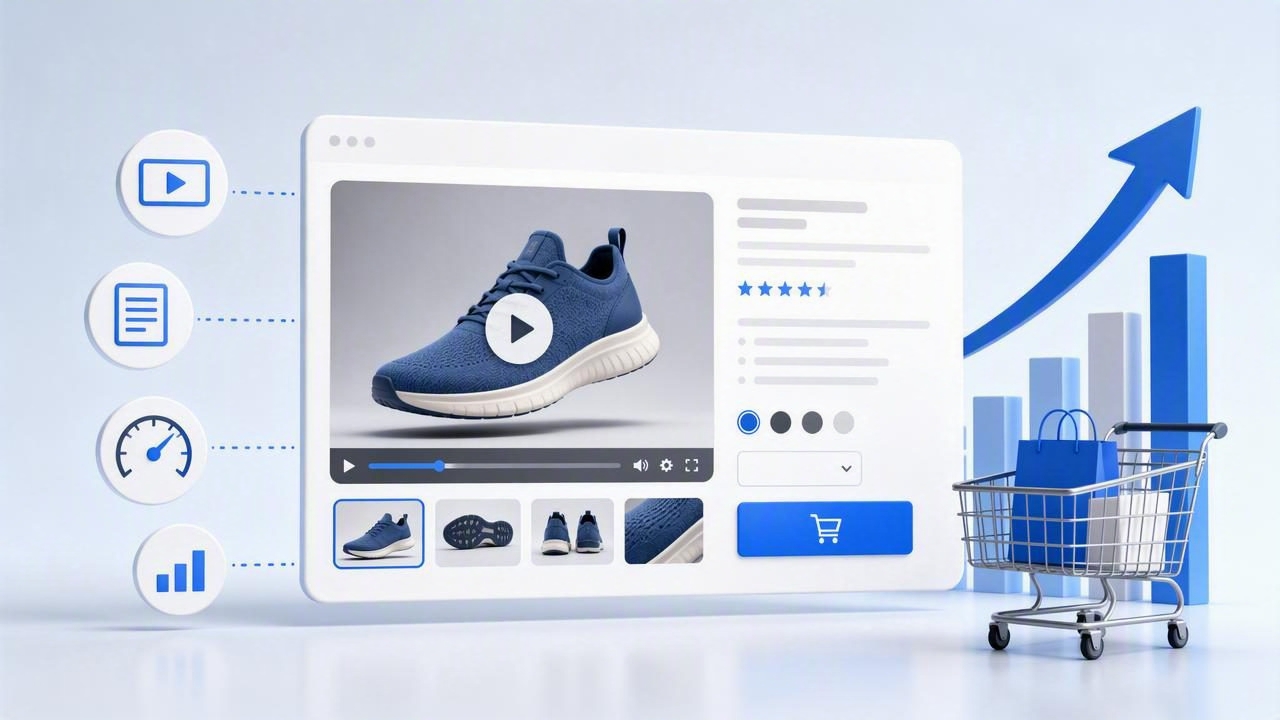
When shoppers land on a product page, they are juggling questions: Will it work for me? How big is it? How does it feel in real life? Video answers those questions faster than text or static photography. If you need a clear, practical plan to boost product page conversions with video, this guide covers the psychology, formats, placement, technical specs, and measurement tactics that actually move the needle.
Why Video Lifts Conversions on Product Pages
Video reduces uncertainty. That single idea explains most conversion lifts. Here’s how:
- Clarity over speculation: Motion shows scale, texture, and use cases that still photos can’t, shrinking the gap between expectation and reality.
- Lower cognitive load: Short demonstrations compress a lot of information into a format that’s easier to digest than long paragraphs.
- Social proof & trust: Seeing a human use the product or hearing a quick testimonial builds credibility.
- Emotional resonance: Music, pacing, and voiceover can communicate benefits in a way that feels “real.”
“Show the product doing the job in the environment where buyers will use it.”
That simple principle will guide your scripting, shot choices, and placement decisions as you optimize for conversions.
Pick the Right Video for the Job
Different moments of hesitation call for different video types. Use this mapping to select the right format for each product page.
| Video Type | Primary Goal | Best Placement | Key KPI | Ideal Length |
|---|---|---|---|---|
| Quick Demo (hands-on) | Show how it works | Hero gallery | Add-to-cart rate | 15–30s |
| Explainer (benefits-led) | Clarify value prop | Below fold, above reviews | Time on page | 30–60s |
| Comparison (A vs. B) | Disambiguate choices | Near variant selector | Variant selection CTR | 20–45s |
| UGC/Testimonial | Build trust | Near reviews | Checkout starts | 15–45s |
| Unboxing/Setup | Reduce post-purchase anxiety | FAQ/Details section | Returns rate, CS tickets | 30–90s |
| Sizing/Fit (apparel) | Answer fit questions | Near size chart | Size chart interactions | 15–30s |
Start with one quick demo in the hero area, then add supporting videos that target the most common objections identified in reviews or support tickets.
Placement & UX Patterns That Convert
- Hero gallery integration: Treat video as a peer to images. Use a video thumbnail with a clear play icon in the product image carousel. Avoid auto-playing audio; if you loop, keep it silent and short.
- Sticky mini-player: On mobile, a minimized corner player that persists during scroll can boost completion without feeling intrusive.
- Contextual placement: Place sizing videos next to the size selector, comparison videos near variant pickers, and setup videos in the “What’s included” or FAQ section.
- Captions first: Many shoppers watch on mute. Add burned-in headlines plus closed captions for accessibility and clarity.
- Clear controls: Provide play/pause, 10-second seek, and a progress indicator. Keep the poster image bright and descriptive.
- Above-the-fold restraint: Keep the hero video under 30 seconds. Put deeper content below the fold to avoid cognitive overload.
Scripts That Sell in Seconds
Short product videos work best with tight structure. Two reliable frameworks:
Framework A: Hook → Problem → Proof → Action
- Hook (0–2s): A bold headline or visual: “Stain-proof sofa in seconds.”
- Problem (2–6s): Show pain quickly: spills, pet hair, tight spaces.
- Proof (6–20s): Demonstrate the solution in real time; split-screen before/after.
- Action (20–30s): Overlay: “Choose your size. Free returns.”
Framework B: The 5-Shot Recipe
- Wide shot: Context and scale.
- Close-up: Key mechanism or texture.
- Over-the-shoulder: Ease-of-use.
- POV in use: Real-world environment.
- Beauty shot: Finished outcome + headline.
Example 20-Second Script (Wireless Earbuds)
- 0–2s: On-screen text: “Lock-in fit. Deep bass.” Close-up push-in.
- 2–6s: POV runner inserts earbuds; they snap into place.
- 6–12s: Tap-to-noise-cancel demo with icon animation.
- 12–18s: Sweat test; quick water splash; still playing.
- 18–20s: Overlay: “3 sizes included • 30-day returns.”
Keep every second purposeful. Avoid listing specs; show the benefit, then pin one or two high-impact facts as overlay.
Technical Specs That Matter (Speed = Conversions)
- Resolution: 1080p for hero, 720p for supporting videos; export vertical 9:16 for mobile-first pages when relevant.
- Aspect ratios: 1:1 or 4:5 for mobile product galleries; 16:9 for landscape desktops; maintain safe margins for overlay text.
- Codecs & containers: MP4/H.264 for widest compatibility; add WebM for modern browsers. Consider AV1 where supported for smaller files.
- Bitrate targets: 2–5 Mbps for 1080p product footage; 1.5–3 Mbps for 720p. Avoid over-compressing text overlays.
- Length & size: Keep hero videos under 30 seconds and ideally under ~8–12 MB with efficient compression.
- Captions: Provide a VTT track and consider burned-in headlines to communicate on mute.
- Performance: Host on a CDN, use preload="metadata", defer non-hero videos, and lazy-load sources once in view.
Lightweight HTML Video Pattern
<video id="productVideo" controls playsinline preload="metadata" poster="poster.jpg" width="720" height="1280">
  <source data-src="video.webm" type="video/webm">
  <source data-src="video.mp4" type="video/mp4">
  <track kind="captions" src="captions.vtt" srclang="en" label="English" default>
</video>
<script>
  const v = document.getElementById('productVideo');
  const io = new IntersectionObserver(entries => {
    entries.forEach(e => {
      if (e.isIntersecting) {
        v.querySelectorAll('source').forEach(s => s.src = s.dataset.src);
        v.load();
        io.disconnect();
      }
    });
  }, { rootMargin: '200px' });
  io.observe(v);
</script>
This pattern delays heavy bytes until the video is near the viewport, improving LCP and overall UX.
Search Visibility: Schema, Thumbnails, and Transcripts
Well-structured metadata helps search engines understand and feature your videos, potentially unlocking rich results in SERPs.
- Unique title + description: Summarize the benefit in natural language.
- Transcript: Include a transcript below the fold for accessibility and indexable text.
- Thumbnail: Use a bright, high-contrast image with a clear subject and overlay headline.
- Schema markup: Add VideoObject JSON-LD with key fields: name, description, thumbnailUrl, contentUrl, duration, and transcript.
- Video sitemap: If you publish many videos, include them in a video sitemap to aid discovery.
VideoObject JSON-LD Example
<script type="application/ld+json">{
  "@context": "https://schema.org",
  "@type": "VideoObject",
  "name": "Quick Demo: Self-Cleaning Water Bottle",
  "description": "30-second hands-on demo showing UV clean cycle, leak-proof lid, and one-hand operation.",
  "thumbnailUrl": "https://example.com/thumbs/bottle.jpg",
  "contentUrl": "https://cdn.example.com/videos/bottle-demo.mp4",
  "duration": "PT0M30S",
  "transcript": "Press the lid button to start the UV cycle. The ring flashes blue..."
}</script>
Ensure the thumbnail, transcript, and file URLs resolve quickly via a CDN and match the content on the page.
Measure What Matters (and Prove Lift)
To systematically boost product page conversions with video, build a measurement plan before you publish:
- Primary metrics: Add-to-cart rate, product page conversion rate, and revenue per visitor.
- Secondary metrics: Video play rate (thumbnail CTR), completion rate, time on page, variant selection CTR, size guide interactions, return rate, and support tickets.
Event Tracking Blueprint
- video_play when the user presses play or when playback starts
- video_quartile at 25%, 50%, 75%, 100%
- video_cta_click when a clickable overlay is tapped
- add_to_cart_after_video if ATC occurs within a defined window (e.g., 10 minutes)
AB Testing Tips
- Isolate variables: Test one change at a time: thumbnail, headline overlay, first 3 seconds, or placement.
- Segment by device: Mobile viewers often respond differently than desktop.
- Power your test: Aim for enough sessions to detect a 5–10% relative lift; plan horizon and stop rules in advance.
- Look for interactions: A stronger thumbnail can raise play rate; a tighter first 5 seconds can raise completion; both together compound.
Expect variability by category. Functional products (tools, kitchen, electronics) often see larger lifts from quick demos, while fashion may benefit more from fit and movement clips. Treat benchmarks as hypotheses, not guarantees.
From Photos to High-Converting Video: A Fast Workflow
- Mine objections: Read reviews and support logs to pinpoint the top 2–3 questions blocking purchases.
- Storyboard 5 shots: Map a 15–30 second arc using the 5-shot recipe that directly answers those objections.
- Choose assets: Start with your best product photos; add simple motion (pan, zoom, parallax) plus callout overlays to simulate a hands-on demo.
- Write overlays: 3–6 words per line; one idea per beat; front-load the key benefit in the first 2 seconds.
- Export variants: Create 1:1 and 4:5 for mobile galleries; 16:9 for desktop. Keep captions consistent.
- Compress & host: MP4 + WebM, optimized bitrates, served via CDN. Set a sharp poster image that mirrors the opening frame.
- Publish & tag: Implement schema, add transcript, track events. Place the hero video in the gallery with a clear play icon.
- Test thumbnails and hooks: Swap the first clip or headline and measure play rate and add-to-cart changes over a 2-week window.
Thumbnails and First 3 Seconds: The Make-or-Break
- Thumbnail rules: Tight crop on the core mechanism, high contrast, and a 3–5 word promise (“No-Spill Lid”). Avoid busy backgrounds.
- Instant clarity: Open with the product doing the job. If it’s a blender, show it pulverizing ice in the first shot.
- On-screen text: Big, legible fonts (min 48–64px safe area), high-contrast colors, and brief copy.
Accessibility and Inclusivity
- Caption everything: Closed captions via VTT; make sure text is synchronized and accurate.
- Readable overlays: 4.5:1 contrast ratio or better; avoid text over bright textures.
- Keyboard access: Ensure video controls are focusable and labeled for screen readers.
Common Pitfalls to Avoid
- Auto-playing sound: It startles users and can tank trust. Use silent autoplay only when looping short visuals.
- Wall-of-video syndrome: Too many videos above the fold overwhelm. Prioritize one primary clip, support below.
- Heavy files: Bloated videos harm LCP and conversions. Compress thoughtfully and lazy-load.
- Spec dumps: Showing a spec sheet in motion isn’t a demo. Prove value through action and outcomes instead.
A Simple Checklist to Boost Product Page Conversions with Video
- One hero demo (15–30s) answering the top buyer objection
- Contextual supporting video (fit, setup, or comparison) below the fold
- Captions + brief headline overlays for mute viewing
- Optimized MP4 + WebM, CDN-hosted, lazy-loaded
- Descriptive poster thumbnail with a clear play icon
- VideoObject schema, transcript, and unique title/description
- Event tracking for play, quartiles, and post-view add-to-cart
- AB tests on thumbnail and first 3 seconds; segment by device
Final Thought
Product videos win when they remove doubt faster than text and photos. Keep it short, show the product doing the job immediately, and make playback effortless. Do that consistently, and you’ll steadily boost product page conversions with video—without bloating pages or overwhelming shoppers. If you want a fast way to turn your existing product photos into short, on-brand videos, a tool like UGCMade can help you get there quickly.
