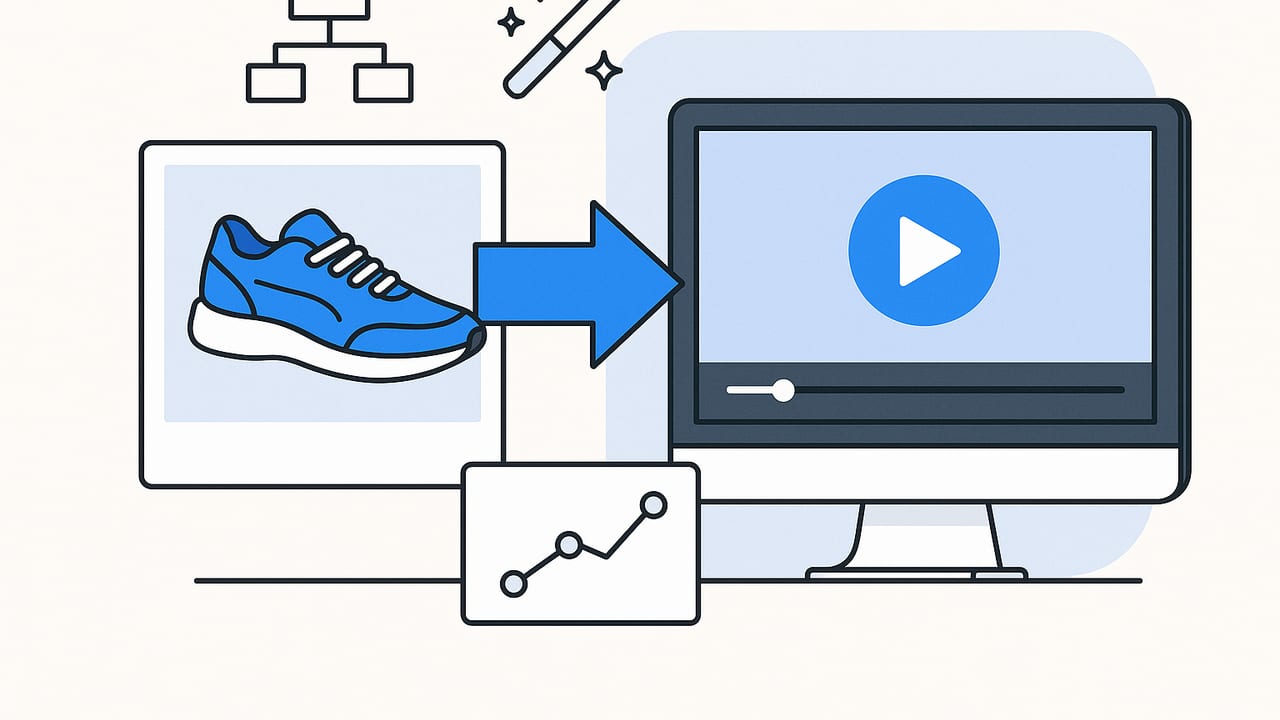
Most ecommerce teams already have hundreds of great images sitting in folders, product detail pages, and DAMs. What many lack is the motion-first creative that wins attention in feeds, ads, and marketplaces. The fastest way to bridge that gap is to turn product photos into video. With the right workflow, a single shoot can fuel weeks of short-form content, high-performing ads, and engaging PDP assets without reshooting a thing.
This guide breaks down a practical, repeatable photo-to-video system: how to plan, design motion, export for each platform, and measure ROI. You’ll also find creative techniques, a simple storyboard template, specs table, and example blueprints you can copy.
Why turning product photos into video drives performance
- Algorithms favor motion: Short video is heavily promoted on social platforms and often receives greater distribution than static images.
- Frictionless storytelling: A 10–15 second sequence can show hook, benefits, and proof faster than a carousel can.
- More placements unlocked: Reels, Shorts, Stories, and in-feed ads are optimized for vertical video.
- Sound and subtitles multiply message: You can pair on-screen text with VO and music for layered communication.
- Versatility: One master video can be resized into multiple aspect ratios and narratives.
- Production leverage: Reusing images you already own slashes cost and turnaround time.
Step-by-step workflow to turn product photos into video
1) Curate and prepare assets
- Pick a clear angle: Choose 6–12 images that tell one story: new colorway, feature highlight, problem-solution, or social proof.
- Mix perspectives: Include hero, detail/macro, lifestyle, in-use, packaging, and before/after if relevant.
- Mind the negative space: Favor images with clean areas for text overlays and price badges.
- Consistency: Match lighting and background tones to avoid jarring transitions.
- Prepare transparent PNGs: Cutouts unlock parallax, layered motion, and dynamic backgrounds.
2) Script simple story beats (10–20 seconds)
Use a lightweight structure that fits fast-scrolling environments:
- Hook (0–2s): Bold claim, pain point, or dramatic visual change. Examples: ‘Stains gone in 60s’ or a dramatic before/after split.
- Problem or Desire (2–4s): Show the need the product meets.
- Mechanism (4–8s): Reveal how it works with a close-up or overlay callouts.
- Proof (8–12s): Include testimonial snippet, rating badge, or UGC-style photo.
- CTA (12–15s): Clear micro-action: ‘Shop now’, ‘See colors’, ‘Add to cart’.
3) Motion design basics that work with photos
- Ken Burns: Slow zooms and pans to add life; alternate directions between shots.
- Parallax: Separate subject/background and move at different speeds for depth.
- Mask reveals: Wipe in features or colorways with shape masks for satisfying transitions.
- Speed ramps: Brief acceleration into the next frame to maintain momentum.
- Object emphasis: Pulse or glow effect on key benefits and buttons.
4) Text overlays and captions
- Write for scanning: 4–6 words per line, 1–2 lines per beat.
- Legibility: High-contrast colors; add stroke or shadow over busy images.
- Hierarchy: One big takeaway per scene, with smaller supporting copy.
- Subtitles: Include burned-in captions for silent autoplay.
5) Sound and SFX
- Music: Use upbeat tracks with clear beats for transitions; keep levels under the VO.
- SFX: Add subtle whooshes, clicks, and pop-ins to punctuate motion.
- Voiceover: Short, energetic lines; match the storyboard beats.
6) Export variants for every channel
- 9:16 for TikTok/Reels/Shorts (primary driver for discovery)
- 1:1 for in-feed placements and some PDP modules
- 16:9 for YouTube and site banners
- 5–8s cutdowns for retargeting and bumper-style ads
Creative techniques that elevate photo-to-video
- Depth maps for 3D motion: Generate a depth map to create a subtle 3D ‘camera’ move.
- AI relight and cleanup: Harmonize lighting between shots; remove dust, wrinkles, or stray reflections.
- Object isolation: Float the product above a textured or brand-color background for striking reveals.
- Price/offer choreography: Animate price drop or coupon badges to hit on a downbeat.
- Social proof overlays: 4.8★ rating, ‘1,200+ reviews’, or a short testimonial bubble for instant credibility.
- Context swaps: Layer the same product cutout over multiple lifestyle backplates to show use-cases quickly.
Platform specs and safe zones
Specs change; always verify with platform documentation before exporting. Use these as practical starting points:
| Platform | Aspect Ratio | Resolution | Max Length | Format | Notes |
|---|---|---|---|---|---|
| TikTok | 9:16 | 1080x1920+ | Up to 60s+ (shorter often performs better) | MP4, MOV | Keep key text centered; avoid edges due to UI. |
| Instagram Reels | 9:16 | 1080x1920+ | Up to 90s | MP4, MOV | Safe zone around top/bottom for name/caption UI. |
| YouTube Shorts | 9:16 | 1080x1920+ | Up to 60s | MP4 | Use larger subtitles; fast hooks. |
| In-feed (Meta) | 1:1 or 4:5 | 1080x1080 or 1080x1350 | Up to 120s | MP4 | Square performs universally across placements. |
| Amazon PDP video | 16:9 | 1920x1080 | Up to 45s | MP4, MOV | Focus on benefits and clarity; avoid external logos/URLs. |
Optimization, testing, and file hygiene
- One variable per test: Hook line, first three seconds visual, or offer badge — not all at once.
- Hook-first iterations: Create 3–5 alternate hooks and keep the rest identical.
- Caption testing: Try question vs outcome framing for the on-screen headline.
- UTM rigor: Track by creative ID to attribute sales.
- Naming system: Embed key variables in filenames to avoid confusion.
# Suggested file naming convention
brand_sku_objective_platform_ratio_len_hookA_offerNone_v03.mp4
Storyboard as data (for automation or team handoffs)
Treat your sequence like structured data. It helps with repeatability and collaboration.
{
  "duration": 12,
  "scenes": [
    { "t": 0,  "img": "hero01.jpg",  "motion": "zoom-in",  "text": "Stains gone in seconds" },
    { "t": 2,  "img": "macro02.jpg", "motion": "pan-right", "text": "Enzyme-powered clean" },
    { "t": 5,  "img": "before_after.png", "motion": "wipe", "text": "See the difference" },
    { "t": 8,  "img": "rating.png",     "motion": "pop",       "text": "4.8★ from 1,200+" },
    { "t": 10, "img": "packshot.png",    "motion": "zoom-out",  "text": "Shop now" }
  ],
  "audio": { "track": "upbeat_110bpm.mp3", "sfx": ["whoosh1.wav", "pop2.wav"] }
}
Quick ffmpeg example (image sequence to video)
If you need a bare-bones conversion for testing:
# 1) Create a 24fps video from sequential images (img001.jpg, img002.jpg...)
ffmpeg -framerate 24 -i img%03d.jpg -s 1080x1920 -c:v libx264 -pix_fmt yuv420p temp.mp4

# 2) Add a simple zoom effect using zoompan (applies to a single image)
ffmpeg -loop 1 -i hero.jpg -vf "zoompan=z='min(zoom+0.0015,1.2)':d=180:s=1080x1920" \
  -t 7 -c:v libx264 -pix_fmt yuv420p hero_zoom.mp4

# 3) Concatenate clips (create file list.txt with each line: file 'clipname.mp4')
ffmpeg -f concat -safe 0 -i list.txt -c copy final.mp4
Note: For complex parallax or captions, use a motion tool or template-based generator rather than building everything with raw CLI.
Measuring ROI and attribution
- Attention metrics: 3-second view rate (scroll-stop), average watch time, and retention at 50% length.
- Engagement: Click-through rate, saves/shares, and profile/page visits.
- Conversion: Add-to-cart rate, checkout initiation, purchase; attribute with UTMs and consistent creative IDs.
- PDP impact: Time on page, interaction with video module, conversion lift after adding a video to product pages.
- Creative learning: Track which hooks, backgrounds, and motion styles correlate with better retention.
“Treat every video like a tiny experiment. The more you iterate the first three seconds, the more predictable your outcomes become.”
Common mistakes when converting photos to video
- Weak or slow hook: If the first frame doesn’t earn attention, the rest won’t be seen.
- Overstuffed text: Too many words; viewers won’t read paragraphs in motion.
- Inconsistent color/lighting: Jumps in tone look unpolished; harmonize in post.
- Mismatched music energy: Chill track with fast cuts (or vice versa) confuses the pacing.
- Ignored safe zones: UI elements hide your captions or CTAs.
- Heavy files: Bitrate too high can hamper delivery; aim for efficient codecs and reasonable bitrates.
Example shot-to-video blueprints
1) Skincare: before/after proof
- Hook (0–2s): Split-screen before/after with bold claim: ‘Brighter in days’.
- Mechanism (2–6s): Macro of texture + ingredient callouts (e.g., Vitamin C, niacinamide).
- Proof (6–10s): UGC-style photo with rating badge overlay.
- CTA (10–14s): Packshot with price badge and ‘Shop now’.
Motion: Ken Burns on macro; wipe for before/after; subtle glow on price.
2) Apparel: colorways and fit
- Hook (0–2s): Quick carousel of three colorways snapping in on beat.
- Benefits (2–6s): Text overlays: ‘Breathable’, ‘4-way stretch’.
- Social proof (6–10s): Review blurb with star rating.
- CTA (10–14s): Size range and ‘See your fit’.
Motion: Mask reveals for color swaps; parallax on model/lifestyle background.
3) Kitchen gadget: problem-solution
- Hook (0–2s): Messy vs neat countertop stills with a bold ‘Fix this’ line.
- Mechanism (2–6s): Exploded product diagram from photos with callouts.
- Proof (6–10s): In-use lifestyle photo + time-saver text.
- CTA (10–14s): Packshot + ‘Add to cart’.
Motion: Speed ramp into the mechanism; pop-in on key features.
Production checklist
- Pick one story per video; keep it tight.
- Assemble 6–12 images with varied angles.
- Write a 3-line hook, 2 lines of benefits, 1 line CTA.
- Choose music at the target BPM; mark beats for transitions.
- Design motion: zooms, pans, and one premium effect (parallax or masked reveal).
- Burn in captions; verify safe zones for each platform.
- Export in 9:16, then repurpose to 1:1 and 16:9.
- Tag with UTMs and a clear creative ID; launch A/B test on hooks.
Final thoughts
Turning product photos into video is the most cost-effective way to scale creative without reshooting. Start simple: hook, mechanism, proof, CTA. Add a single advanced effect to lift polish, export for each channel, and measure results at the hook and at checkout. As you build a library of motions and templates, iteration gets faster and performance more reliable. If you prefer to accelerate with automation and AI, tools like UGCMade can transform product photos into engaging videos while preserving brand consistency and speed.
