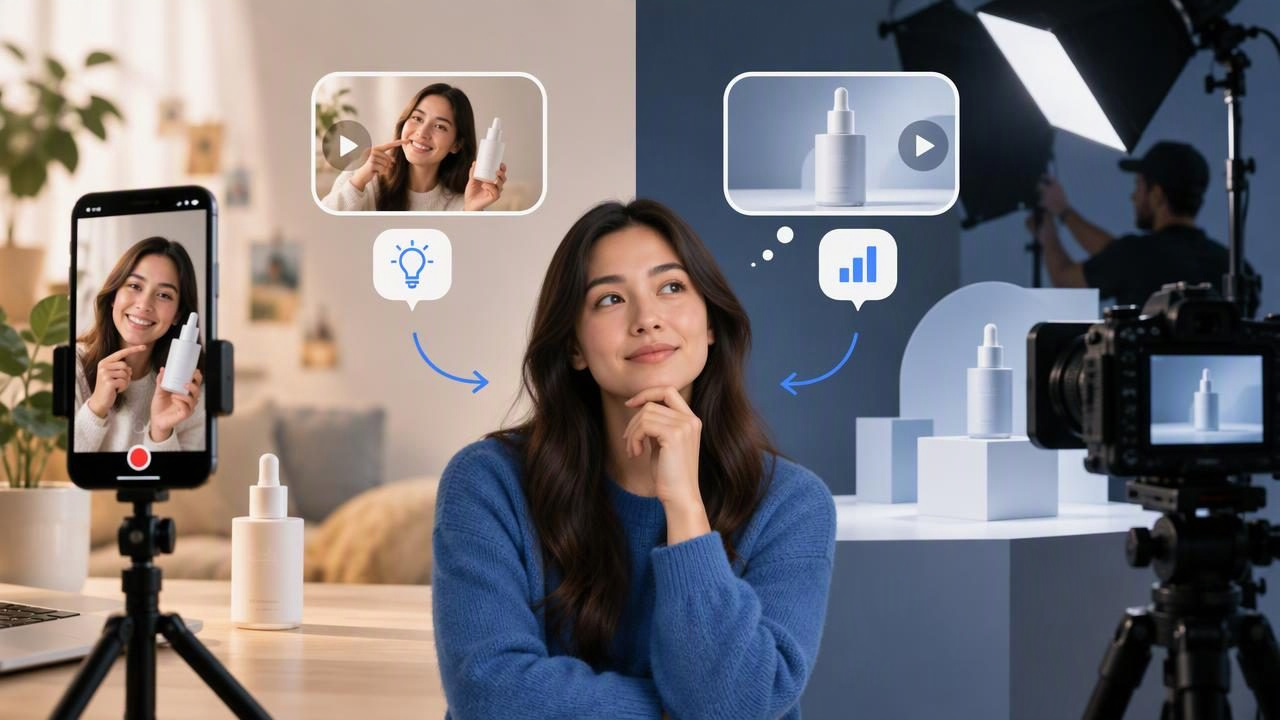
When you need product video, the choice between a UGC creative generator and studio production is not simply about which option is better. It is about what you need the video to do. A generator can help turn product photography into several UGC-style creative concepts for review. A studio can provide greater control over a planned shoot, including people, props, lighting, and location. Each approach has limits, and neither guarantees that an ad will perform.
The useful question is: are you exploring creative directions, or producing a finished piece that depends on specific footage and carefully managed details? Understanding that distinction helps teams choose a practical workflow and avoid treating an early concept as a verified product result.
What is a UGC creative generator?
A UGC creative generator is a tool or process that helps create user-generated-content-style video concepts. Depending on the tool, a product image may serve as the visual starting point for a short video. The result can suggest a creator-style presentation, such as a product introduction, a use-case scenario, or a feature-focused story.
“UGC-style” describes a creative format or visual direction; it does not mean the video documents a real customer experience. A generated scene, presenter, or narrative should not be presented as a genuine testimonial unless it actually is one and the necessary permissions and disclosures are in place. Treat generated content as creative material to review, not evidence of product use or customer opinion.
What does studio production offer?
Studio production involves planning and capturing footage with a crew, creator, or other talent. It can be the right fit when a video needs a real person handling the product, a precise demonstration, a specific environment, or a carefully directed brand look. The team can plan shots around how the product works and capture details that a still image does not show.
That control usually comes with more coordination. A shoot may require a brief, scheduling, talent, a location, props, filming, and post-production. The exact workload depends on the project. A studio is not automatically more effective; its value depends on whether the finished footage needs those production choices.
UGC creative generator vs studio production at a glance
| Consideration | UGC-style generation from a product image | Studio production |
|---|---|---|
| Best suited to | Exploring visual and narrative directions | Capturing planned, product-specific footage |
| Starting point | Product photography and a creative brief | Production plan, talent, and shoot setup |
| Control | Review and refine the concept; inspect generated details | Direct the shoot and capture chosen actions |
| Key limitation | A still image cannot verify movement or real use | Changes can require additional production work |
This is a strategic comparison, not a universal cost or performance ranking. Timelines and budgets vary by tool, production scope, revisions, and the people involved.
When a generator is useful
A UGC creative generator can be useful early in content creation, when the main need is to compare possible stories before committing to a shoot. A single product photograph may help a team discuss whether to lead with convenience, a design detail, a gifting context, or a particular audience need. Seeing concepts as video can make differences in pacing and tone easier to review than comparing text-only ideas.
This approach may also help teams develop visual options when they have product photography but no suitable footage. It can support internal planning, creative reviews, and the exploration of ad variations. A concept still needs human review: check the product depiction, wording, scene, and implied claims before deciding whether to publish, revise, or use it as a brief for a real shoot.
When studio production is the better fit
Choose a studio when the story relies on an action the source image cannot establish. For example, if a product must be shown opening, operating, fitting, pouring, or interacting with another object, actual footage can document the relevant steps. A shoot can also help when packaging, proportions, texture, color, or a particular setting must be represented precisely.
Production is often preferable for sensitive claims, detailed instructions, regulated categories, or content where viewers must see exactly what happens. It can give a director more control over performance, framing, continuity, and the final product depiction. That does not remove the need for accurate scripts, permissions, and review, but it provides a way to capture real actions instead of asking viewers to infer them from a still image.
Concrete example: compare three concepts from one product photo
Imagine a brand has one clear photograph of a reusable water bottle on a plain background. The image shows the bottle’s visible shape, color, cap, and label, but it does not show the bottle being opened, filled, carried, or used. The team wants to decide which message to develop for a short social video.
- Everyday carry concept: Frame the bottle as an item someone might bring along during a daily routine. The team can assess whether the opening image and overall tone feel relevant to its audience. The photo alone does not prove that the bottle fits a particular bag or is convenient to carry.
- Design-detail concept: Focus the story on the visible color, silhouette, and cap. This is a reasonable direction to explore if those details are clear in the source image. Do not add claims about material, durability, insulation, or capacity unless the brand can substantiate them.
- Use-case concept: Suggest a moment when someone might reach for a bottle. This can help the team consider a lifestyle angle, but it cannot demonstrate that the bottle is leakproof, keeps drinks cold, or works in a specific setting.
These are creative examples, not actual product results, customer experiences, or evidence that one angle will outperform another. The team can compare the concepts for message clarity, fit with the brand, visual plausibility, and whether each idea can be supported by available product information. If the winning direction depends on a real demonstration, use the concept as a brief for a shoot rather than treating generated imagery as proof.
Start with a product image that supports the brief
Image quality affects what reviewers can assess. Use a sharp photograph with the product clearly visible, enough resolution for the intended framing, and lighting that makes important details legible. Avoid a source image that crops out the feature the concept is meant to highlight. If packaging or a label matters, check whether it is readable and represented accurately.
Before creating concepts, write down what is known and what is not. List approved product facts, the audience, the intended message, and any visual details that must remain faithful. Also note what the photograph cannot show: movement, scale in context, how a mechanism works, or how the item feels. These boundaries help prevent creative exploration from drifting into unsupported claims.
How to compare concepts fairly
Review every concept against the same criteria rather than choosing the most polished-looking video by default. Ask:
- Is the core message clear? Can a viewer understand the intended point quickly?
- Does the product look accurate? Check its shape, color, packaging, and visible details against the reference.
- Is the scene plausible? Look for mismatched scale, awkward handling, or context that implies an unverified feature.
- Does it fit the brand? Consider tone, audience, and the role of the product in the story.
- Can the claim be supported? Flag statements or visual implications that need evidence or a real demonstration.
Keep notes on the specific difference each version tests. If one concept changes the opening, message, and setting at once, it may be difficult to know which creative choice made it more appealing to reviewers. For audience testing, use an appropriately controlled test and evaluate actual results separately. A visual preference in an internal review is not a conversion lift or proof of market performance.
Limitations to account for
A product photo contains a limited amount of information. It may not show the back of the item, its exact dimensions, how it moves, or how it behaves in use. Generated video can introduce visual inconsistencies or details that were not in the source. Review every frame and do not assume that a convincing presentation is an accurate demonstration.
There are also questions of representation and disclosure. Do not imply that a fictional presenter is a real customer sharing a personal experience. Confirm that any people, likenesses, voices, music, logos, and other assets are appropriate for the intended use. Requirements can vary by platform and jurisdiction, so check applicable advertising rules and platform policies before publishing.
Studio production has limitations too. A shoot can capture real footage, but it still depends on a clear brief, suitable talent, and accurate direction. It may not be sensible to film every early concept, particularly when the team has not settled on a message. Conversely, generated concepts are not a substitute for footage when the audience needs to see actual product behavior.
A practical decision rule
Use image-based UGC-style generation to explore what story to tell when product facts are already clear but the creative direction is not. Use studio production to show what the product actually does when proof depends on real interaction, precise detail, or directed footage. Some teams may use both: compare early concepts, select a direction, then produce accurate footage for the final piece.
For brands planning this kind of workflow, UGCMade offers a guide to testing ad variations. The central principle remains the same whichever method you choose: separate an appealing creative concept from a substantiated product claim, and validate audience response with real evidence rather than assumption.
