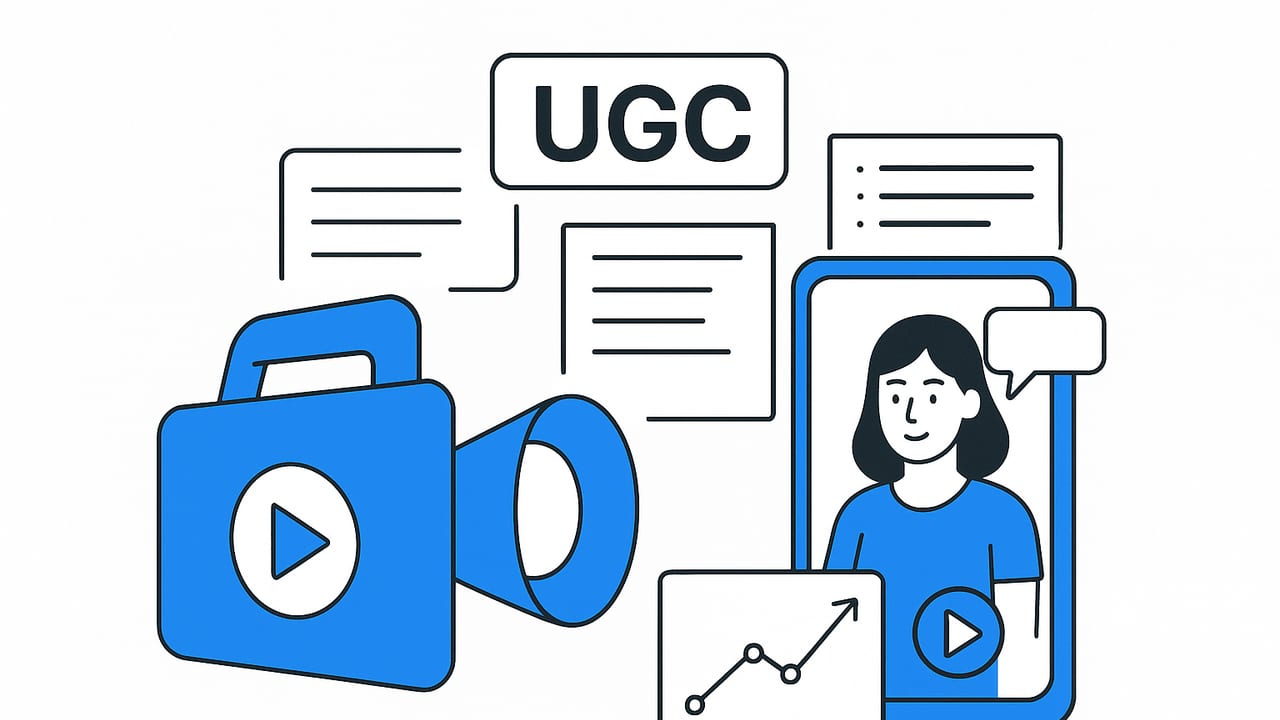
If you’ve ever wondered how brands churn out authentic, high-performing short videos week after week, the answer is a repeatable system and the right ugc video maker. In this guide, you’ll learn how to plan, script, produce, and optimize UGC-style clips that feel human and sell without feeling salesy. We’ll cover practical frameworks, templates, checklists, and measurement tactics you can plug into your existing workflow today.
What Is a UGC Video Maker and Why It Matters
A UGC video maker is a toolset that helps you plan, assemble, and export short-form videos that resemble user-generated content—think front-facing camera shots, lo-fi lighting, native captions, quick cuts, and conversational delivery. The goal isn’t “polished studio quality.” It’s trust, clarity, and speed to market.
Modern UGC video makers often include script prompts, auto-subtitles, voiceover generation, background removal, aspect-ratio presets, transitions, and brand-safe templates. Many also leverage AI to turn product photos into motion sequences, generate B-roll, and produce multiple variants for A/B testing. When deployed in a tight workflow, this stack shortens production cycles from days to hours and keeps creative fresh across TikTok, Instagram Reels, YouTube Shorts, and paid social.
Why UGC-Style Video Converts
People trust people. Social feeds reward content that looks and feels native, not like an ad dropped from somewhere else. UGC-style clips win attention because they mirror how real users speak, frame their shots, and share experiences. For performance marketers, that translates into stronger hook rates, deeper watch time, more comments, and higher conversion potential. Even when you’re not using influencer submissions, you can engineer the same vibe by following UGC conventions and using an ugc video maker to systemize output.
Essential Features to Look For in an UGC Video Maker
- AI scripting and prompts: Generate hooks, bullet points, or full scripts tailored to your product and audience.
- Auto-captions and styling: Accurate subtitles with on-brand fonts, colors, and kinetic text presets.
- Photo-to-video and B-roll: Turn static product images into motion with pans, zooms, and transitions; supplement with stock or AI B-roll.
- Voiceover and audio tools: Natural-sounding voice options, noise reduction, music ducking, and rights-safe tracks.
- Templates and presets: One-click aspect ratios, intro/outro cards, and platform-safe safe zones for text.
- Variant generation: Rapidly output multiple hooks, CTAs, or lengths for A/B testing.
- Brand control: Lock brand kits, color palettes, watermarks, and disclaimers.
- Collaboration and versioning: Commenting, approvals, and clear version history.
- Export automation: Filename conventions, direct publishing, and auto-thumbnails.
Common Platform Specs (Guidelines)
These are commonly used specs for short-form. Always check current platform documentation:
| Platform | Aspect Ratio | Typical Length | Captions | Notes |
|---|---|---|---|---|
| TikTok | 9:16 | 15–30s | On-screen + SRT | Prioritize a 1–3s hook; native-style edits. |
| Instagram Reels | 9:16 | 5–30s | On-screen | Safe-zone text placement matters. |
| YouTube Shorts | 9:16 | 15–60s | On-screen | Clear titles and readable captions. |
| Facebook Reels | 9:16 | 15–30s | On-screen | Test with paid to expand reach. |
A Repeatable UGC Production Workflow
1) Pre-Production: Brief, Audience, Offer
- Define the job-to-be-done: What problem are you solving?
- Audience snapshot: Who’s watching and where?
- Single clear CTA: Tap to shop, learn more, claim a trial, etc.
- Proof assets: Reviews, before/after photos, press quotes.
2) Scripting: Hook-Value-Proof-CTA
- Hook (0–3s): State the pain, promise, or pattern break.
- Value (3–12s): Show the product in action; one to three benefits.
- Proof (10–20s): Demo, testimonial line, social proof sticker.
- CTA (final 2–5s): Directional language + on-screen button cue.
3) Production: Lo-Fi by Design
- Front camera or simple tripod, natural light, clean audio.
- Capture A-roll (talking) and B-roll (close-ups, usage, textures).
- Record multiple hooks and CTAs in one session.
4) Post: Edit, Style, Export
- Auto-generate captions; highlight keywords with color/emoji.
- Punch in with jump cuts every 1–2 sentences.
- Keep music subtle; avoid overpowering voice.
- Export multiple lengths and aspect ratios.
5) Distribute and Iterate
- Publish across platforms with tailored titles/hashtags.
- Run micro-budgets to test hooks and thumbnails.
- Double down on winners; iterate losers with new hooks.
Proven Script Frameworks for UGC-Style Clips
1) PAS (Problem–Agitate–Solve)
- Problem: "My coffee grinder leaves half the beans uneven."
- Agitate: "Bitter one day, sour the next—impossible to dial in."
- Solve: "This burr grinder locks the setting and nails consistency."
2) Before–After–Bridge
- Before: "I dreaded leg day—my knees hated me."
- After: "Three weeks later, no pain and stronger squats."
- Bridge: "I switched to these knee sleeves and adjusted warm-ups."
3) AIDA (Attention–Interest–Desire–Action)
- Attention: "Stop wasting serum—use this one-drop trick."
- Interest: Quick demo of texture and absorbency.
- Desire: "My skin looks brighter without feeling sticky."
- Action: "Tap to try the mini size."
4) The 3-Point Testimonial
- Context: Who are you and what did you try?
- Result: What changed, specifically?
- CTA: What should viewers do next?
UGC Script Template (Fill-in)
HOOK: [Pattern break or pain point in 1 line] VALUE: [Show product solving 1-3 pains; cut in close-ups] PROOF: [1 quick testimonial line or on-screen rating] CTA: [Direct next step + on-screen arrow/gesture]Example: Skincare Serum (20–25s)
HOOK: "If your vitamin C stings, try this instead." VALUE: [Apply 2 drops; show texture; mention gentle pH + brightening] PROOF: [Overlay: "4.8★ from 3k+ reviews"] CTA: "Tap to get the travel size and patch test first."Prompt Ideas for Your UGC Video Maker
Use these prompts to generate scripts, hooks, or shot lists inside your tool:
- Hook variants: "Write 10 hook lines that start with a strong pain point about [problem] for [audience] in a casual tone, 6–10 words each."
- Script draft: "Create a 25-second UGC-style script using PAS for [product], highlight [top 3 benefits], include 1 social-proof line and a direct CTA."
- Shot list: "List 8 shots for a handheld, lo-fi product demo: include 3 close-ups, 2 lifestyle cutaways, 1 screen recording, and 2 reaction shots."
- Caption styling: "Suggest which words to bold or color in these subtitles to maximize readability: [paste transcript]."
- Variant generation: "Provide 5 alternative CTAs that feel native to TikTok, 3–6 words each."
Editing Checklist (Speed and Clarity)
- Hook hits by 0.5–2.0s; no soft starts.
- One idea per sentence; cut filler and hedges.
- Captions: high-contrast, large, within safe zones.
- Audio: voice −2 to −6 LUFS relative to music; duck music under speech.
- Visual rhythm: new cut or motion every 1–2s.
- On-screen proof: rating badge, testimonial snippet, or quick before/after.
- CTA: verbal + visual cue (button, arrow, gesture).
- Export: 1080x1920, 30/60fps variant as needed.
Rights, Disclosures, and Compliance
- Usage rights: Secure written permission for any third-party footage, faces, or voiceovers. Keep creator agreements organized.
- Music licensing: Use rights-cleared tracks or platform libraries. Avoid commercial tracks you don’t have rights to.
- Claims and results: Keep product claims accurate and supportable; avoid health or financial promises you can’t substantiate.
- Disclosures: If there’s compensation or gifting, add clear disclosures (e.g., “Ad” or “Sponsored”).
- Privacy: Blur personal info in screen recordings; get consent for identifiable people in public spaces.
Measurement: The Metrics That Matter
Focus on metrics that reflect attention, intent, and efficiency. Track at the creative level so you can iterate precisely.
- Hook rate: Percentage of viewers who watch past 3 seconds. Use it to judge your opening line and first visual.
- Average watch time: Raw seconds watched on average; aim to beat your own baseline over time.
- Completion rate: Percent who reach the end; helpful for CTA exposure.
- Click-through rate (CTR): Taps divided by impressions; sensitive to hooks, captions, and CTA clarity.
- Comments/save rate: Proxy for resonance; track alongside qualitative themes.
- Cost metrics (paid): CPC, CPA, ROAS to evaluate profitability in ads.
Simple Creative Scorecard
CREATIVE NAME: [Platform + Hook keyword + Date] HOOK RATE: [x%] AVG WATCH TIME: [x sec] CTR: [x%] NOTES: [What worked + what to change next]Scaling Output Without Burning Out
- Modular scripts: Write 1 core script and swap 5 hooks and 5 CTAs to create 25 variants.
- Batch shooting: Record multiple hooks per product in one session; change wardrobe/backgrounds for variety.
- Asset library: Tag B-roll by product, angle, and mood; reuse in mixes.
- Naming conventions: [Product]_[HookKeyword]_[Len]_[Platform]_[v#].
- Creative sprints: Weekly cycles: ideate → produce → test → learn → repeat.
Common UGC Formats You Can Recreate
- POV problem-solve: First-person perspective fixing a relatable issue.
- Unboxing + quick demo: Open, assemble, use—fast cuts.
- Try-on or routine: Morning/evening routine with timestamps.
- Before/after reveal: Side-by-side overlay with honest context.
- Stitch or duet-style response: React to a comment or common objection.
Sample Creative Brief (Copy/Paste)
{ "product": "Compact Burr Coffee Grinder", "audience": "Home espresso beginners on a budget", "promise": "Consistent grind without the guesswork", "proof_assets": ["4.7★ rating", "Barista blog mention"], "primary_hook": "Your espresso is sour? It’s not you—it's your grind.", "framework": "PAS", "key_shots": ["Uneven grounds vs. consistent grounds", "Dial setting close-up", "Shot pulling with crema"], "cta": "Tap to see the beginner bundle"}Troubleshooting Low-Performing Clips
- Low hook rate: Tighten the first second; add a visual pattern break; rewrite the hook in audience language.
- High drop-off at 5–8s: Move the strongest benefit earlier; add a cut-in close-up.
- Low CTR: Clarify the CTA; add on-screen button cues and directional language.
- Good engagement, poor conversion: Align landing page with the video promise; match headline and social proof.
Authenticity isn’t an excuse for ambiguity. Be clear, be fast, be useful—and your audience will reward you.
Putting It All Together
Success with UGC-style video isn’t luck—it’s a system. Start with a crisp brief, choose one framework, generate multiple hook variants, record clean A-roll and purposeful B-roll, then let your ugc video maker handle captions, styling, and rapid versioning. Finally, measure what matters and iterate weekly. One percent improvements across hook rate, watch time, and CTR compound into meaningful revenue lifts.
Looking for a simple way to turn product photos into UGC-style clips at scale? A platform like UGCMade can help you convert images into engaging, on-brand videos with AI-driven templates and fast exports.
